What is a vCPU and what you are actually buying
Published on 2026-09-12 by frfrand
Un vCPU no es un procesador: es un turno sobre uno real. Qué significa dedicado o compartido, por qué dos planes con el mismo número rinden distinto, y cómo medirlo vos mismo.
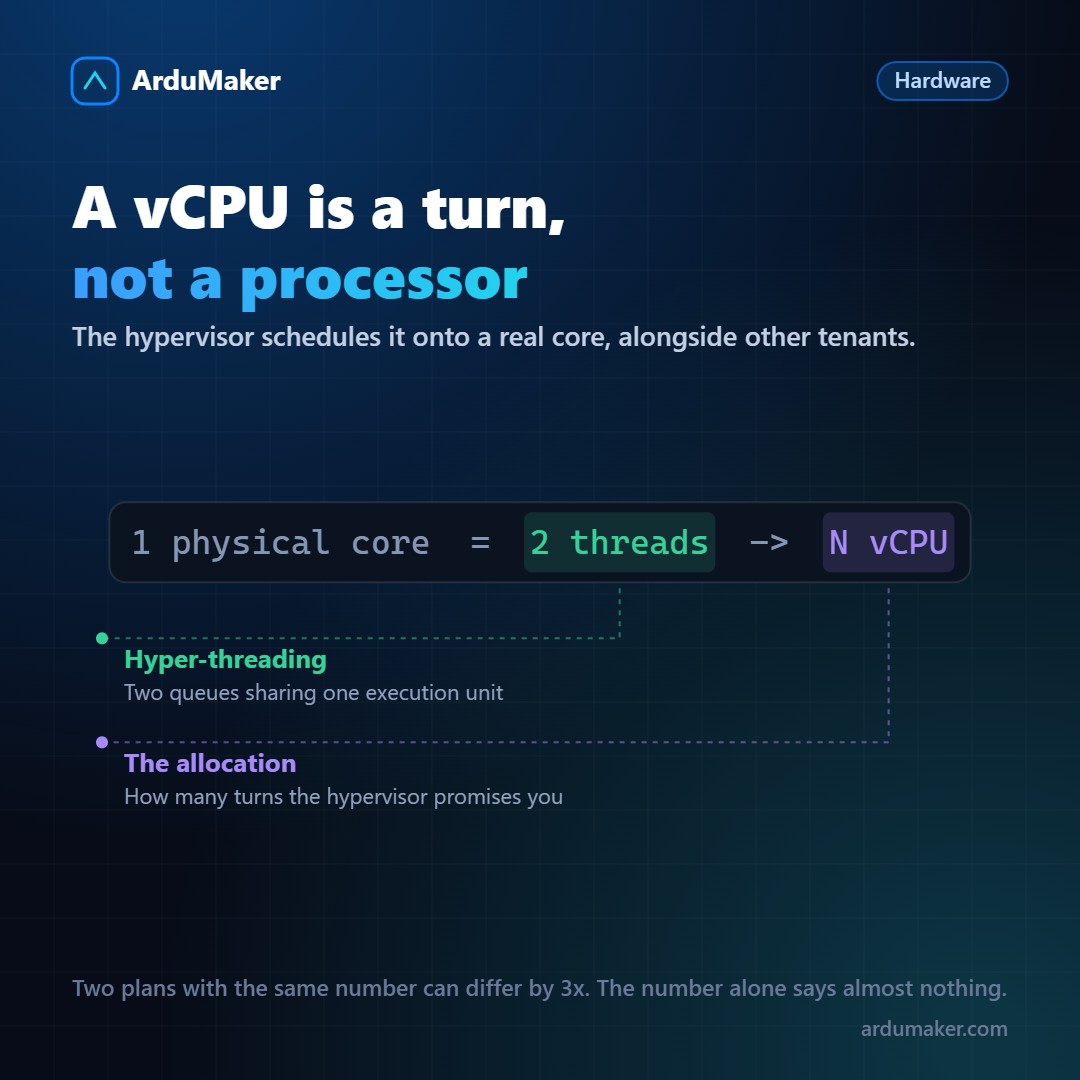
You choose a plan that says 4 vCPU. What exactly are they giving you?
Not four processors. Nor four physical cores, necessarily. A vCPU is a scheduling unit: the right to have the hypervisor assign you time on a real core.
From physical core to vCPU
A server has processors with many cores. With hyper-threading (or SMT on AMD), each physical core presents itself as two threads: they share execution units but have their own instruction queues.
The most common convention is that one vCPU equals one thread. A server with 32 physical cores and hyper-threading offers 64 vCPU to distribute.
Two threads from the same core do not perform like two cores: they share resources. The typical gain from hyper-threading is between 15% and 30%, not 100%. It's worth knowing when you compare.
Dedicated or shared: the difference that matters
Here is what really separates a cheap plan from an expensive one, and it almost never appears in the pricing table.
Shared vCPU. The provider assigns more vCPU than they physically have, betting that not all customers will use them at the same time. It works well most of the time, and when several neighbors activate at once, your performance drops. It's the "noisy neighbor".
Dedicated vCPU. Your vCPU is reserved on a specific thread. No one else uses it. Performance is stable and predictable, and it costs quite a bit more.
Burst. An intermediate model: you render little at base and accumulate credits while you don't use it. When you need it, you spend credits and render high. Excellent for loads with occasional spikes; bad if your application is busy all the time, because once credits run out you drop to a fraction of performance.
Why two equal plans perform differently
Four concrete reasons:
- Processor generation. A core from eight years ago and a current one can differ by double per thread.
- Frequency and behavior under sustained load. Processors lower frequency when they heat up.
- The provider's overselling level.
- Memory and its bandwidth, which is sometimes the real limit and not the processor.
That's why "4 vCPU" can mean things that differ by three times.
How to measure it yourself
What's underneath:
lscpu | grep -E "Model name|MHz|Core|Thread"
A quick per-thread performance test:
sysbench cpu --threads=1 run
And the most important thing, which almost no one measures: CPU steal. It's the percentage of time your machine wanted to execute and the hypervisor didn't give it a turn, because it was giving it to another.
vmstat 1 5
In the "st" column. If you see values consistently above 5, you're competing with neighbors and your real performance is lower than nominal. It's the number that best distinguishes a shared plan from a dedicated one, and it's measured in thirty seconds.
The practical question
Before paying for more vCPU, it's worth checking that the processor is the bottleneck. Very often it isn't: the application is waiting for the database, or the disk, or an external call.
In those cases, more vCPU changes nothing. And the difference is seen in usage: if your server is at 20% processor and running slow, the problem is elsewhere.