What a CPU score measures and why two identical servers do not perform equally
Published on 2026-09-12 by frfrand
De dónde sale ese número, qué mide y qué ignora, por qué un solo hilo puede importar más que dieciséis, y cómo medir lo que de verdad afecta a tu aplicación.
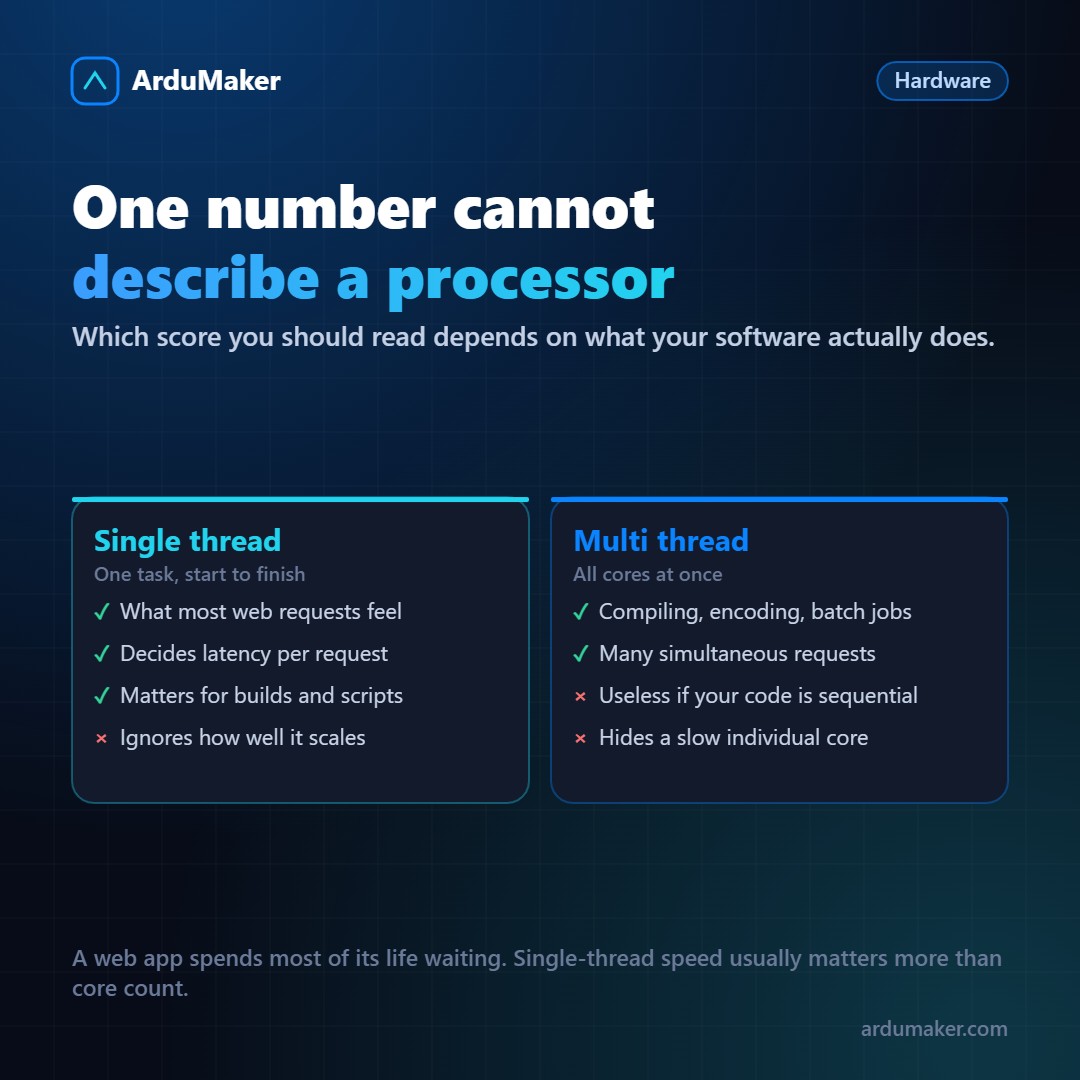
When comparing servers, numbers appear: performance scores, frequencies, generations. It's worth understanding what they measure, because choosing based on the wrong number costs money.
What is a score
A CPU score is the result of running a set of known tasks and measuring how long they took. Nothing more.
There are two families that are constantly confused:
Single-thread. Measures how fast it completes a single task from start to finish. It depends on frequency, on how many instructions it executes per cycle, and on cache memory.
Multi-thread. Measures total work with all cores occupied. It depends mainly on how many cores there are.
A processor with 32 slow cores can have a huge multi-thread score and a mediocre single-thread score. Another with 8 fast cores, the opposite.
Which one to look at
It depends entirely on what your software does.
If you handle web requests, each request is normally resolved by a single thread. The latency the user feels depends on the performance of one thread. Having 32 cores allows you to handle more requests at once, but it doesn't make each one respond faster.
That's why, for most web applications, per-thread performance matters more than people think.
If you compile, process video, or run batch jobs, that's where multi-thread rules.
And if your application spends most of its time waiting (the database, an external service, the disk), neither of those two numbers matters much. Adding cores to a server running at 20% changes nothing.
Why two "equal" servers differ
Four reasons, and none of them appear in the pricing table:
The generation. A core from eight years ago and a current one can differ by a factor of two at the same frequency, because they execute more instructions per cycle.
Sustained frequency. Processors speed up when there is work and slow down when they heat up. A ten-second test and a ten-minute load give different results. For a server, what matters is the second.
The neighbors. On a shared plan, performance depends on what others are doing. That is not captured by any published score.
Memory. Bandwidth and latency. Many workloads are limited by memory, not by the processor; there, two machines with the same processor and different memory configurations perform differently.
How to measure yours
Generic tests provide a reference:
sysbench cpu --threads=1 run # one thread sysbench cpu --threads=$(nproc) run # all threads
But what really matters is measuring your workload. And for that it is worth looking at three things on the real server:
- CPU usage during actual work. If your application is at 20% and running slow, the problem is not the processor.
- Stolen time (column "st" in vmstat). If it is high, you are competing with neighbors.
- Load average compared to the number of cores. An average of 8 on an 8-core machine means it is just right; on a 2-core machine it means there is a queue.
The practical conclusion
Before paying for a plan with more cores, check that the processor is actually the bottleneck. In web applications, very often the limit is in the database, in a query without an index, or in a slow external call.
Changing the plan in those cases costs more and does not improve anything.