What is a port and why your app needs one
Published on 2026-09-12 by frfrand
Una IP encuentra la máquina; el puerto encuentra el programa. Qué son los 65535 puertos, por qué los de abajo de 1024 son especiales y cómo se diagnostica un "address already in use".
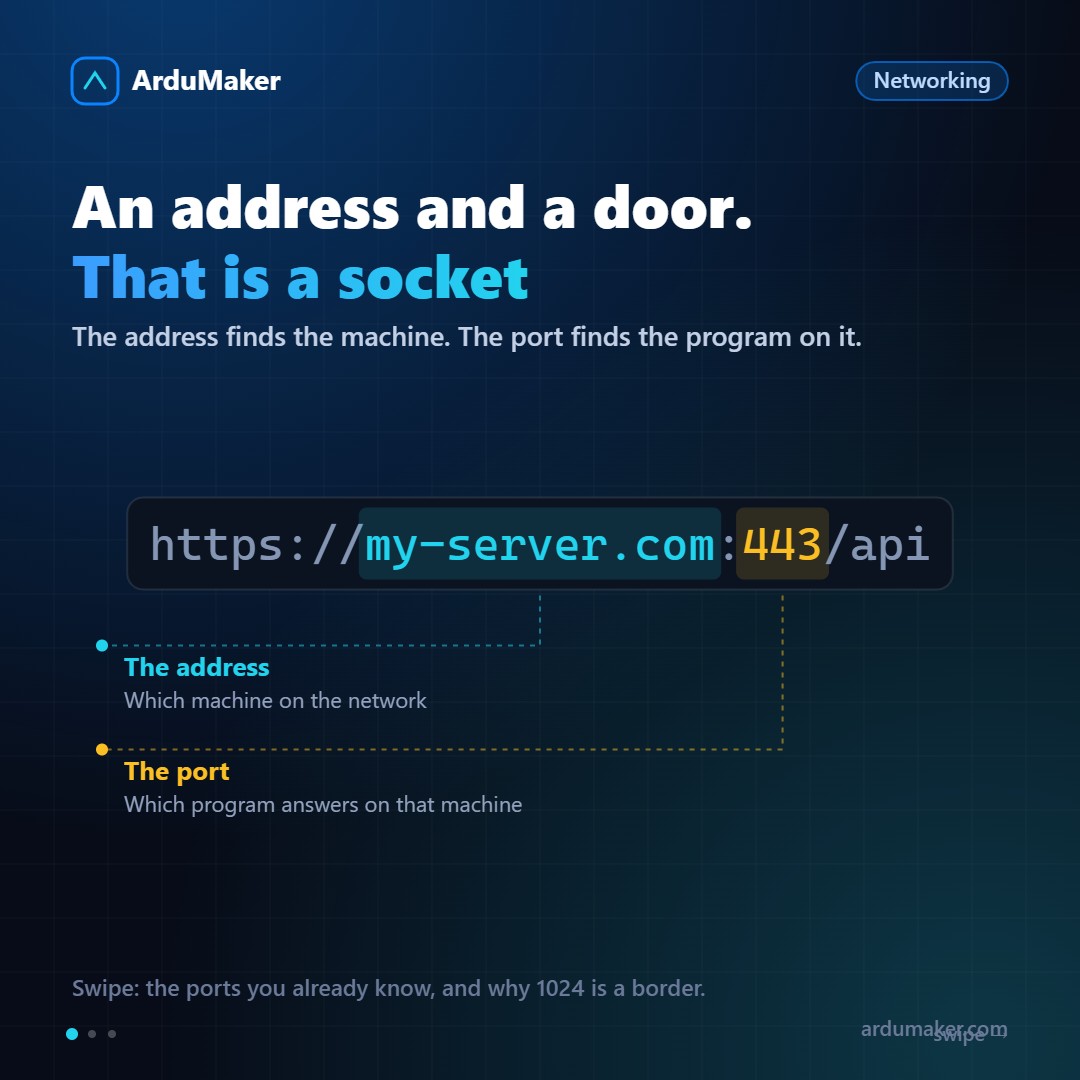
A machine has an IP address. But many programs run on that machine at the same time: a web server, a database, SSH, your application.
If a packet arrives at that IP, which one is it for?
That's what ports are for. The IP finds the machine; the port finds the program inside it. The combination of both is called a socket, and it is what uniquely identifies a conversation on the network.
65535 doors per address
The port number is stored in 16 bits, so they range from 1 to 65535. That's a lot: no normal machine uses more than a few dozen.
They are divided into three ranges by convention:
- 1 to 1023: the "well-known" ports. They require root privileges for a program to listen on them.
- 1024 to 49151: registered. Most databases and services live here.
- 49152 to 65535: ephemeral. These are the ones the system automatically assigns to your side of the conversation when you open an outbound connection.
That last point explains something confusing: when your browser connects to port 443 on a server, your own machine uses a random port from the high range. That's why you can have twenty tabs open against the same site without them getting mixed up.
The ones worth memorizing
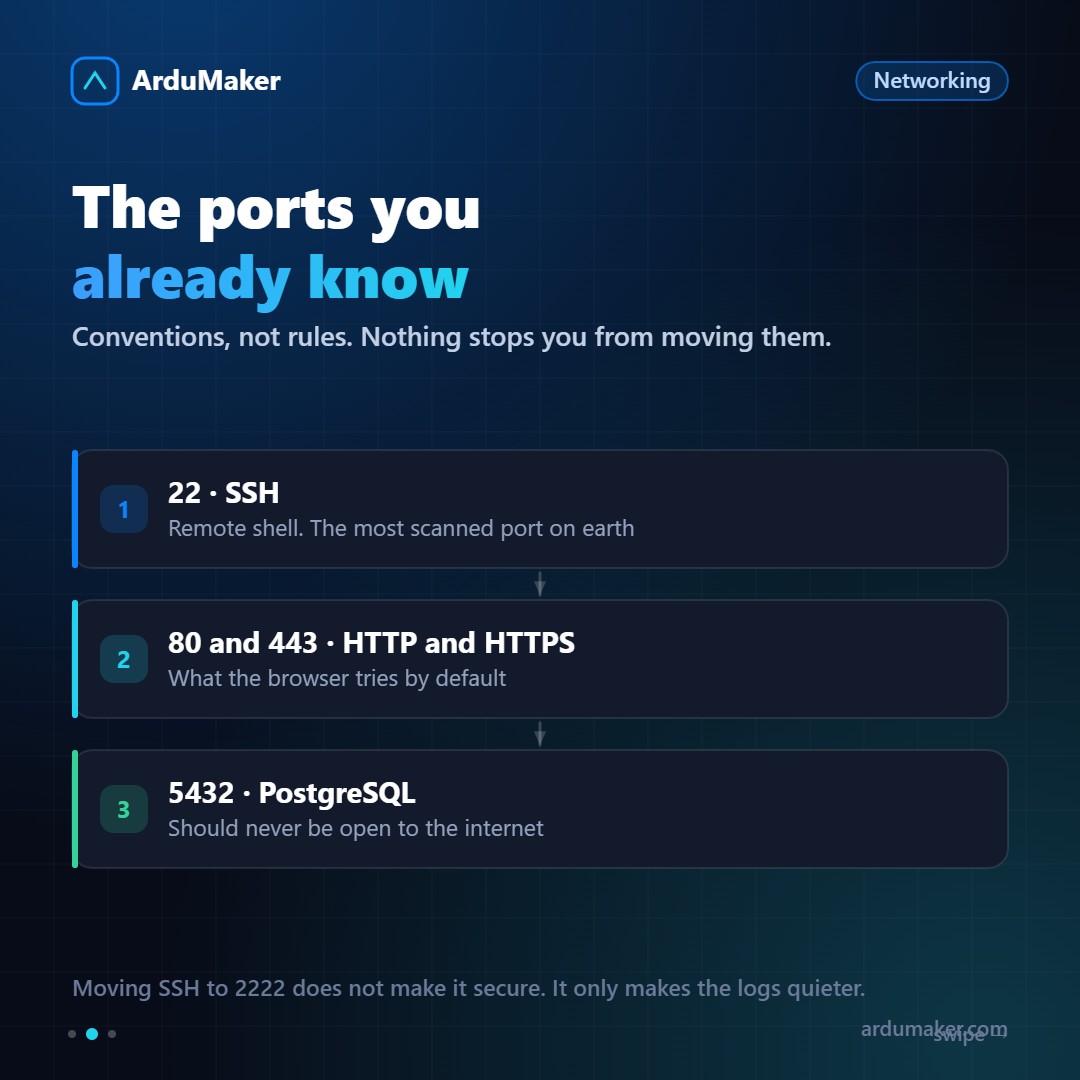
22 SSH 25 SMTP (outgoing mail) 53 DNS 80 HTTP 443 HTTPS 3306 MySQL 5432 PostgreSQL 6379 Redis
They are conventions, not rules. Nothing stops you from running your web on 8080 or moving SSH to 2222.
And a clarification worth mentioning: moving SSH from 22 to 2222 does not make you more secure. Automatic scanners test all ports equally. What it does do is leave your authentication log much cleaner, because the background noise of bots disappears. It's hygiene, not security.
Why your app runs on 3000 and not on 80
Because to listen on a port lower than 1024 you need to be root, and you don't want your application running as root.
The standard solution is to put a reverse proxy in front: nginx listens on 443 (starts as root, opens the port, and then drops privileges) and forwards requests to your app on localhost:3000.
Your app is never exposed to the Internet. Only nginx is.
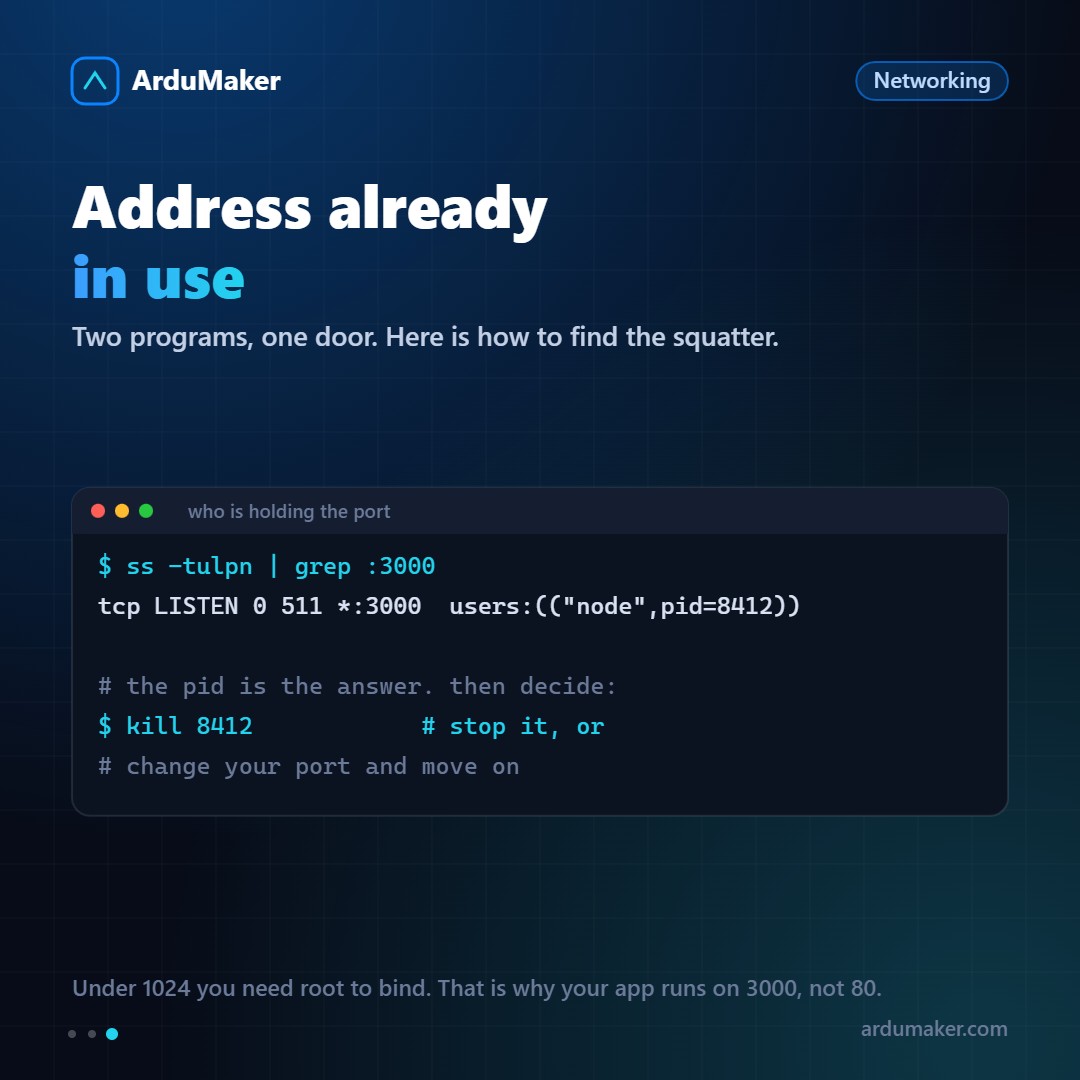
Address already in use
The most common port error, and the easiest to resolve once you know the command:
$ ss -tulpn | grep :3000 tcp LISTEN 0 511 *:3000 users:(("node",pid=8412))
There you have the culprit with its PID. The flags are easy to remember: t for TCP, u for UDP, l for listening, p for process, n for numbers (without resolving names).
Almost always it's an old instance of your own application that didn't finish dying. kill 8412 and you're good to go.
If the command doesn't show the process, try with sudo: without privileges you don't see other users' processes.
Listening on 0.0.0.0 or on 127.0.0.1
This distinction is small to write and huge in consequences.
127.0.0.1:5432 only accepts connections from the local machine 0.0.0.0:5432 accepts connections from anywhere
If your database listens on 0.0.0.0 and the firewall does not block it, it is open to the Internet. It is one of the most common ways to expose data without realizing it.
The rule: anything that does not need to come in from outside should listen on 127.0.0.1. And if you need to connect from your machine, do not open the port: create an SSH tunnel.
In ArduMaker ports are closed by default and are opened by declaring them, precisely so that this decision is explicit and not an oversight.