Port forwarding: what it is and what it solves
Published on 2026-09-12 by frfrand
Qué hace realmente un reenvío de puertos, en qué se diferencia de un proxy inverso y de un túnel SSH, y cuándo cada uno es la herramienta correcta.
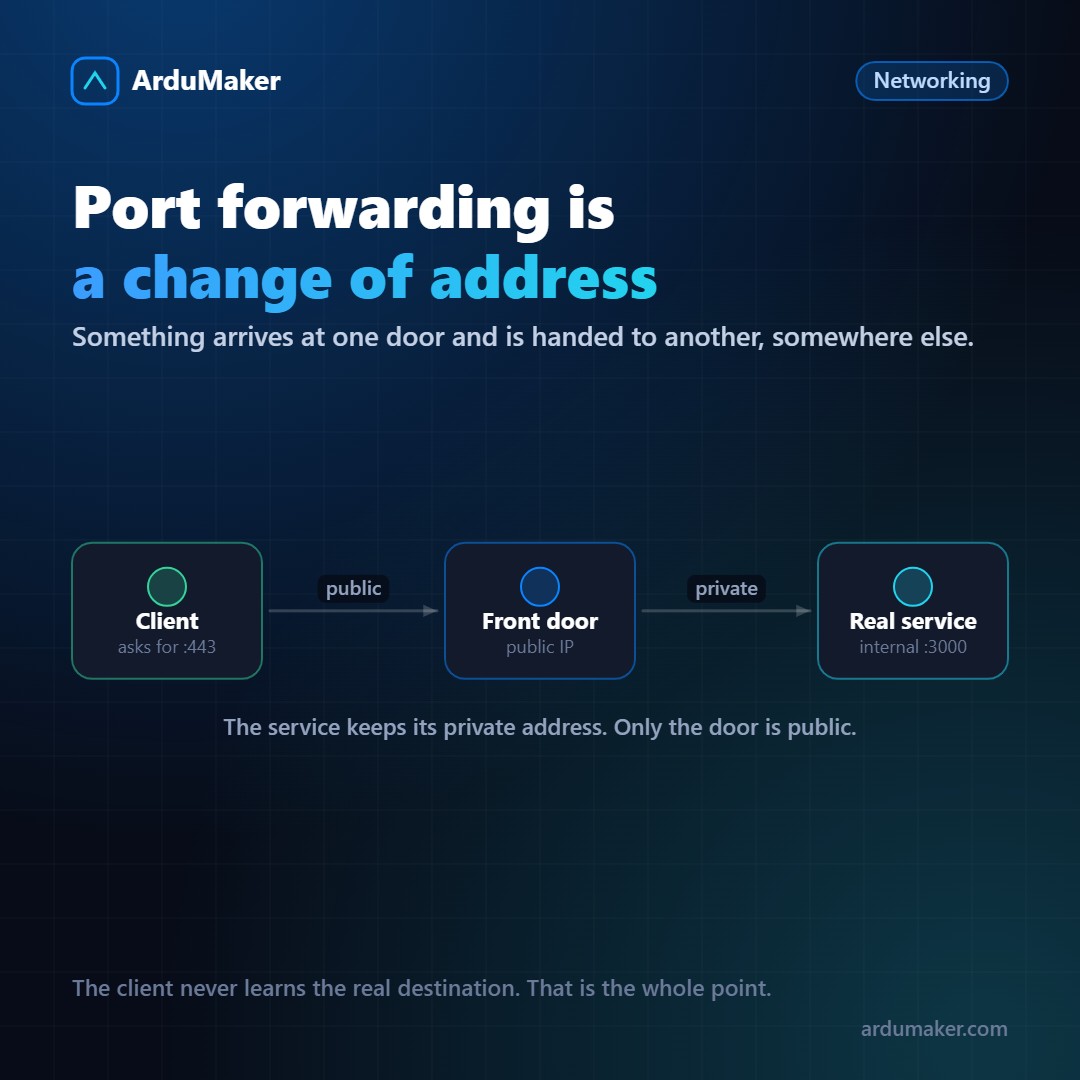
"Port forwarding" sounds like one thing and is actually used for three distinct mechanisms that are worth separating, because they are chosen at different times.
In all of them, the underlying idea is the same: something arrives at one door and is delivered at another, which may be on another machine.
1. Router forwarding (NAT)
It is the classic home network scenario. Your router has a public IP; the machines inside have private addresses that the Internet cannot reach.
A forwarding tells the router: "everything that arrives at port 8080 of my public IP, send it to port 80 of machine 192.168.1.50".
It works at the network layer: the router rewrites the destination address of the packet. It does not understand anything about what travels inside.
It is what is used to expose a game console, a camera, or a home server. And it is also the easiest way to leave something exposed unintentionally, because the router does not validate anything that passes through.
2. Reverse proxy
Here the intermediary does understand what it transports. nginx receives an HTTPS request on port 443 and decides, according to the domain and path, which internal application to send it to.
server { server_name api.miempresa.com; location / { proxy_pass http://127.0.0.1:3000; } }
The important difference: since it speaks HTTP, it can distribute by domain (multiple sites on the same server), terminate TLS, cache, compress, limit requests, and add headers. A router forwarding cannot do any of that.
If what you're moving is web traffic, you almost always want a reverse proxy and not just plain forwarding.
3. The SSH Tunnel
The most underestimated of the three, and the one that solves the most problems in day-to-day work.
ssh -L 5432:localhost:5432 prod
This makes port 5432 on the server appear as if it were local on your machine. Your database client connects to localhost and the traffic travels encrypted over SSH.
The big advantage: the database doesn't need to be open to the Internet. No exposed port, no automatic scanner to find it, and access is tied to your SSH key.
There's also the reverse version (-R), which publishes a port from your machine on the server. Useful for showing someone something running on your laptop.
Which one to use
- Web traffic, with domains and certificates? Reverse proxy.
- Your own point-in-time access to an internal service (database, panel, Redis)? SSH tunnel.
- A protocol that isn't HTTP and really needs to be public? Then yes, forwarding, with a tightly locked firewall.
The question that orders the decision: does this need to be open to the world, or just to you? If the answer is "to me," don't open a port: make a tunnel.
How we use it
Among ArduMaker servers, internal traffic doesn't go out to the Internet to come back in: it travels through tunnels between VPS, with ports published only on the side that needs them. A service on one server can consume a database living on another without that database ever having a public address.
It is the same principle of the entire system: what does not need to be open, is not opened.