What is LXC and how does it differ from Docker and a VM
Published on 2026-09-12 by frfrand
Contenedores de sistema en vez de contenedores de aplicación. Qué significa eso en la práctica, por qué muchos proveedores de VPS lo usan, y cómo saber en cuál de los dos estás.
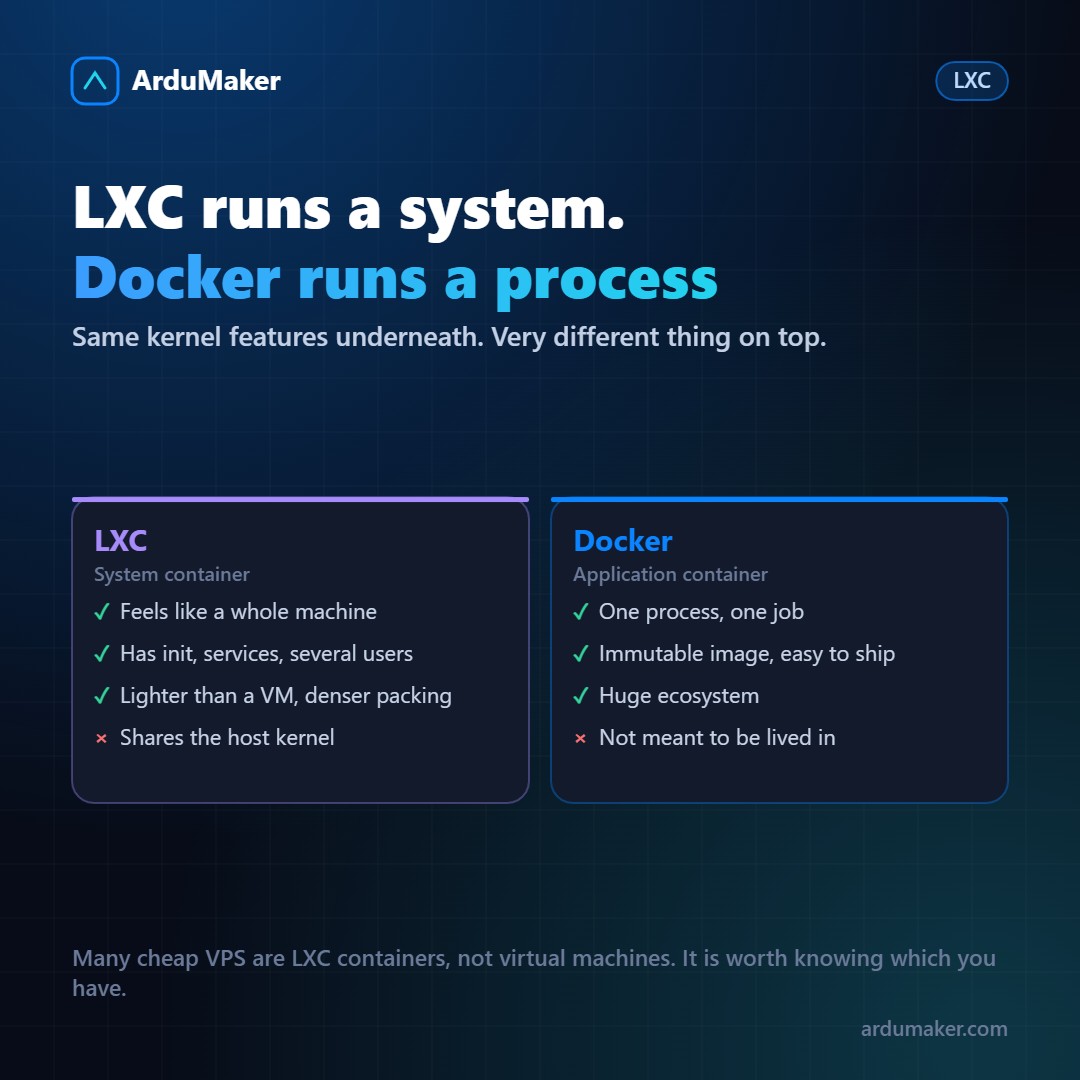
LXC and Docker use exactly the same Linux kernel functions: namespaces for isolation and cgroups for resource limiting. The difference isn't below, it's in what they set out to do with that.
System container vs application container
LXC creates a system container. Inside there is something that behaves like a complete Linux machine: an init process, services, multiple users, logs, scheduled tasks. You log in via SSH and work as on any server.
Docker creates an application container. Inside ideally runs a single process: your web server, your database, your worker. It has no init, no users, and is not meant to be lived inside.
That difference in purpose explains all the others.
What it implies in practice
The lifecycle. An LXC container is a pet: it is created, updated, maintained for months. A Docker container is cattle: it is destroyed and recreated from the image every time there is a change.
The state. In LXC, state inside is normal and expected. In Docker, everything that has to survive goes in a volume, because the container is discarded.
The image. Docker builds immutable images from a recipe file, versioned and distributable. LXC starts from a distribution template and then you configure it like any machine.
Why this affects you even if you don't use LXC
Because many cheap VPS are LXC containers, not virtual machines. And that has consequences worth knowing before choosing:
- You share the host kernel. You can't load modules, you can't use a different kernel version, and some tools that need deep access don't work.
- Isolation is lower than with a virtual machine, because there is only one kernel.
- In exchange, it is usually cheaper and starts faster.
How to know which one you are on:
systemd-detect-virt
It returns "kvm" if you are on a virtual machine, "lxc" if you are on a container of that type, "none" if it is dedicated hardware.
That command is worth running on any new server, because it changes what you can do and what you can expect.
When to choose each one
LXC (or its successor Incus) makes sense when you want many machine-like environments on the same physical server, with high density and without the overhead of a full operating system for each one. It is a frequent option in labs and in own infrastructure.
Docker makes sense for deploying applications: the image brings the exact versions of everything, what you tested is literally what runs, and the ecosystem of tools around it is huge.
A virtual machine makes sense when isolation really matters: different clients, workloads you don't trust, or need for your own kernel.
In ArduMaker each client has their own VPS with its own kernel, precisely for the third reason. And inside they can install Docker from the panel for their applications, which is the combination that works best: strong isolation outside, containers inside.