Why we don't use root for everything (and what we do instead)
Published on 2026-09-12 by frfrand
Trabajar como root no ahorra tiempo: quita las advertencias, rompe los dueños de los archivos y borra el rastro de quién hizo qué. Qué hace sudo realmente y cómo configurarlo bien.
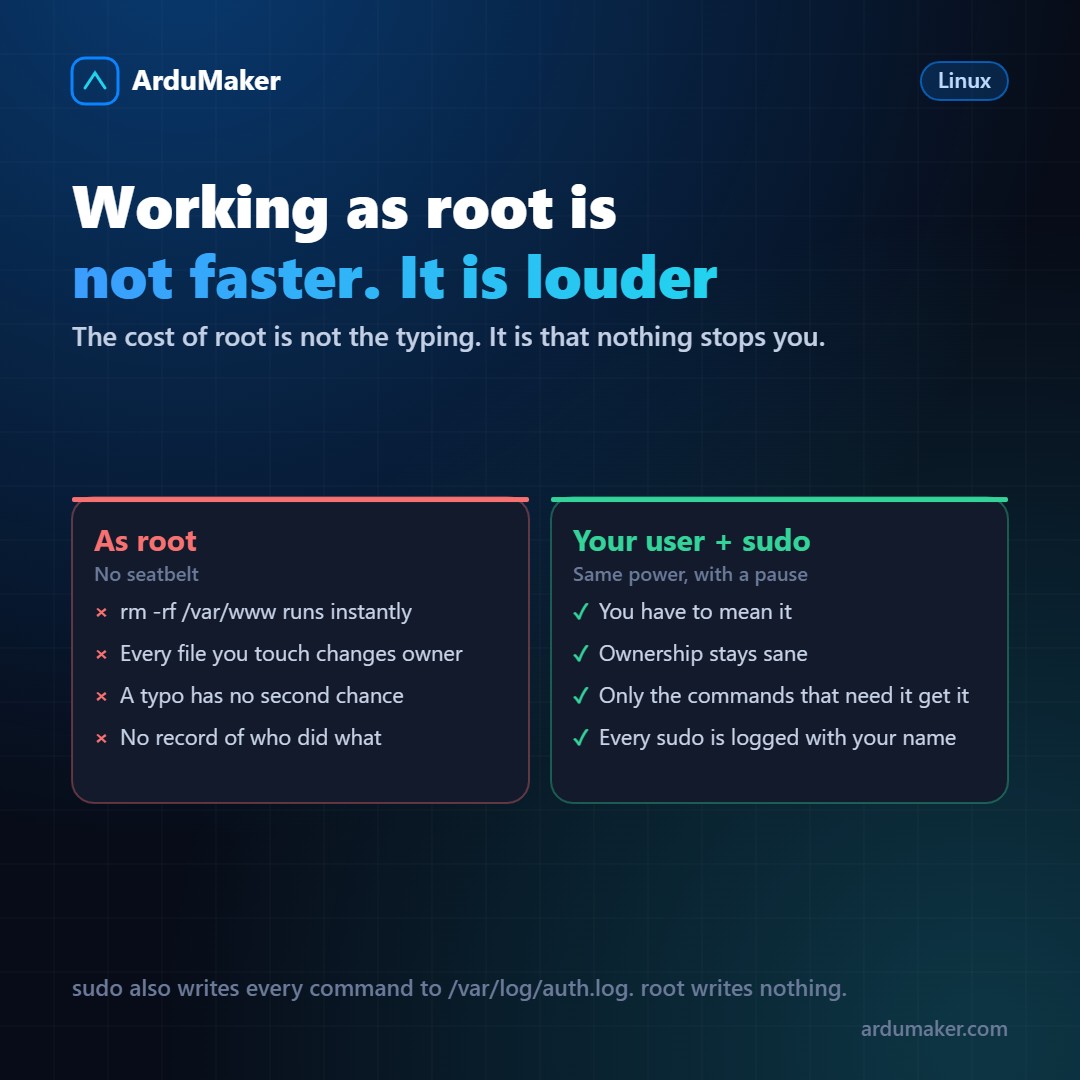
"Enter as root and done, it's faster." I heard that many times and for a while I did it.
The problem is that root is not an expert mode: it's a mode without brakes. The kernel does not check permissions for uid 0, so none of the protections that Linux has enabled apply to you.
What follows is not a moral rule, but four quite concrete consequences.
1. No safety net
# rm -rf /var/www/ midirectorio
That extra space deletes /var/www/ entirely and then complains that midirectorio does not exist. As root, it executes instantly and without asking.
As a normal user, that same command fails with "Permission denied" and nothing happens. The error is still yours, but the system stopped it.
Many classic administration disasters are exactly this: a correct command with a wrong argument, executed by someone who could do anything.
2. It breaks file ownership
This consequence is less dramatic and much more frequent.
If you clone the repository as root, all those files end up owned by root. Later, your application, which runs as www-data or as deploy, cannot write to the cache directory, or cannot create the log file, or cannot upload a file.
The symptom appears days later and bears no resemblance to the cause: an opaque 500 error, a function that "doesn't work on the server but does locally". The clue is always the same:
$ ls -l drwxr-xr-x 2 root root 4096 Nov 1 10:15 storage
That "root root" where it should say "deploy deploy" is the source of the problem.
3. The trail is lost
If three people share the root password, the system logs that "root did something". That’s useless.
When each person logs in with their own user and uses sudo, every privileged command ends up in /var/log/auth.log:
Nov 1 10:22:11 srv sudo: deploy : TTY=pts/0 ; PWD=/home/deploy ; USER=root ; COMMAND=/bin/systemctl restart nginx
This isn’t about assigning blame. It’s about being able to answer "what changed here?" six weeks later without relying on anyone’s memory. In most teams, that question comes up far more often than any formal audit.
4. And the part almost nobody does: sudo is configurable
sudo isn’t all or nothing. You can grant permission for specific commands, which is how it should be used in most cases:
# /etc/sudoers.d/deploy deploy ALL=(ALL) NOPASSWD: /bin/systemctl restart miapp, /bin/systemctl status miapp
With that, the deploy user can restart their application without a password and without being able to do anything else. Perfect for a deployment script.
Two important warnings:
- Always edit with visudo. It validates the syntax before saving. A mistake in that file can leave everyone without sudo, and fixing it requires console access.
- Be careful granting permission to commands that allow executing other things. "sudo vim" is, in practice, sudo for everything: from vim you can open a shell.
The minimum worth setting up
In /etc/ssh/sshd_config:
PermitRootLogin no PasswordAuthentication no
The first prevents logging in as root directly via SSH. The second forces the use of a key. With these two lines, the vast majority of automated attempts your server will receive become pointless.
Before reloading: run sshd -t to validate, and keep a second session open just in case.
The habit worth adopting
When you're about to type sudo before something, ask yourself: does this need root, or should the service it belongs to be running under another user?
Often the correct answer isn't to grant more permissions, but to fix who owns the file.
In ArduMaker, VPS are delivered with root login via SSH disabled and your user already created with sudo. And every command launched from the panel is logged with who executed it, which is the automated version of the auth.log we mentioned above.