How to publish and connect to Postgres without exposing it
Published on 2026-09-12 by frfrand
Las cuatro formas de llegar a tu base de datos, ordenadas de peor a mejor, y por qué abrir el puerto 5432 a Internet es casi siempre la respuesta equivocada.
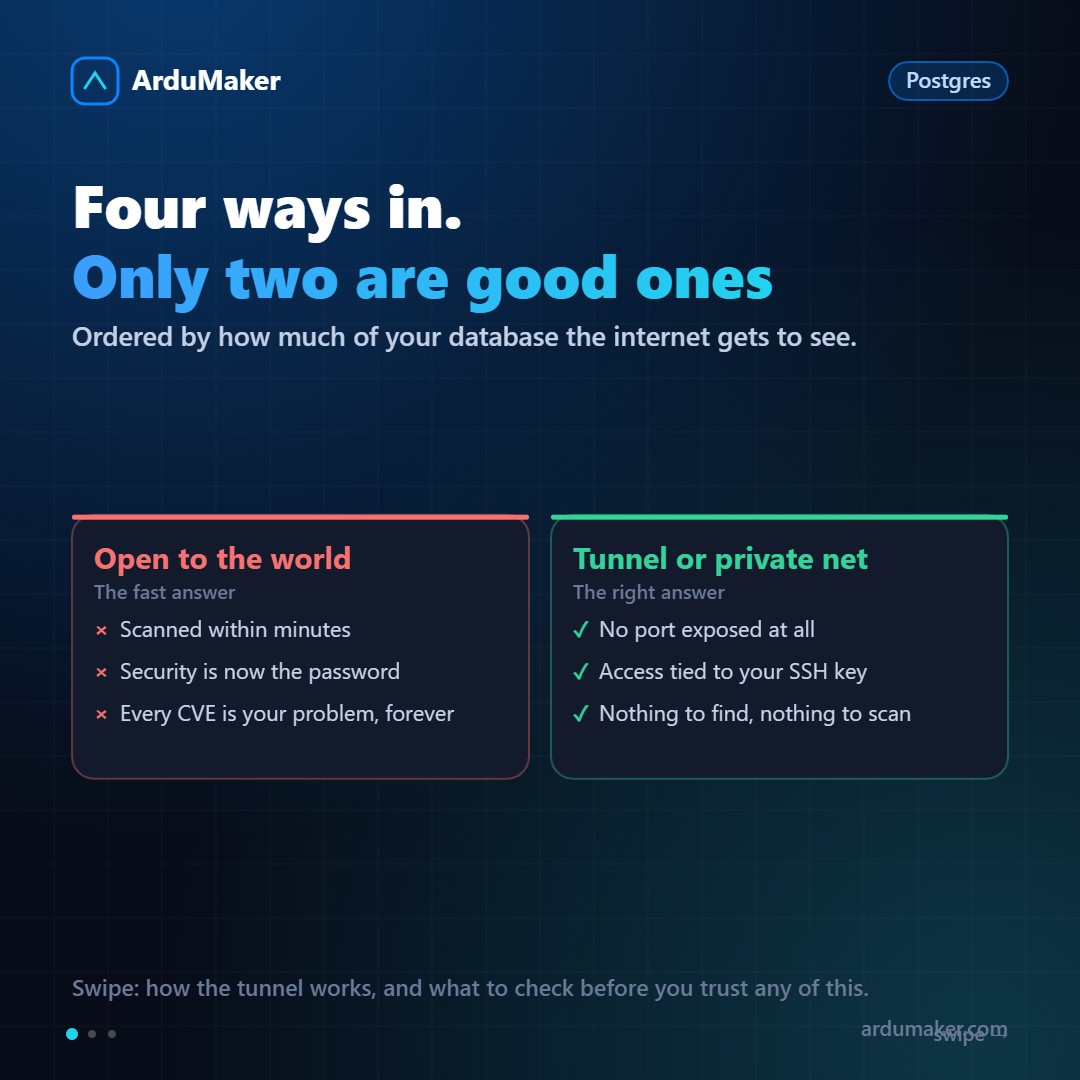
The moment comes when you need to connect a database client to your production Postgres, or when an application on another server needs to query it. There are four ways, and the difference between them is enormous.
Option 1: opening the port to the Internet
It is the fastest and almost always the worst.
You modify the configuration so it listens on all interfaces, open port 5432 in the firewall, and that's it.
What happens next: within minutes your server appears on automatic scanner lists. From there on, the only thing protecting your data is the database password and that no version of Postgres has an unpatched vulnerability. Forever.
There are databases exposed on the Internet with real customer data. Practically none of them were opened on purpose: they were left like that after a test.
Option 2: opening the port but limiting by origin
Better. If it only enters from the office, you allow only that address in the firewall.
The problem is practical: home addresses change, people work from other places, and eventually someone expands the rule "for a while".
Option 3: the SSH tunnel
This is the one that solves the "I need to connect" case cleanly:
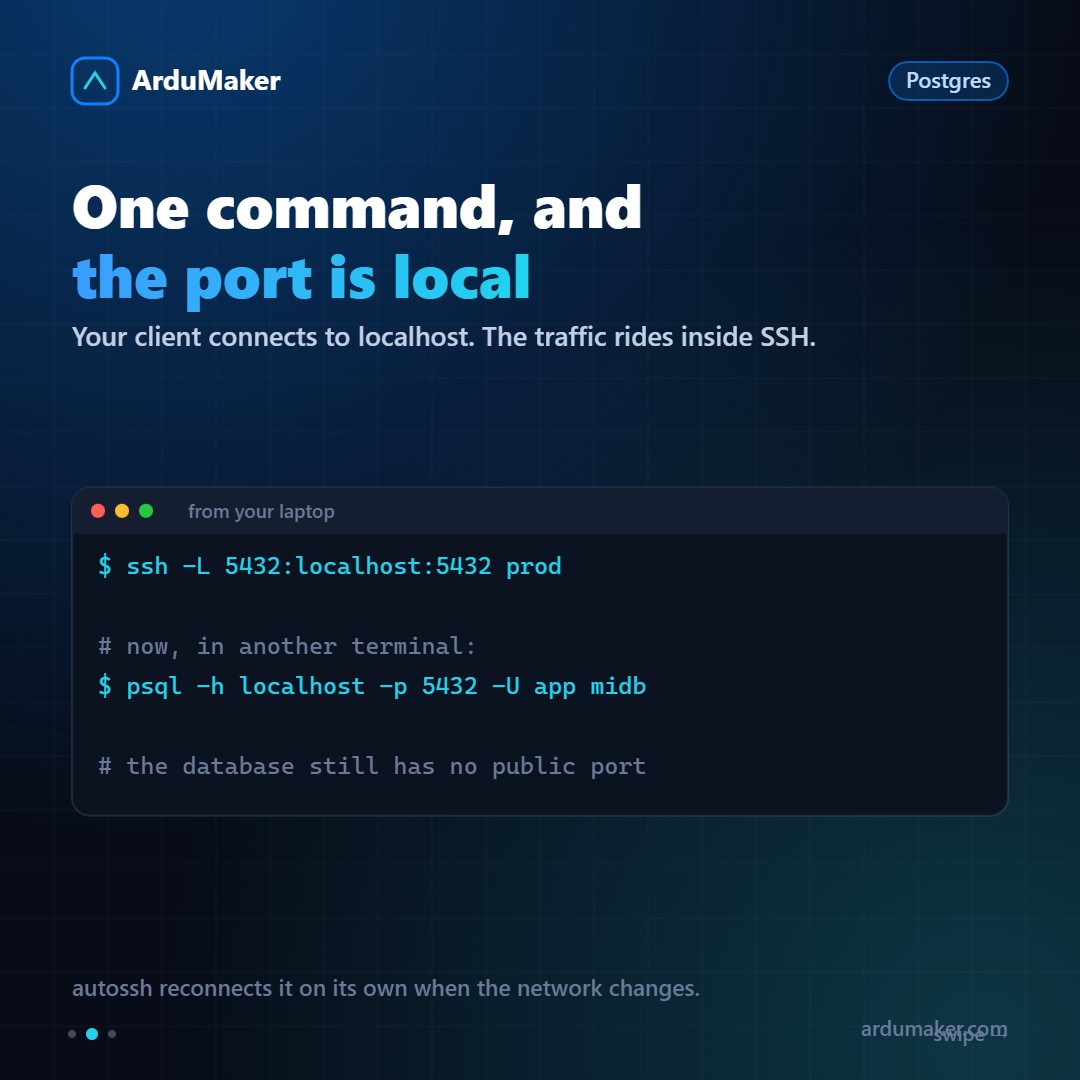
ssh -L 5432:localhost:5432 prod
This makes port 5432 on the server appear as local on your machine. Your client connects to localhost, traffic travels encrypted inside SSH, and the database has no port open to the world.
Access is tied to your SSH key, which is much stronger than a database password. And if the connection drops when switching networks, autossh reconnects automatically.
Option 4: private network between servers
For the case "my application is on another server", the tunnel also applies, but permanent: a tunnel between the two VPS, initiated from the application side.
From the app's point of view, the database is on localhost. From the Internet, the database server has no open port. And since the tunnel is initiated by whoever needs to connect, the one storing the data does not have to accept incoming connections from anyone.
This is what we do between ArduMaker's VPS.
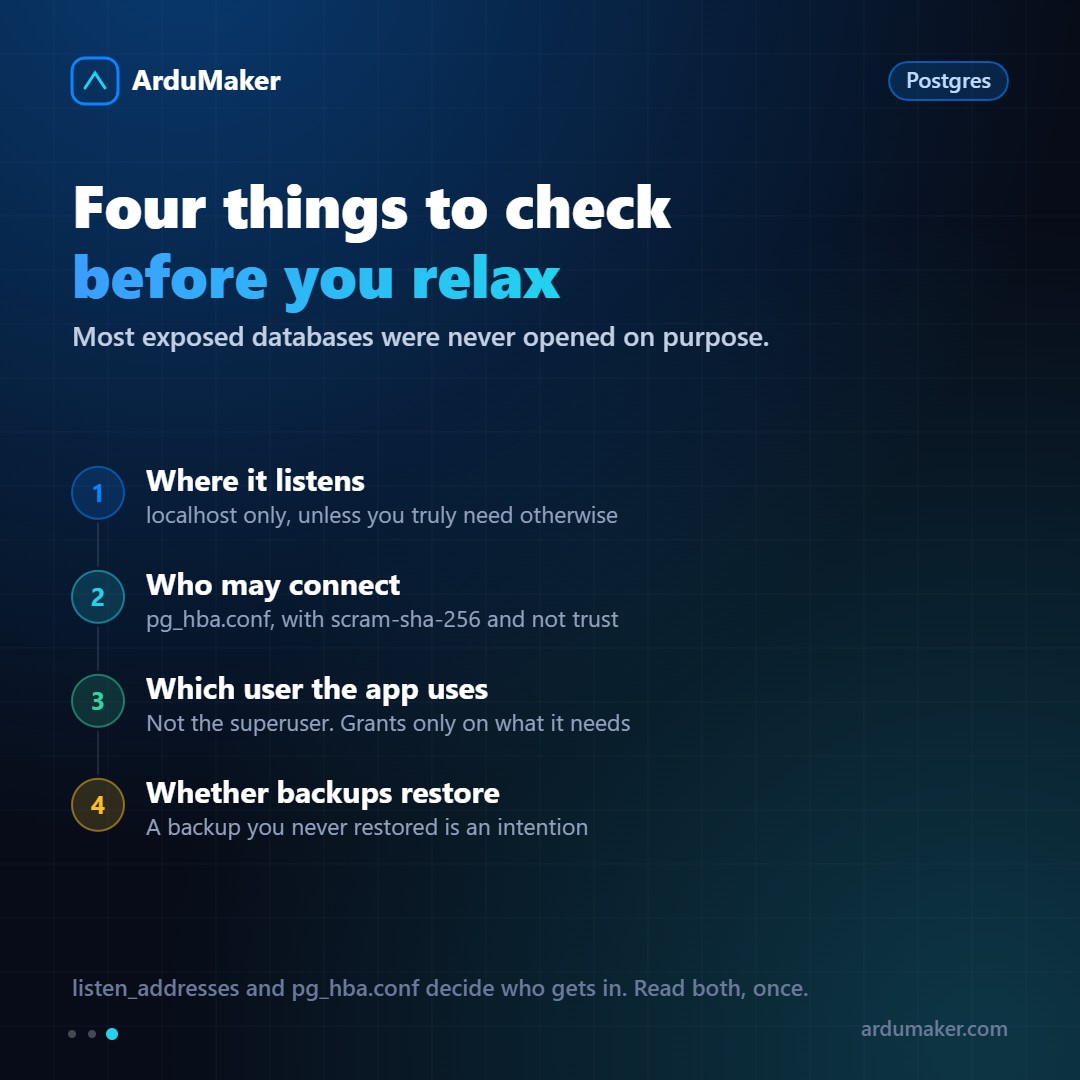
The four things worth reviewing
Where it listens. The listen_addresses parameter. If it says localhost, it only accepts connections from the local machine. That should be the value unless you have a concrete reason.
Who can connect. The pg_hba.conf file defines, line by line, which user can enter which database from which origin and with which method. Two warnings: the method must be scram-sha-256, not md5 (old) nor trust (which means "without password"), and rules are evaluated in order, so the first match wins.
With which user your application connects. Not with the superuser. Create a user with permissions only on what it needs. The day a SQL injection appears, the difference between reading a table and deleting the database is exactly that detail.
If your backups restore. Having backups isn't enough: you need to have tested at least one full restore. The first time, something is always missing.