SSH access that closes on its own: why we did it this way
Published on 2026-09-12 by frfrand
El problema no es abrir el acceso, es acordarse de cerrarlo. Cómo funciona un acceso con fecha de vencimiento y qué cambia en la práctica cuando pedir permiso deja de tener consecuencias permanentes.
Every team has a version of this story.
Someone needed to access the server on a Tuesday afternoon. Access was opened. The problem was resolved. And the access remained open, because closing it wasn't urgent for anyone, and the urgent always wins over the important.
Six months later, no one remembers it's open. And that's where it stops being an anecdote.
The problem isn't opening, it's closing
It's worth separating them well, because they get confused: opening access is almost always justified. Someone has to check a log, restore something, diagnose an outage.
What fails is the other end. Closing access has no urgency, no clear owner, and no one finds out if it isn't done. It's a task that depends entirely on the memory of a busy person.
Any process that depends on that will fail. Not sometimes: always, given enough time.
How expiring access works
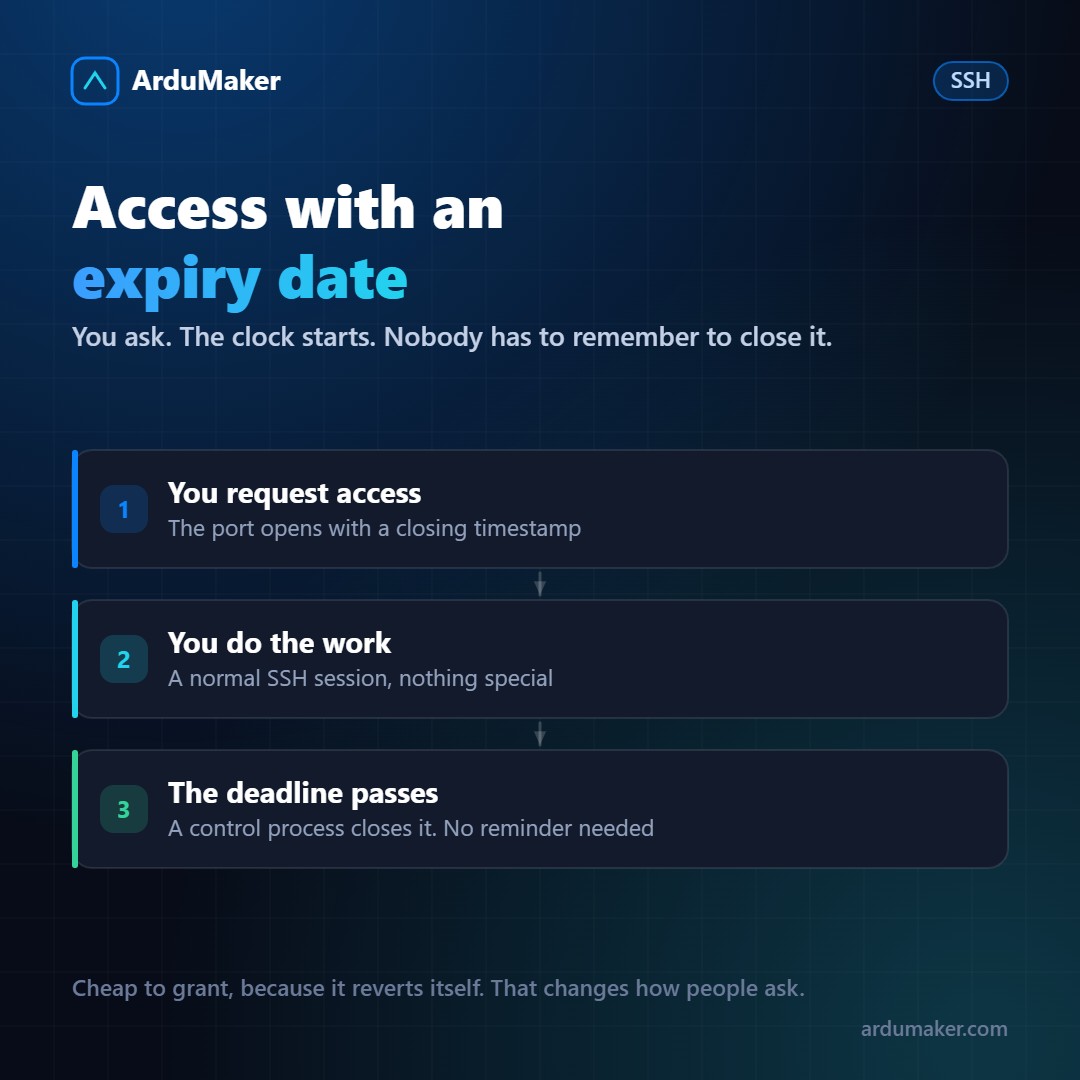
At ArduMaker, when you request SSH access to a VPS, the port doesn't open "until you close it." It opens with a closing timestamp.
A control process periodically checks those timestamps. When one expires, it closes the port. Without intervention, without reminders, without depending on someone being available.
From the user's side, nothing changes: it's normal SSH, with your usual client and your key. The difference is what happens when you stop using it.
The unexpected side effect
When we started using it internally, something we hadn't anticipated appeared, and it ended up being the most valuable part.
Requesting access stopped being a heavy decision.
Before, opening access dragged an undefined consequence, so people asked for "everything, just in case," so they wouldn't have to ask again. When access expires on its own, requesting is cheap. And since it's cheap, people ask exactly for what they need, for the time they need it.
It's the same phenomenon as with backups: when restoring is easy, people test restorations. When it's an operation, they never test them.
What remains recorded
Each opening is recorded with who requested it, when, on which VPS, and until when. Each command executed from the platform is also recorded.
This answers the question that always appears after an incident, which is not "who is to blame?" but "what was touched and when?". Without a record, the answer is reconstructed from memory and halfway.
If you want something similar without our platform
The idea can be applied on any server, and it's worth it even if done manually:
- A scheduled task that closes the port at a fixed time, instead of leaving it open.
- SSH keys with expiration date: SSH certificates allow issuing credentials that expire on their own.
- And the simplest of all: review once a month what is open. Almost always there is a surprise.
What matters is not the tool. It's moving the closure from "someone has to remember" to "it happens on its own".