Why servers don't have a desktop (and when a graphical interface is worth it)
Published on 2026-09-12 by frfrand
Lo que cuesta una sesión gráfica en un servidor: RAM, superficie de ataque y, sobre todo, trabajo que no se puede repetir. Y los casos donde igual conviene.
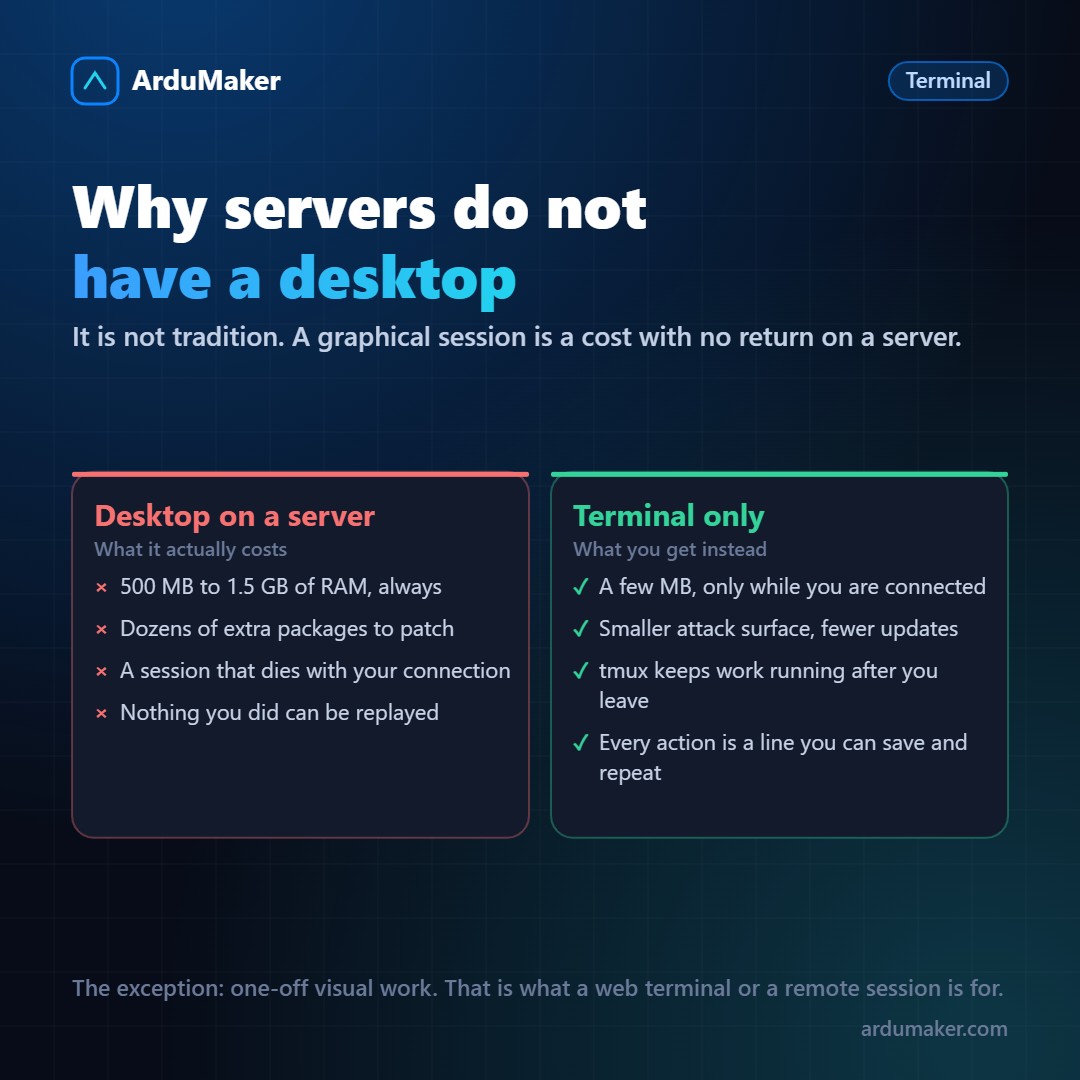
It is one of the first things that surprises those coming from the desktop world: you rent a server, log in, and there is nothing. A blinking line of text.
It is not a technical limitation. You could install GNOME on your VPS in ten minutes. The interesting question is why practically no one does it.
What a desktop costs
A graphical session is not an aesthetic detail. It is a set of processes running all the time: a graphical server (X11 or Wayland), a window manager, a desktop environment, a session manager, a network manager, a notification manager, a power manager, and almost always a browser.
On a small VPS that means between 500 MB and 1.5 GB of RAM permanently occupied. Not while you use it: always. If your plan has 2 GB, you just gave away half of it.
To that is added disk space, and above all packages: each one is code that must be updated and may have vulnerabilities. A server without a graphical environment has a significantly smaller attack surface, simply because it has fewer things installed.
The problem of the session that dies
This one is more practical and less cited.
If you open a remote graphical interface and your Internet connection drops, the session crashes. Whatever was running inside goes with it. You log back in and find the process halfway through, or directly dead.
In the terminal this has been solved for decades with tmux or screen:
tmux new -s deploy # you start a named session # ... you run whatever, the Internet cuts ... tmux attach -t deploy # you come back and everything kept running
The process does not live tied to your connection, it lives on the server. You can leave, change networks, close the laptop, and return to the same screen.
What cannot be repeated cannot be trusted
This is the underlying reason, and the one that matters most when working in a team.
If you configured something by clicking in fifteen places, that knowledge lives only in your head. You cannot send it to a teammate, you cannot save it in the repository, you cannot reapply it on a new server, and in six months you will not remember the order.
If you configured it with commands, you have a text. That text can be pasted into a message, saved in a file, versioned with git, turned into a script, and executed the same way on ten servers.
All modern infrastructure practice (Ansible, Terraform, Dockerfiles, deployment scripts) comes from that idea: if it is not written down, it does not exist.
When an interface is indeed convenient
We are not purists, and there are cases where the interface clearly wins:
- Real visual work: testing how a site looks, reviewing a generated image, using a design tool.
- Software that only exists with an interface, that passes more than one would like with third-party tools.
- When you are learning: seeing the state of things drawn helps build the mental model. Later you can drop down to the terminal.
- One-off and infrequent tasks: if something is done once a year, automating it may not be worth it.
The key is that it be a deliberate choice, and not the only way you know.
How we solved it at ArduMaker
We thought forcing a choice was unnecessary.
The panel has a web terminal: you open the VPS from the browser and you're already inside, without configuring an SSH client or opening ports manually. It serves for the 95% of times you need to go in and check something.
And for the remaining 5% there is RDP access, when the work really is visual, with the same logic as always: access opens with a deadline and closes by itself when it expires.
The rule we follow internally: what is done more than twice, gets written down.