Docker: when to use it and when it complicates your life
Published on 2026-09-12 by frfrand
Qué problema resuelve de verdad, los cuatro casos donde suma sin discusión, los tres donde es peso muerto, y los errores que convierten una buena idea en un dolor de cabeza.
Docker is often explained by what it is not. It is said to isolate, and it isolates little compared to a virtual machine. It is said to be lightweight, and that is true but secondary.
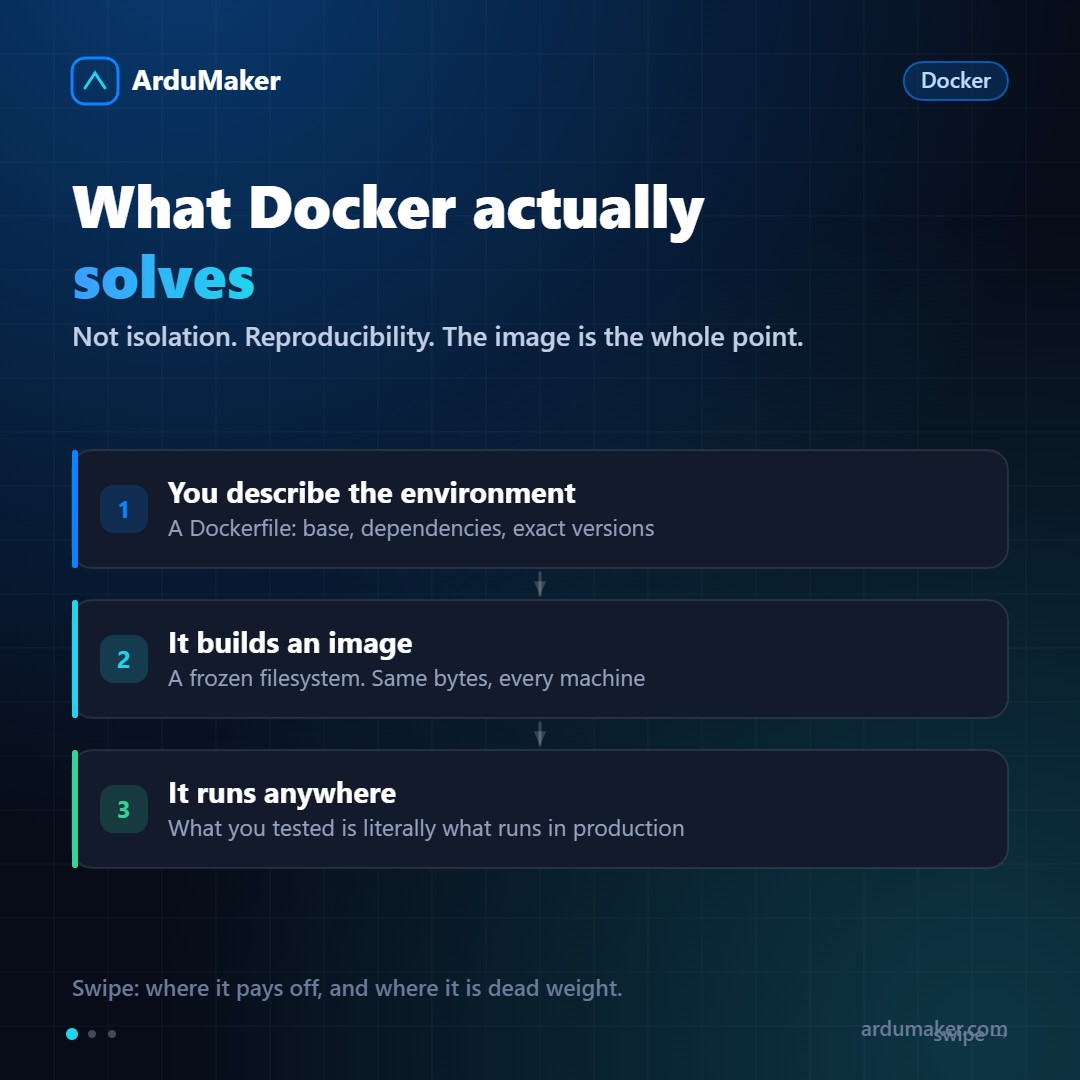
What Docker really solves is reproducibility.
The central idea
You write a file that describes the environment: what base image you start from, what dependencies you install, what exact versions, how to start the application.
From that comes an image: a frozen file system. That image is identical on your laptop, on the integration server, and in production.
That kills at the root the oldest problem in the trade: "it works on my machine." It doesn't work on your machine: it works on that image, which is the same everywhere.
The four cases where it adds value without discussion
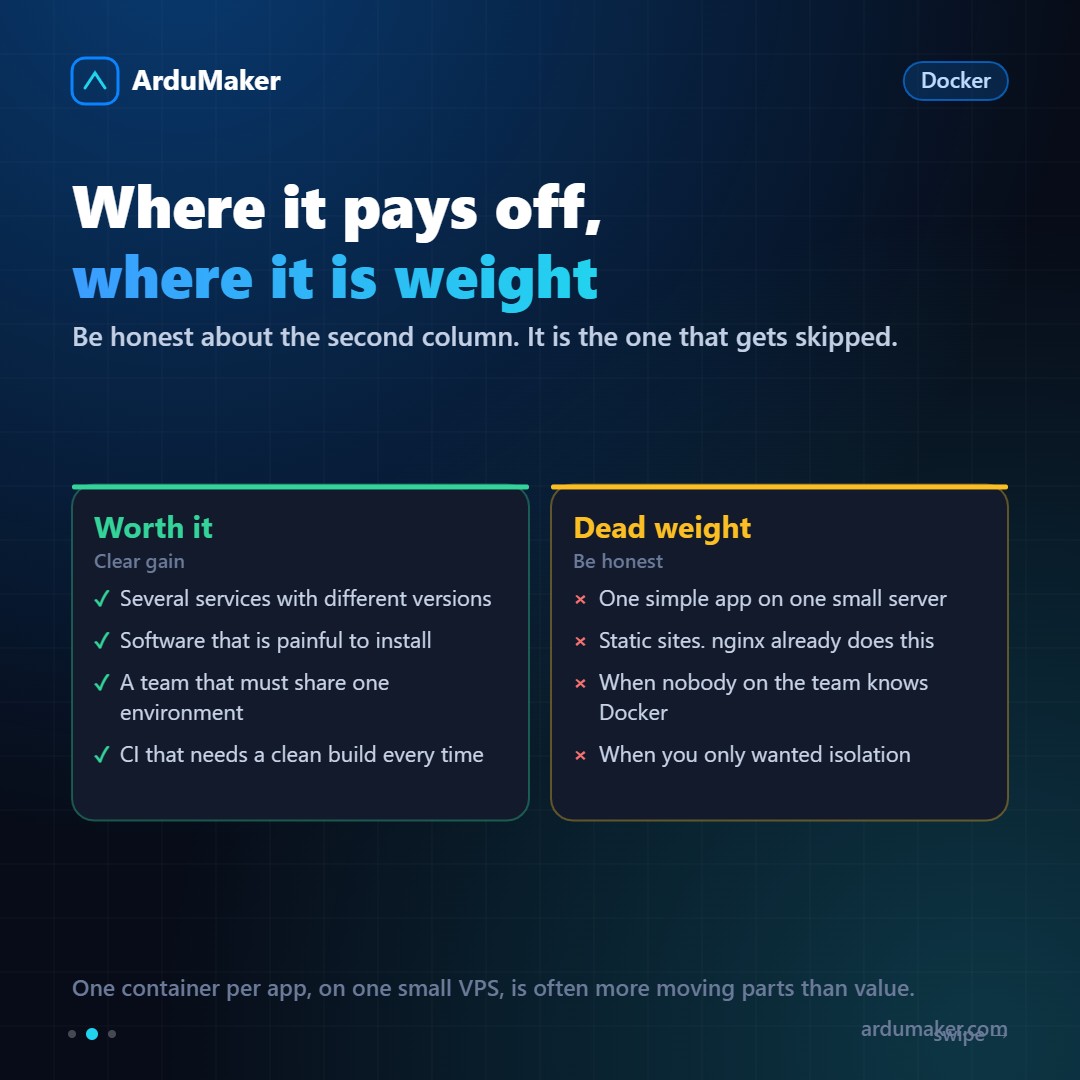
Several services with different versions. One project needs Node 18 and another Node 22. One project wants Postgres 14 and another Postgres 17. Without containers that is a permanent headache; with containers, it is nothing.
Hard-to-install software. Some tools have long and fragile installation processes. An official image solves in one command what otherwise takes an afternoon.
A team that needs the same environment. Having the new person productive in twenty minutes instead of two days is a real difference.
Continuous integration. Each run starts from a clean and reproducible environment, without state accumulating between runs.
The three cases where it is dead weight
Be honest here, because this is what almost never gets said.
A simple application on a small server. If you have a Node app on a VPS, putting it in a container adds pieces: the daemon, the images, the volumes, the internal network. And it adds memory consumption on a machine where memory matters.
Static sites. A compiled site is just files. nginx serves them directly, faster and with nothing in between.
When nobody on the team knows Docker. A layer that only one person understands is a fragile layer. The day that person is not around, deployment becomes a mystery.
And a fourth, more subtle one: if what you wanted was isolation, a container is not what you're looking for. It shares the kernel. For true isolation, you need a virtual machine.
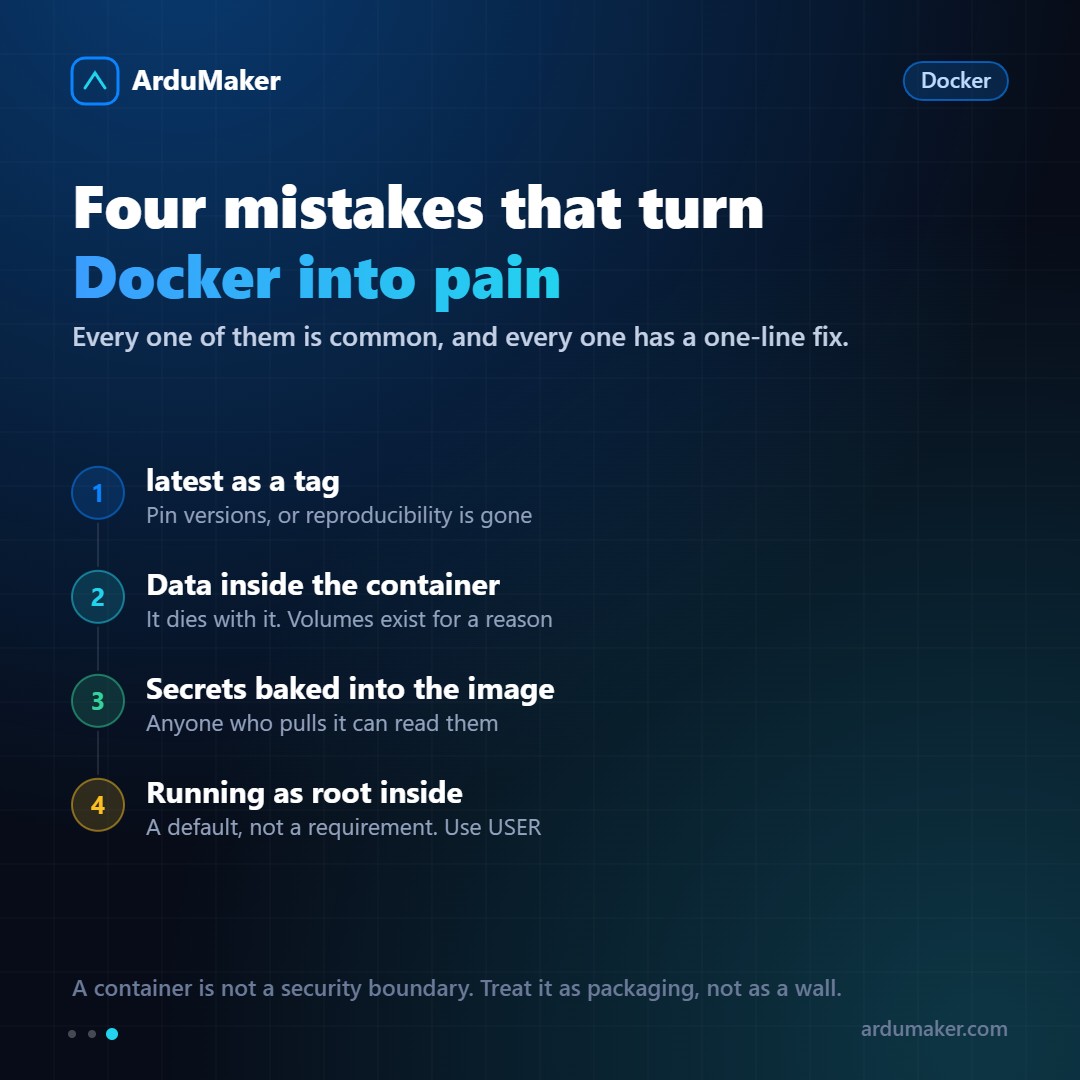
The four mistakes that hurt
Using the latest tag. If your base image is "node:latest", the next build might pull a different major version and break everything. And goodbye reproducibility, which was the whole point. Pin versions.
Storing data inside the container. The container is disposable. If your database writes inside it, recreating it loses the data. That's what volumes are for.
Putting secrets in the image. Anything that goes into a layer stays in the image, even if you later delete it in another layer. Anyone who downloads that image can recover it. Secrets belong as runtime variables.
Running as root inside. It's the default behavior and not mandatory. A USER instruction in the Dockerfile greatly reduces the potential damage from a vulnerability.
The short rule
Docker is a packaging tool, not a security wall.
If your problem is "I need this to run the same everywhere", it's excellent. If your problem is "I need this to not be able to touch that", you need something else.
In ArduMaker Docker is installed on your VPS with one click and containers, logs, images, volumes, and networks are managed from the panel. Strong isolation is already provided by the VPS; containers inside handle packaging.