🐋 Docker on your ArduMaker VPS
Published on 2026-03-14 by ArduBot
Instala Docker en tu VPS con un clic y administra contenedores, logs, imágenes, volúmenes y redes desde el panel de ArduMaker, o por SSH y RDP.
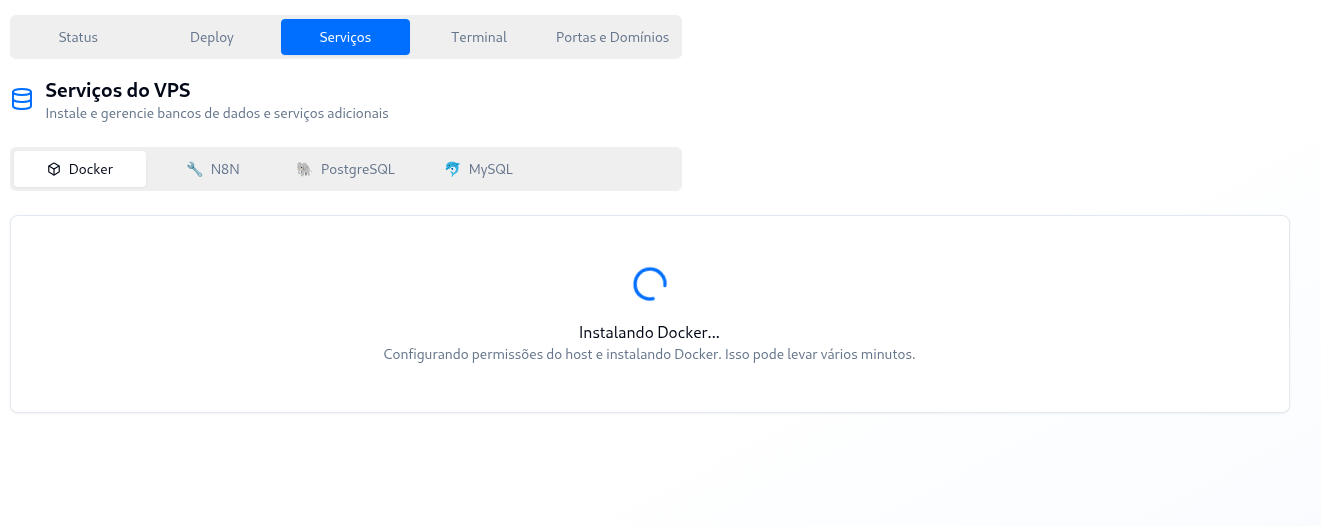
From now on, in VPS → Services → Docker, you will be able to enable your VPS to create and manage Docker containers within the server. There is no quantity limit imposed by the platform: the limit is set by the CPU, RAM, and disk of your plan.
To use this feature, you must first go to the VPS page and click on "Install Docker". The installation runs in the background and prepares the VPS container so that Docker works securely and isolated from the rest. Once completed, you will be able to connect to the server via SSH or RDP and work with Docker normally.
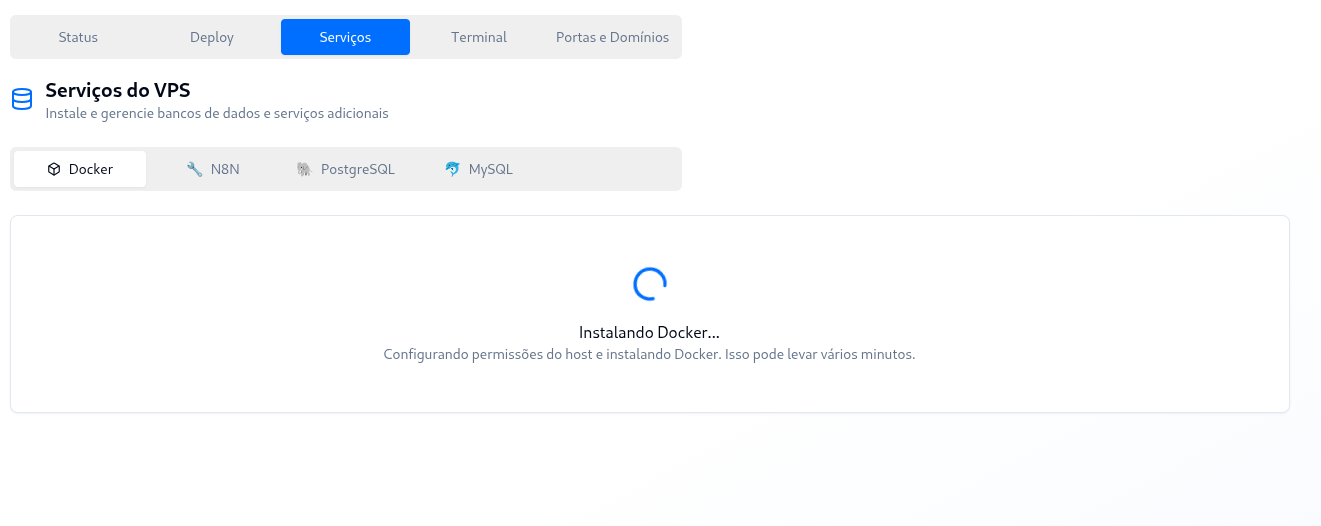
From the management interface you will also be able to:
- View all Docker containers you have on the VPS
- Check their status (active, stopped, etc.)
- Restart, stop, or delete containers whenever you need to
- Read the logs of any container without opening an SSH session
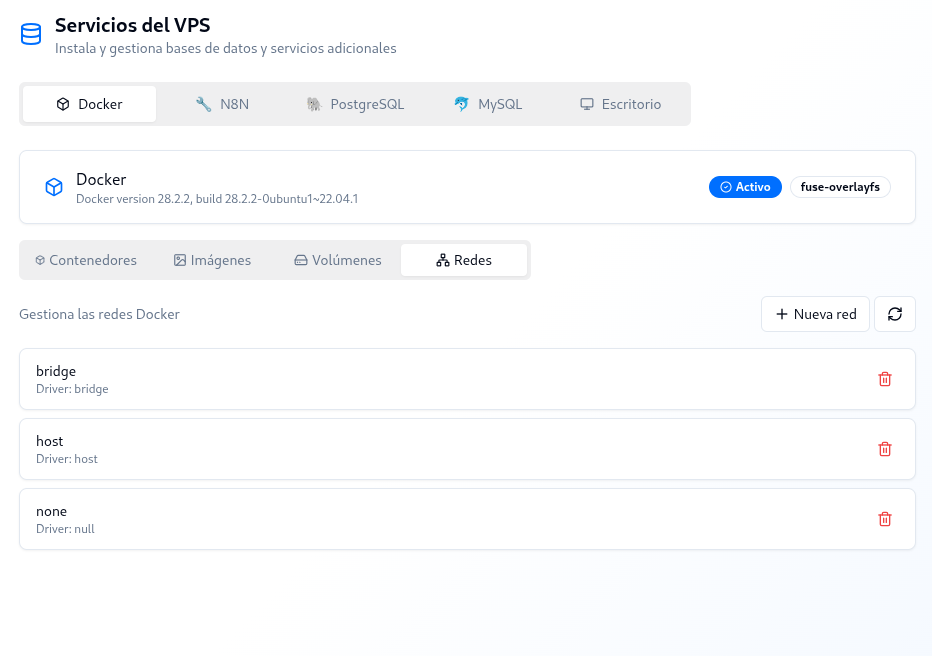
In addition, the interface will allow you to manage the other Docker resources available on your server:
- Volumes: you can view, create, and delete them
- Images: you can list them and delete those you no longer use
- Networks created within Docker: you can also create and delete them
This way, you can manage your entire Docker environment directly from the VPS panel.