How to manage environments: development, staging and production
Published on 2026-09-12 by frfrand
Para qué sirve cada uno, qué tienen que compartir y qué nunca, cómo tener staging sin pagar un segundo servidor, y el error con los datos que se comete siempre.
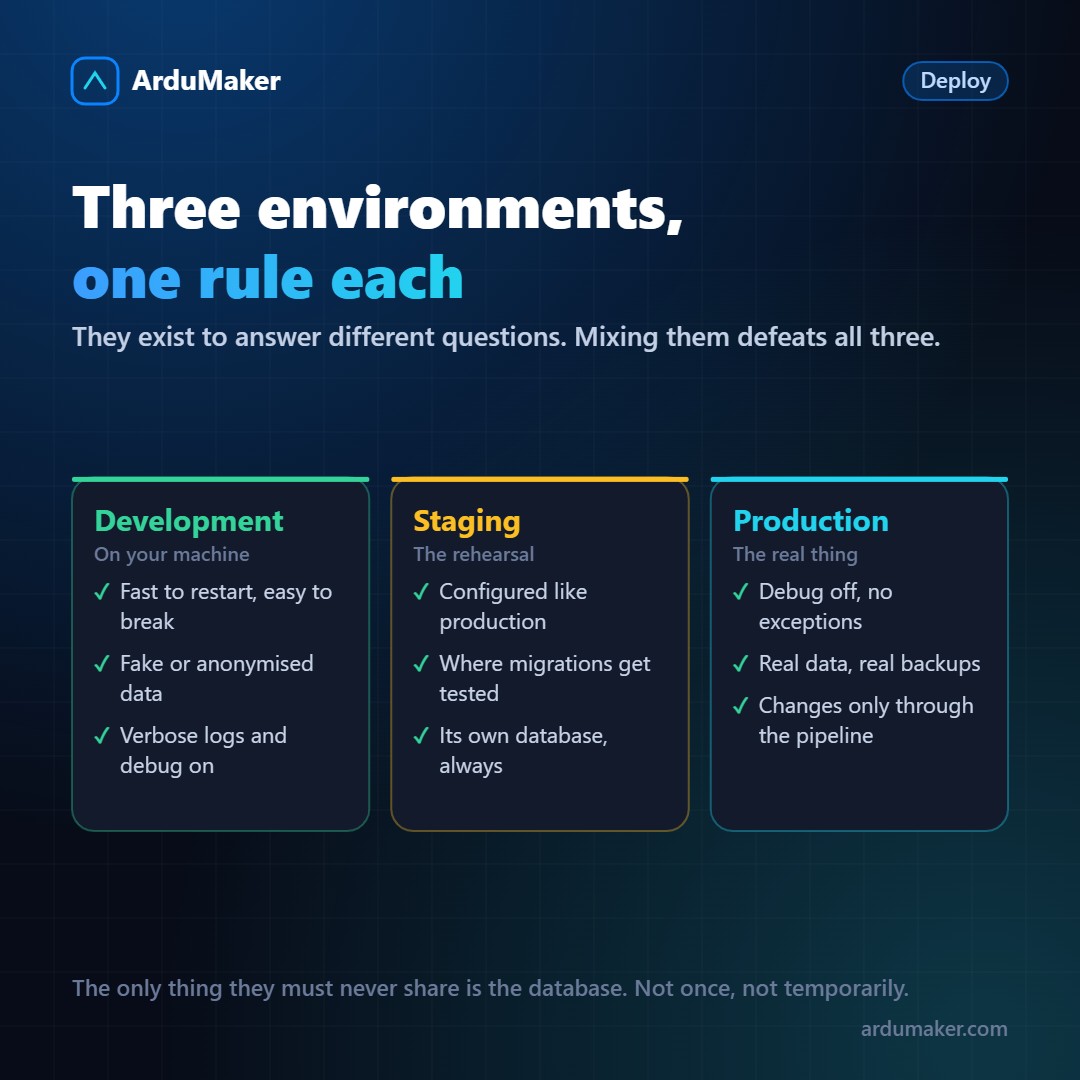
"Environment" sounds like jargon and describes something quite simple: a copy of the system running with a different configuration and different data, to answer a different question.
What question each one answers
Development answers "Does what I'm writing work?". It runs on your machine, restarts in seconds, has logs at maximum, and the data is fake. It's designed to break all the time.
Staging answers "Will this work out there?". It's the dress rehearsal: configured as close as possible to production, with the same versions and the same variables. It's where migrations are tested before they touch real data.
Production answers "Are the users okay?". It's the only one that truly matters.
When someone skips staging, they're not saving a step: they're moving the question "Will this work out there?" to production, with users inside.
The non-negotiable rule
Databases are separate. Always.
It sounds obvious until the concrete temptation appears: "to test properly I need real data, so I point staging to the production database for a bit". And then a test migration runs on real data, or a cleanup script deletes what it shouldn't.
If you need to test with data similar to real data, the answer is an anonymized copy, not the live database. It takes an afternoon to build the script that generates it, and it pays for itself the first time it prevents a disaster.
What should indeed be the same
This is what makes staging useful, and where it often fails:
- The same versions. Language, database, dependencies. A staging environment with a different version of Postgres tests nothing about migrations.
- The same way of configuring. If production reads environment variables, staging does too, with different values.
- The same deployment path. If staging is updated manually and production via an automated pipeline, staging is not testing deployment—which is precisely one of the things that breaks most often.
You don’t need to pay for two servers
A recurring idea is that having staging means duplicating infrastructure. For most projects, it doesn’t.
It’s enough to, on the same VPS:
- Two folders, one per branch.
- Two systemd services, on different ports.
- Two domains or subdomains (app.mydomain.com and staging.mydomain.com).
- Two databases on the same engine.
Each push to the development branch updates staging; each push to the production branch updates the live site.
The only thing they don’t share is the database. That’s non-negotiable, even here.
Two precautions that prevent surprises
Make it clear where you are. A colored bar, a prefix in the title, something visible. Editing data thinking you’re in staging is a classic mistake—and it’s cheap to prevent.
That it cannot be indexed or notified. Staging with a robots file that blocks everything, and with email sending turned off or redirected. Sending a real email to a client from a test is an anecdote that amuses no one.
When two are enough
For a one-person project with few users, development and production may be sufficient. Staging starts to pay off when more than one person is working on the code, when there are frequent migrations, or when a downtime has real cost.
In ArduMaker, the same repository can be deployed twice on the same VPS, each deployment with its branch, its domain, and its service. It is literally the configuration above, without having to set it up manually.