Tips for using a server without breaking it
Published on 2026-09-12 by frfrand
Cinco costumbres que evitan la mayoría de los incidentes en un servidor: un cambio por vez, copias antes de editar, validar antes de recargar, dejar una sesión de rescate y documentar.
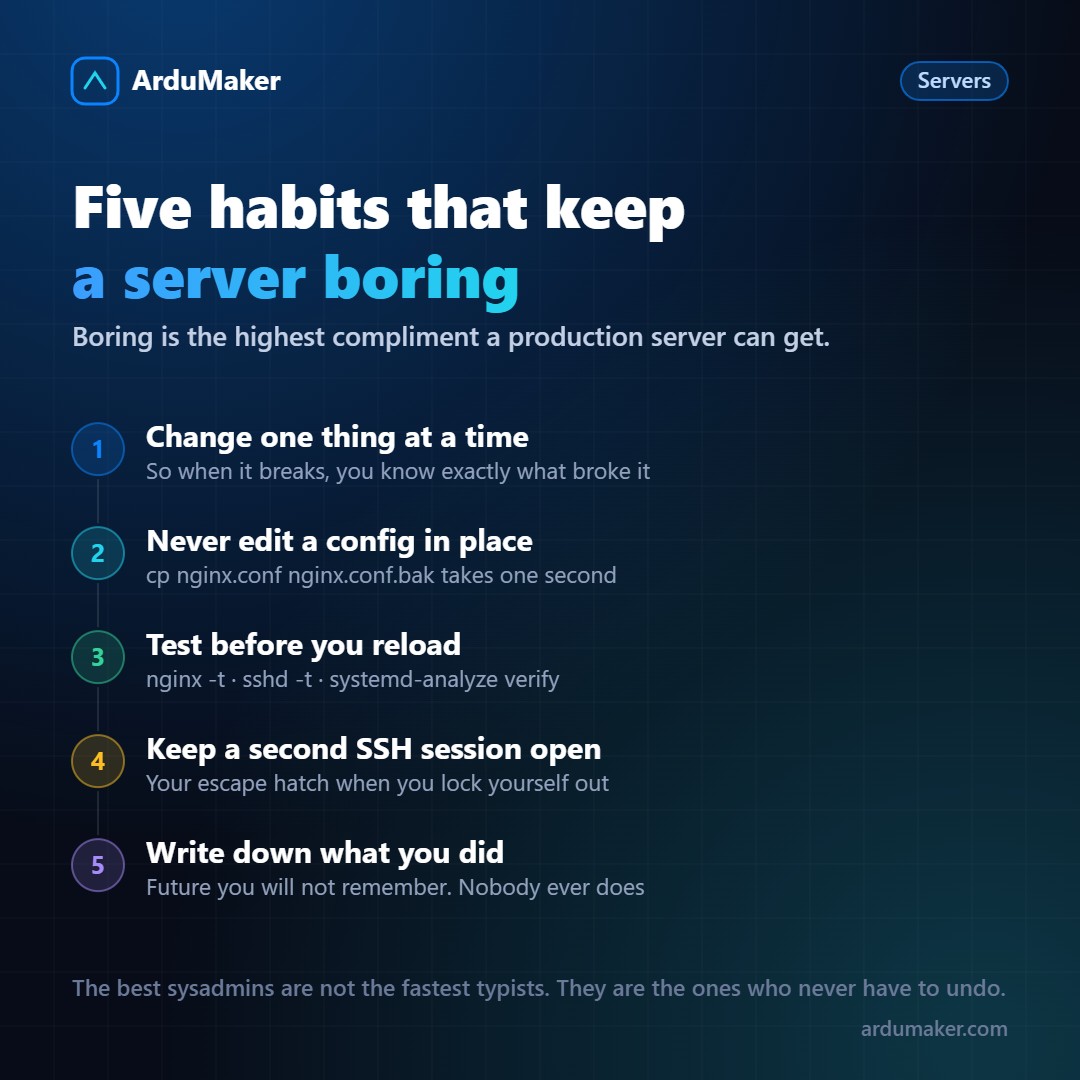
Most of the outages I saw in production were not attacks or hardware failures. They were rushed changes made without a safety net.
The good news is that almost all of them can be avoided with habits, not expensive tools. These are the five that saved me the most times.
1. One change at a time
It sounds obvious until you have the site down at eleven at night and you touched nginx, the firewall, and an environment variable in the same batch.
When something breaks after three simultaneous changes, you don't have one problem: you have three suspects and no way of knowing which one was responsible. Worse still, sometimes the cause is the interaction between two of them.
The practical rule: one change, verify, and only then the next one. It seems slower and ends up being much faster.
2. Never edit a configuration file without copying it first
cp /etc/nginx/sites-available/mi-sitio /etc/nginx/sites-available/mi-sitio.bak
One second. That's what it costs to have somewhere to go back to.
And a variant that is worth its weight in gold when the change is big: copy the file with the date in the name (mi-sitio.2026-11-01.bak). When a strange behavior appears in two months, you will be able to compare it against the version that worked.
If the server allows it, even better: keep configuration files in a git repository. A "git diff" answers in two seconds the question "what changed here?".
3. Validate before reloading
Almost all serious services come with a validation mode. It is rarely used and it is what separates a scare from a crash:
nginx -t # checks nginx syntax sshd -t # checks SSH config systemd-analyze verify mi.service apachectl configtest
nginx -t tells you the file and line number of the error. If instead you run systemctl reload nginx with a syntax error, nginx refuses to start with the new configuration and, depending on the case, you end up without a site.
The correct order is always: edit → validate → reload → check that it responds.
4. Leave a second session open
This is the one that most often saves you from a real disaster.
When you are going to touch the firewall, the SSH configuration, or your user permissions, open a second SSH session beforehand and do not close it. Make the change in one, and try to log in from scratch in the other.
If you made a mistake and locked yourself out, the old session remains alive and you can revert. If you closed everything and got stuck, the only way out is the provider's console, and sometimes not even that.
Mental rule: before touching anything that controls your own access, ask yourself "if this goes wrong, how do I get back in?".
5. Note what you did
A formal document is not necessary. A NOTAS.md file on the server, or a Slack channel, or a comment on the ticket. Three lines:
2026-11-01 · increased worker_connections to 2048 in nginx.conf because 'worker_connections are not enough' appeared backup in nginx.conf.2026-11-01.bak
The real value appears months later, when someone (probably you) asks why that number is at 2048 and not at the default value. Without the note, the answer is "no idea, don't touch it". With the note, a decision can be made.
What they have in common
None of the five is technical. All are ways of leaving yourself an out.
A well-managed server is not the one with the most ingenious configuration: it is the boring one, the one that does the same thing every day and that no one remembers. Boring is the greatest compliment you can give to production.
At ArduMaker part of this comes out of the box: every command executed on a VPS is recorded with who launched it and when, so the "what changed here?" has an answer even if no one took notes. But the other four are still yours.