How users are created in Linux, under the hood
Published on 2026-09-12 by frfrand
Qué hace realmente adduser: los cuatro archivos donde vive un usuario, para qué sirve /etc/skel y las dos trampas clásicas al crear y borrar cuentas.
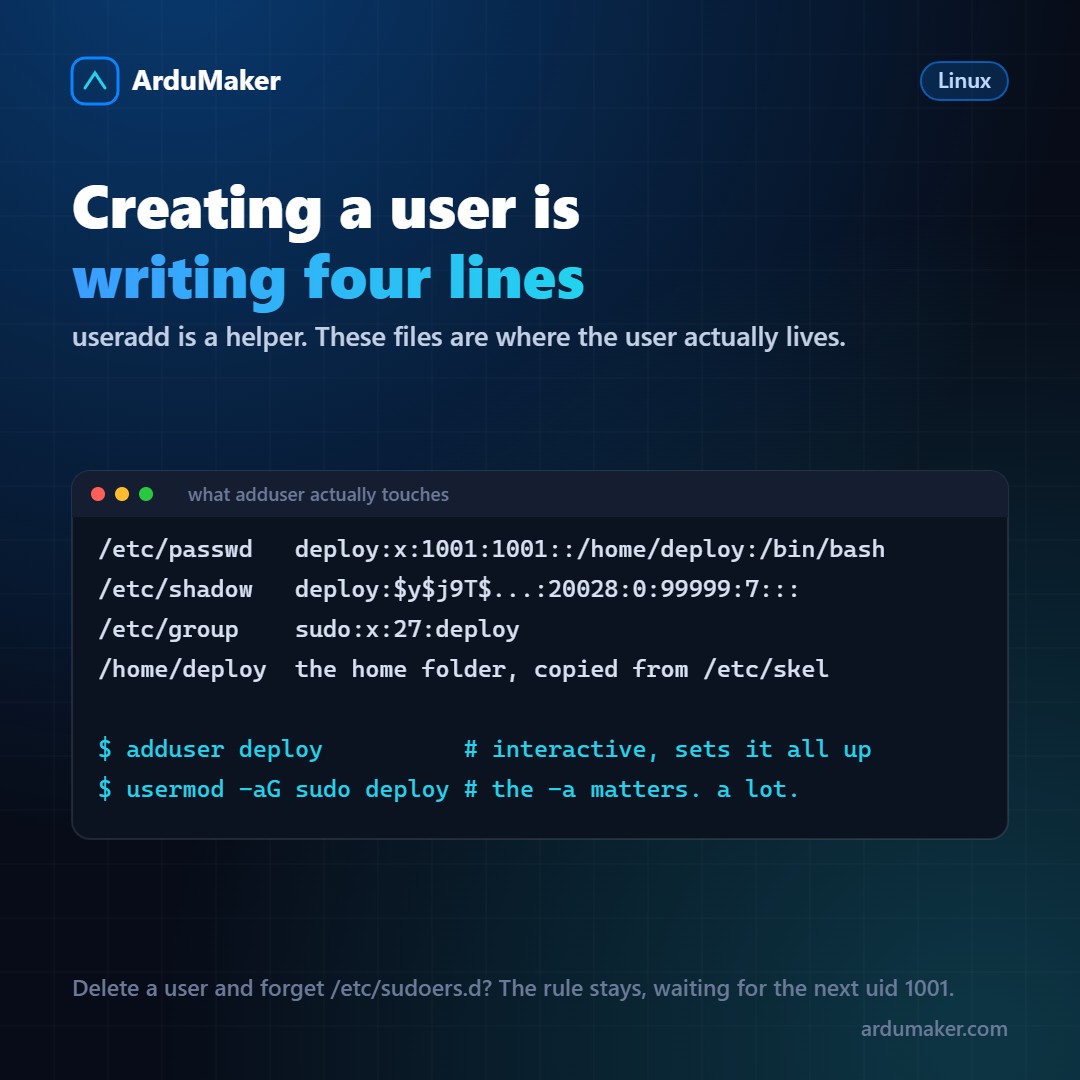
adduser deploy and done. But what exactly happened?
Nothing magical: four plain text files were written. Understanding which ones changes your relationship with the system quite a bit, because from there you can read the state of your server instead of guessing it.
/etc/passwd, the public record
deploy:x:1001:1001:Deploy user:/home/deploy:/bin/bash
Seven fields separated by colons: name, password placeholder, uid, gid, comment, home directory, and shell.
This file can be read by anyone. That's why the password is no longer here: the x means "it's in shadow". In the seventies it did live in this file, and that was exactly the problem that led to /etc/shadow.
Two things you notice in passing:
- A user with shell /usr/sbin/nologin or /bin/false cannot log in. That's how almost all service users are.
- The uid is what matters. Two different names with the same uid are, for the kernel, the same user.
/etc/shadow, the private part
deploy:$y$j9T$Kx2...:20028:0:99999:7:::
Here is the password hash, not the password. The prefix indicates which algorithm was used to generate it: $y$ is yescrypt, $6$ is SHA-512. If you see $1$ (MD5) on a modern server, something is being dragged from way back.
The numbers that follow are the aging policy: when it was last changed, how often it can and must be changed, how many days of warning.
An exclamation mark or an asterisk at the beginning of the hash means that the account does not have a valid password. In practice, it prevents password login, which is common on a server where you access via SSH key.
/etc/group and the -a trap
sudo:x:27:deploy,ana docker:x:989:deploy
Each line is a group with the list of its secondary members.
And here is one of the most expensive traps in Linux:
usermod -G docker deploy # DELETES all other groups usermod -aG docker deploy # adds, which is what you wanted
Without the "a", the command replaces the complete list of secondary groups. If deploy was in sudo and you run the first one, you just removed your administrative permissions. If you also had root login disabled, you need the provider's console to fix it.
Always write it as -aG, as if it were a single word.
/etc/skel, the home folder template
When a user is created, their folder is not born empty: the contents of /etc/skel are copied.
There live the .bashrc, the .profile, and whatever you want to add. It is the right place to leave the configuration you want everyone to have on that server: useful aliases, a reasonable .vimrc, a welcome message with the team's conventions.
$ ls -a /etc/skel . .. .bash_logout .bashrc .profile
Changing it does not affect existing users, only those created afterwards.
Deleting a user has more steps than it seems
$ deluser --remove-home deploy
That deletes the account and the folder. But there are loose ends worth checking:
- /etc/sudoers.d/: if there was a rule for that user, it's still there. And since rules are written by name, the day another user is created with the same name, they inherit the permissions.
- crontab -u deploy -l: the user's scheduled tasks.
- Orphaned files: "find / -uid 1001" finds what was left with the old uid. If another user is later created with that uid, they become the owner of those files without knowing it.
- Their SSH keys on other servers, which are not on this machine.
The short way
For day-to-day use, adduser (Debian and Ubuntu's interactive wrapper) does everything right and asks what's necessary. useradd is the low-level command: more control, and also more ways to forget something.
$ adduser deploy $ usermod -aG sudo deploy $ mkdir -p /home/deploy/.ssh && chmod 700 /home/deploy/.ssh $ chown -R deploy:deploy /home/deploy/.ssh
In ArduMaker, VPS users are created from the panel, each with their own SSH key and permissions, without having to remember the order or the "a". But knowing what files are being touched underneath is what allows you to diagnose when something doesn't close properly.