How Ubuntu does virtualization: KVM, namespaces and cgroups
Published on 2026-09-12 by frfrand
Las tres piezas que trae el kernel de Linux y que sostienen casi toda la infraestructura moderna. Qué hace cada una, cómo se combinan y qué comandos te dejan verlas funcionando.
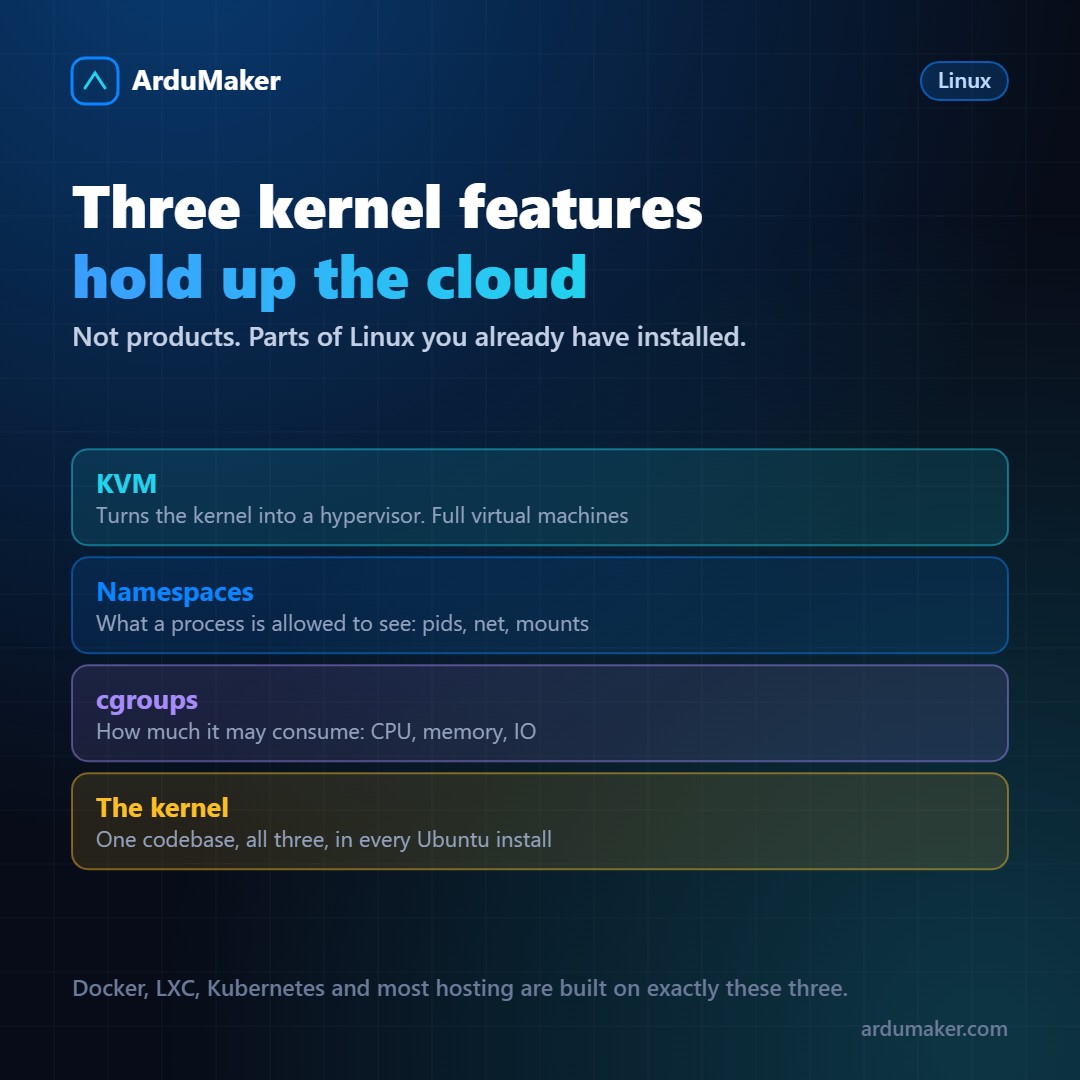
When someone says "Ubuntu can virtualize," it sounds like it comes with an application for that. It's not: the capabilities are in the Linux kernel, and they are three distinct pieces that solve different problems.
Understanding them explains how Docker, LXC, Kubernetes, and practically all modern hosting work, because they all rely on the same three.
KVM: the kernel as hypervisor
KVM (Kernel-based Virtual Machine) has been in the Linux kernel since 2007. It turns Linux itself into a type 1 hypervisor.
The idea is elegant: instead of writing a hypervisor from scratch, it leverages the fact that the kernel already knows how to schedule processes, manage memory, and communicate with devices. A virtual machine becomes, for Linux, just another process to which resources are assigned.
The virtual machine's code runs directly on the real processor, using the hardware's virtualization extensions. KVM only intervenes in privileged operations.
Check if your machine can:
grep -c -E "vmx|svm" /proc/cpuinfo
If it returns a number greater than zero, the processor has the extensions. vmx is Intel, svm is AMD.
KVM usually comes with QEMU, which emulates devices (disks, network, video), and libvirt, which is the management layer used by higher-level tools.
Namespaces: what a process can see
A namespace limits the view a process has of the system. There are several types, each for a different aspect:
- PID: what processes it sees. Inside its namespace, the first process is PID 1 and it sees nothing from outside.
- NET: its own network interfaces, routing table, and firewall rules.
- MNT: its own mounted directory tree.
- UTS: its own hostname.
- USER: identifier mappings, so that root inside is not root outside.
When you're inside a container and run "ps aux" and only see two processes, that's a PID namespace in action. The host's other thousand processes still exist: they're just not visible.
You can view a process's namespaces:
ls -l /proc/self/ns/
cgroups: how much it can consume
Namespaces isolate what is seen; cgroups limit what is used.
With cgroups, you define how much CPU, memory, and disk bandwidth a group of processes can consume. This prevents a container from taking over the entire machine.
It's also what systemd does underneath: each system service runs in its own cgroup, which is why you can set memory limits per service.
systemctl set-property miapp.service MemoryMax=512M
Version 2 of cgroups, used by modern distributions, unified the hierarchy and makes this control much more coherent.
How they are combined
Docker and LXC use namespaces and cgroups: they isolate and limit, but share the host's kernel.
KVM is different: it creates a machine with its own kernel.
A cloud provider usually combines both: KVM to separate clients, and inside each machine, containers to separate applications.
The interesting part is that none of this requires additional software. It's already in the kernel you have installed. Docker, LXC, and Kubernetes are convenient interfaces over functions that Linux comes with by default.
And that's why a command as simple as this:
systemd-detect-virt
tells you what type of environment you're running in: kvm, lxc, docker, or none if it's real hardware.