📡 ArduMaker status page
Published on 2026-04-27 by ArduBot
status.ardumaker.com vigila hosts, VPS y dominios en ciclo continuo, guarda 45 días de histórico e intenta reparar solo las caídas antes de escalarlas.
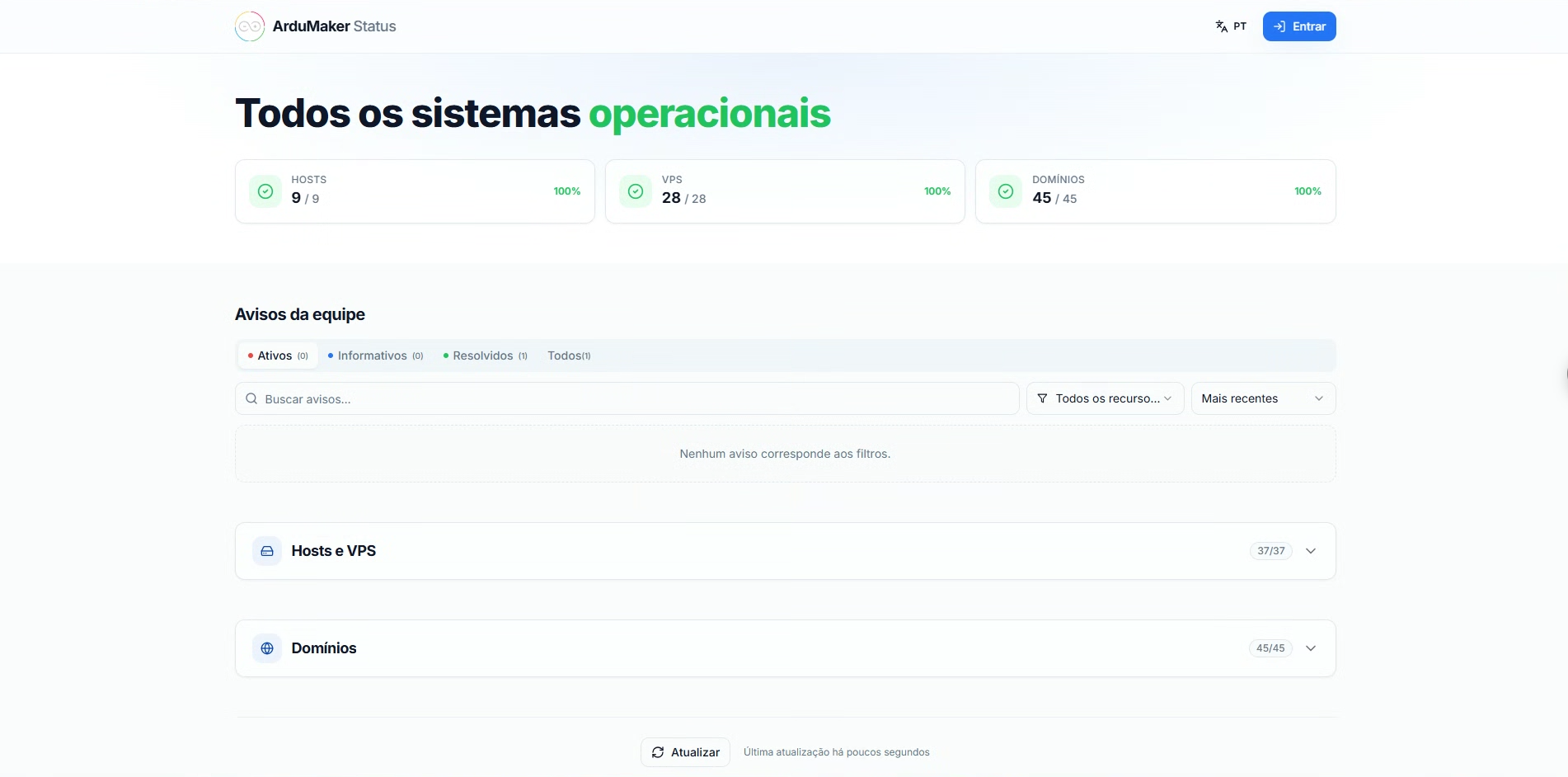
ArduMaker Status Page
When you start managing multiple servers, domains, and services, the main problem stops being the infrastructure… and becomes visibility.
With several VPSs, APIs, frontends, and automations running at the same time, it becomes difficult to know:
• What is working correctly • Which service is down • When a problem occurred • How long it was down
To solve this, we created:
👉 https://status.ardumaker.com/
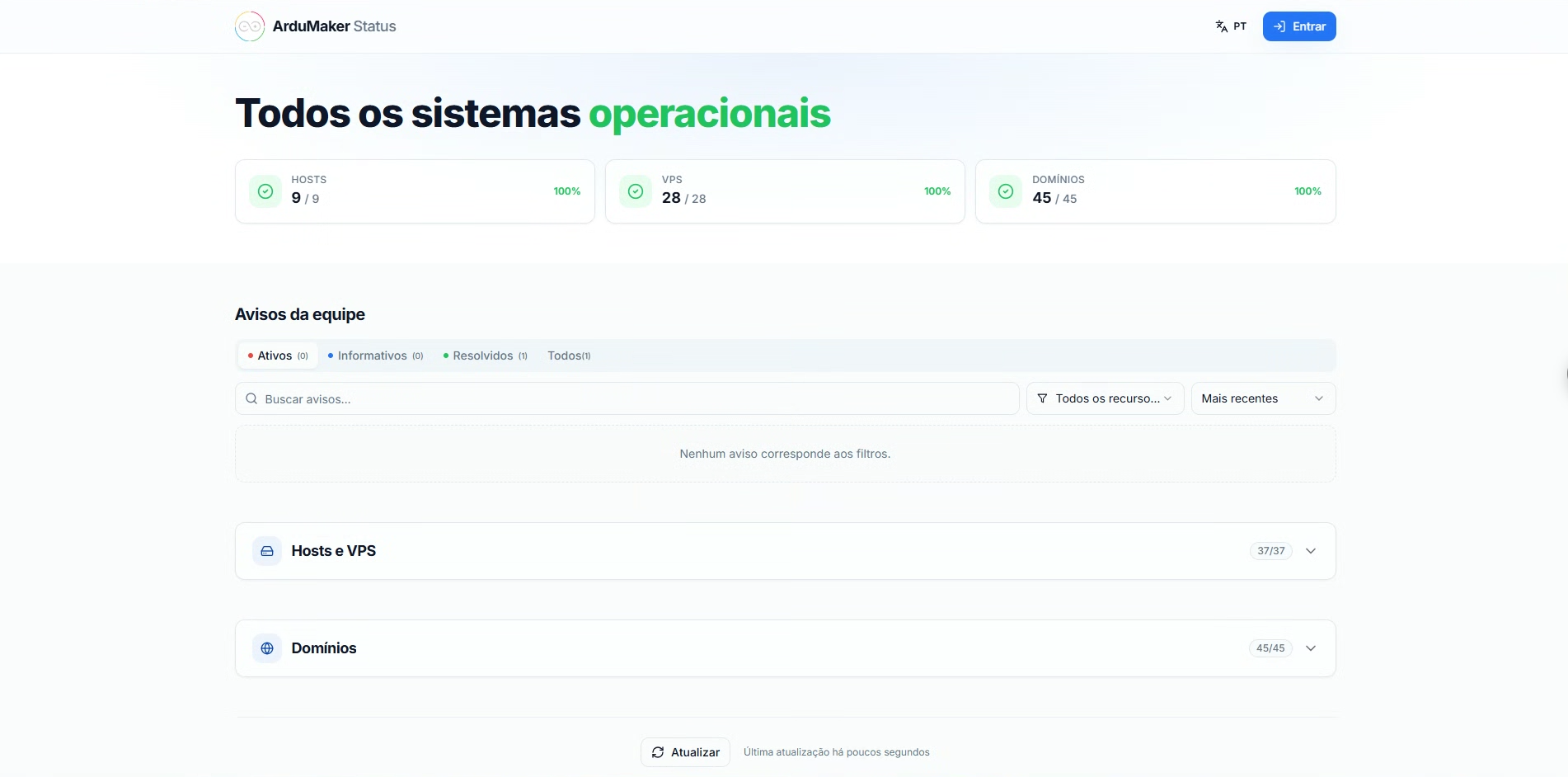
What is it?
It is a monitoring page for the entire ArduMaker infrastructure.
It shows the current status of:
• The physical hosts that support the platform • The VPSs running on them • The published domains
For each one, the history of the last 45 days is also saved, so you don't just see how something is right now: you see how it has behaved.
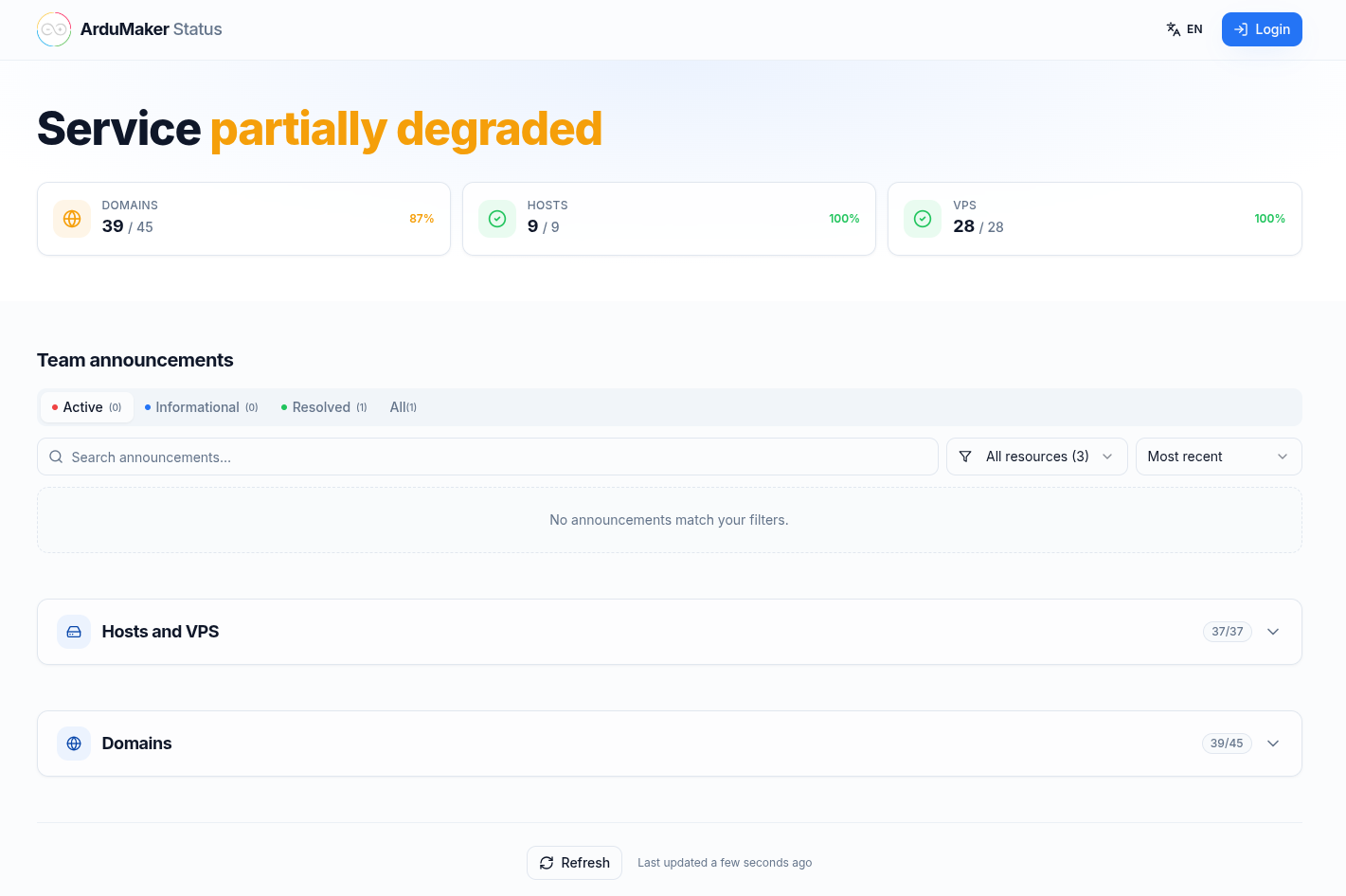
How does it work?
The system scans the entire network in a continuous cycle: it finishes one scan and starts the next a few minutes later, reviewing hosts, VPSs, and domains in parallel.
When it detects a problem:
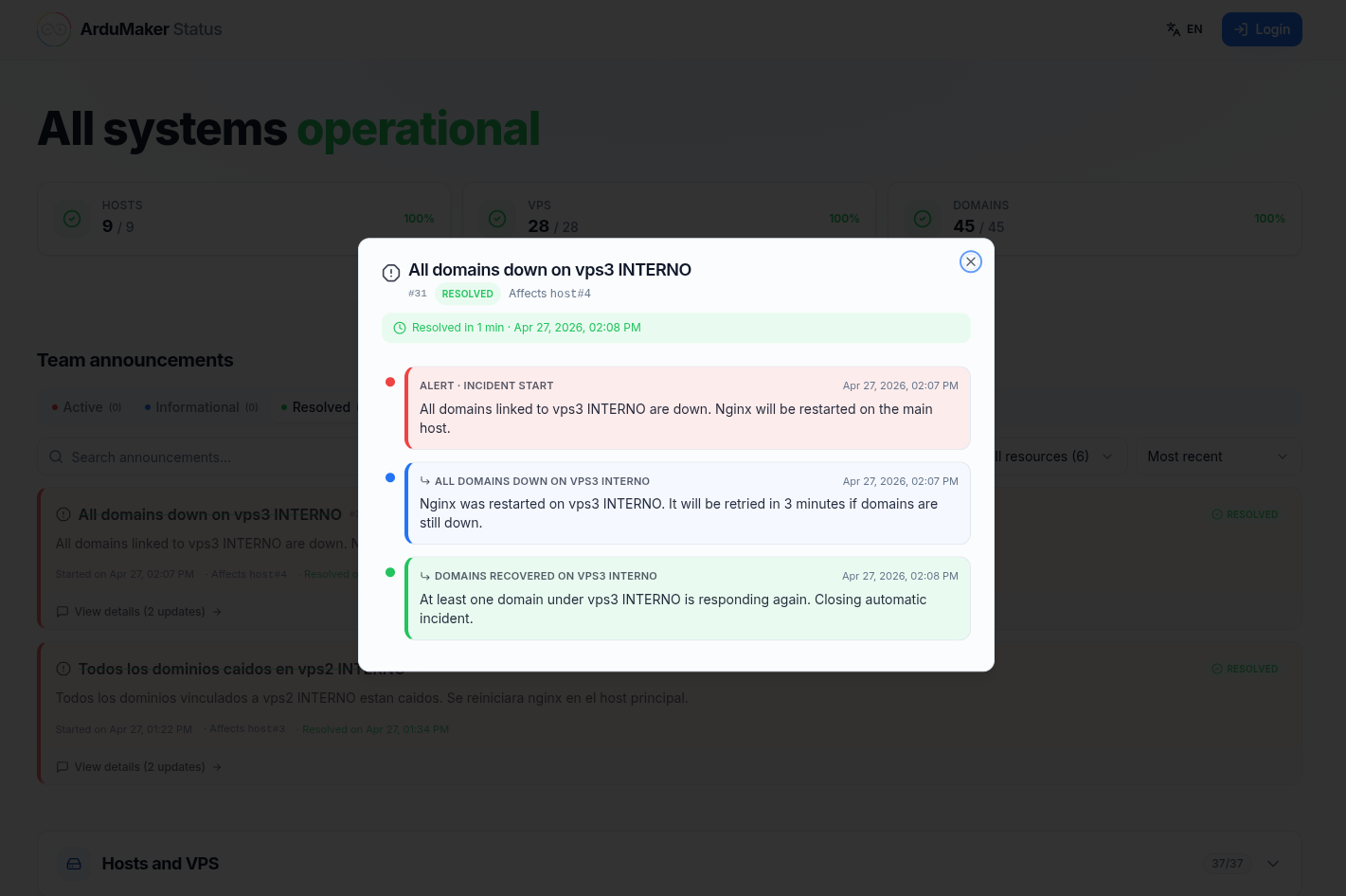
• Marks the service as down or degraded • Records the incident and publishes it on the page • Attempts to resolve it automatically if possible • Escalates the problem if it requires intervention
The "attempts to resolve it" part is literal. If all VPSs on a host stop responding, the system restarts that host. If what went down are all the domains, it restarts Nginx. If the situation hasn't improved after a few minutes, it tries again and records each attempt, so that whoever looks at the page can see what was done and when.
What can be seen?
Without logging in:
• General status of the network and active hosts • What is online and what is down • Incident history and published notices
With the session started:
• Your own VPS, with their status and that of the host that houses them • Details of each one, not just the general summary
Objective
Centralize the status of the entire infrastructure in one place.
Reduce fault detection times and have a clear history of what happens on the network.
Access
You can view the status from:
👉 https://status.ardumaker.com/