What is SSH and what happens exactly when you connect
Published on 2026-09-12 by frfrand
El par de claves explicado sin misterio, qué es el desafío que firma tu máquina, por qué el servidor puede tener tu clave pública sin riesgo y qué significa ese aviso gigante de host changed.
SSH is the protocol you use to access a server. Everyone knows that. What usually remains unclear is what happens in the second between pressing Enter and the prompt appearing.
It's worth it, because that's where the answers to almost all security questions that arise later come from.
The key pair, and which one is shared
When you generate a key, two files are created:
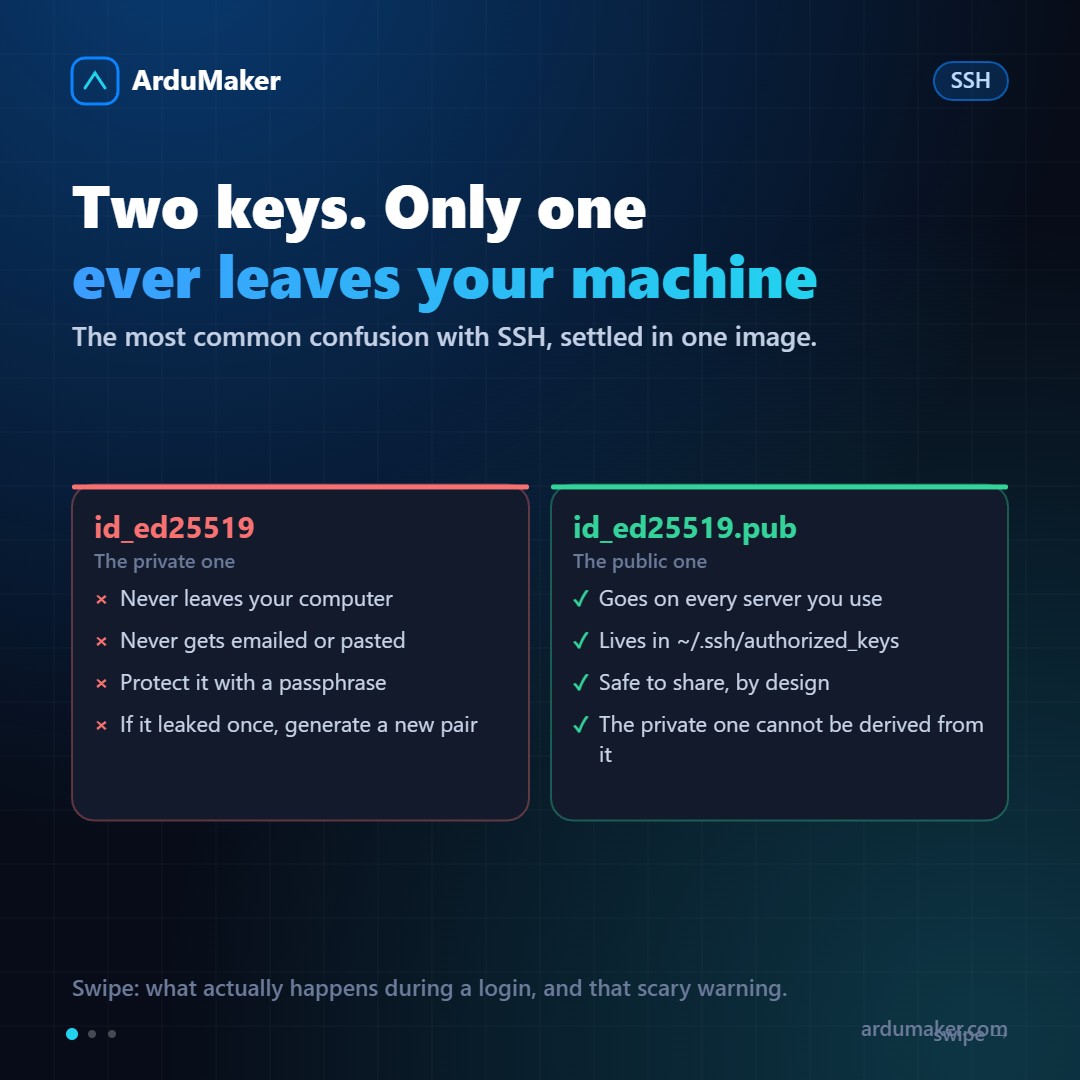
~/.ssh/id_ed25519 the private one ~/.ssh/id_ed25519.pub the public one
The private key lives on your computer and never leaves it. Never. It is not sent by email, not pasted in a chat, not uploaded to a repository.
The public one is shared: it goes to every server you want to access, inside the ~/.ssh/authorized_keys file.
The most common confusion is thinking that sharing the public key is risky. It isn't, and not by convention but by mathematics: from the public key, the private key cannot be deduced. That's why a server can have the public keys of ten people without any problem.
Practical rule: if you ever copied the file without the .pub somewhere, generate a new pair today.
What happens when you connect
- Your client connects and both parties agree on an encryption for the session.
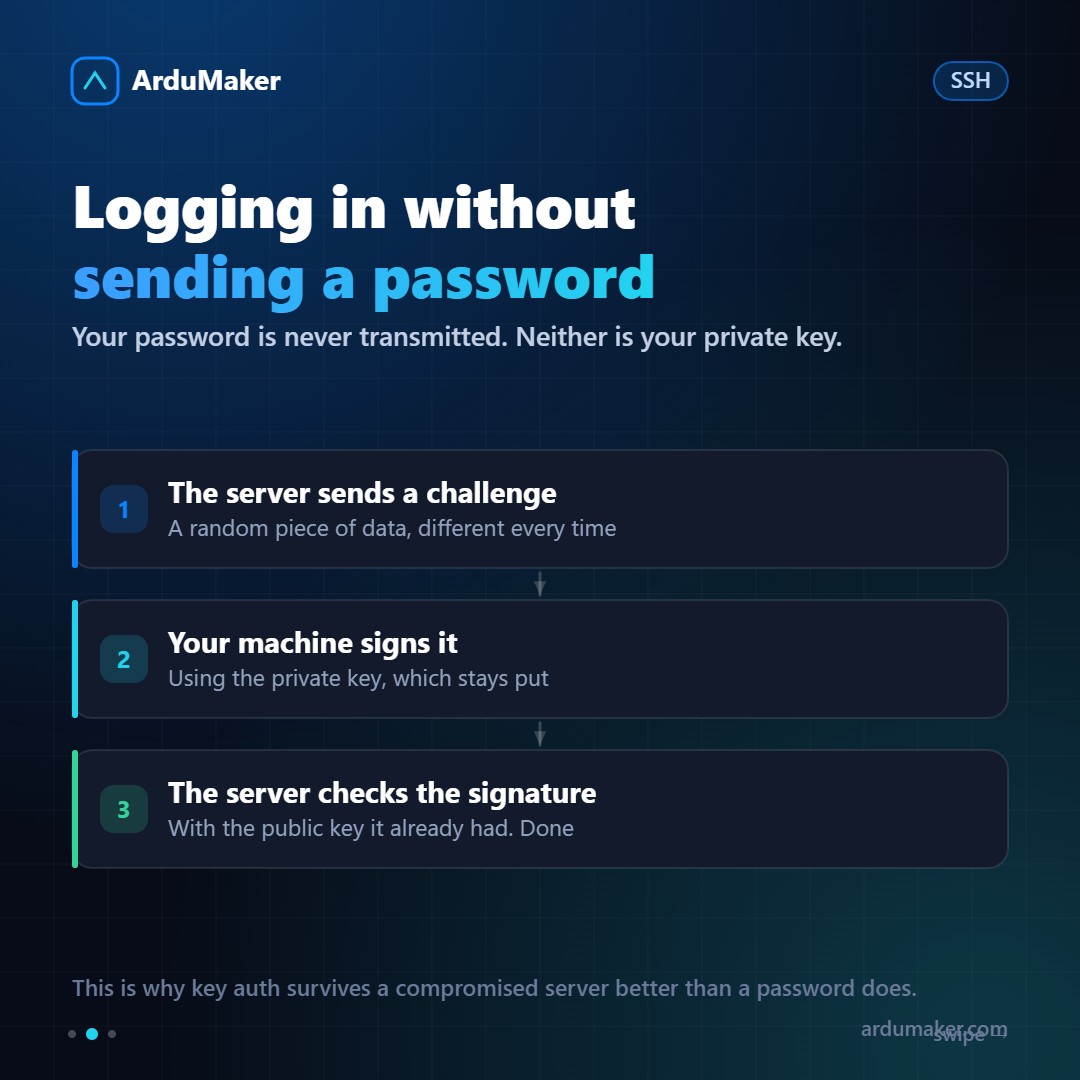
- The server sends a challenge: a random piece of data, different every time.
- Your machine signs it with the private key and returns the signature.
- The server verifies that signature with the public key it already had. If it matches, you're in.
The important thing about this dance: your private key never travels, and the challenge changes with every connection, so capturing traffic is useless for getting back in later.
With a password, on the other hand, the secret does travel (encrypted, but it travels) and the server receives it. A compromised server keeps your password. With keys, it keeps a signature that is no longer good for anything.
That giant warning that scares you
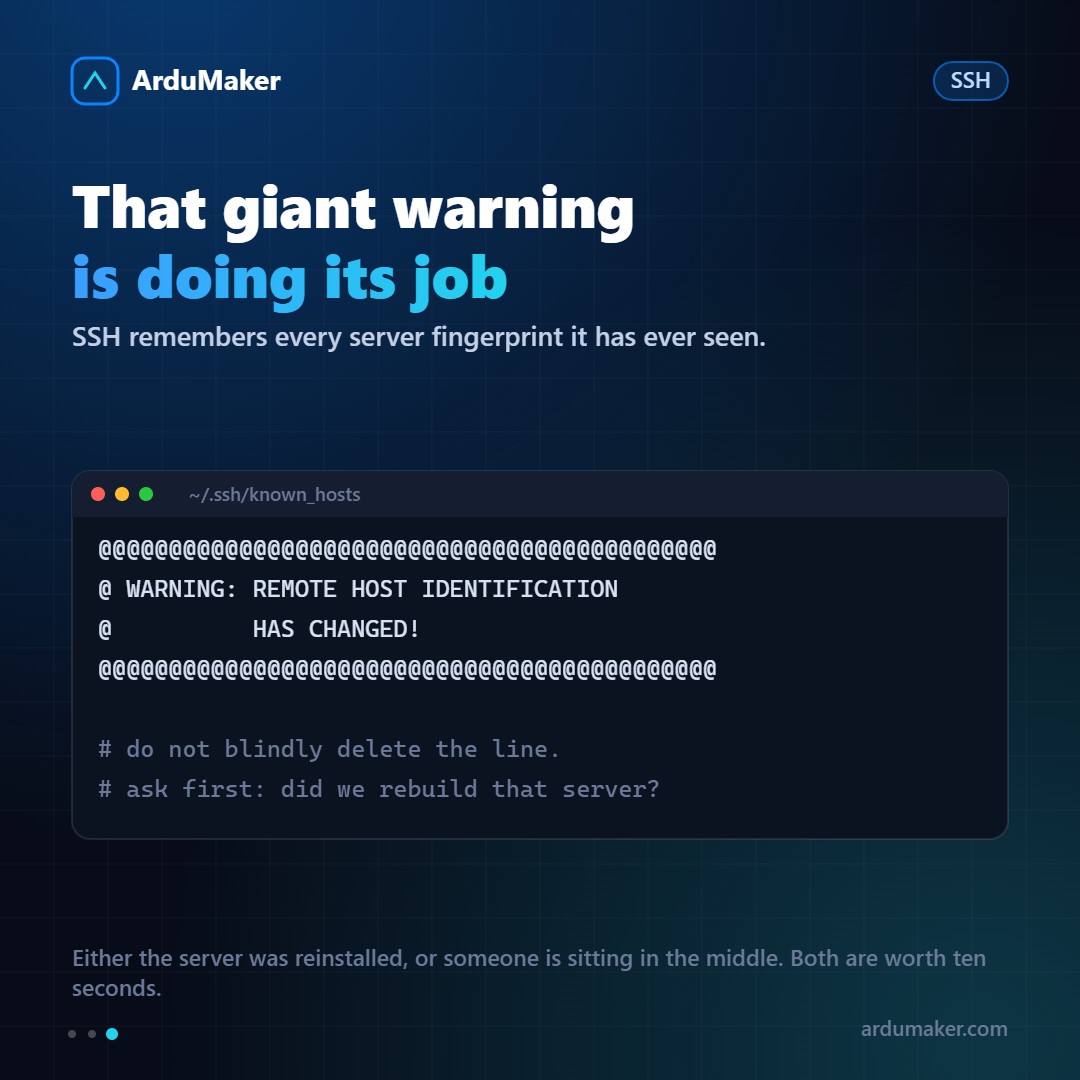
The first time you log in to a server, SSH saves its fingerprint in ~/.ssh/known_hosts. If that fingerprint changes, the REMOTE HOST IDENTIFICATION HAS CHANGED warning appears.
There are exactly two explanations:
- They reinstalled the server or regenerated its keys. It happens often and is harmless.
- Someone got in the middle and is impersonating the server.
The usual reflex is to delete the line from known_hosts and move on. It's fine to do it after confirming the first case, not before. It's ten seconds of asking.
Three things worth their weight in gold
ssh-copy-id installs your public key on the server without editing files manually:
ssh-copy-id deploy@miservidor.com
The ~/.ssh/config file saves you from remembering user, port, and key:
Host prod HostName miservidor.com User deploy Port 2222 IdentityFile ~/.ssh/id_ed25519
From there, ssh prod. And the best part: scp, rsync, git, and editors read that same file.
Put a passphrase on the private key. If they steal your laptop, the key alone isn't enough. To avoid typing it every time, there's the agent: ssh-add keeps it for the duration of your session.
And the permission that breaks everything
chmod 700 ~/.ssh chmod 600 ~/.ssh/id_ed25519 chmod 600 ~/.ssh/authorized_keys
SSH refuses to use a private key that other users can read, and rightly so. If one day your key "stops working" without you having touched anything, check the permissions: it's almost always that, after copying the folder from one place to another.