What is really a backup
Published on 2026-09-12 by frfrand
Un archivo guardado no es un backup: lo es un procedimiento probado de recuperación. La regla 3-2-1, las dos preguntas que definen tu estrategia, y por qué un snapshot no siempre alcanza.
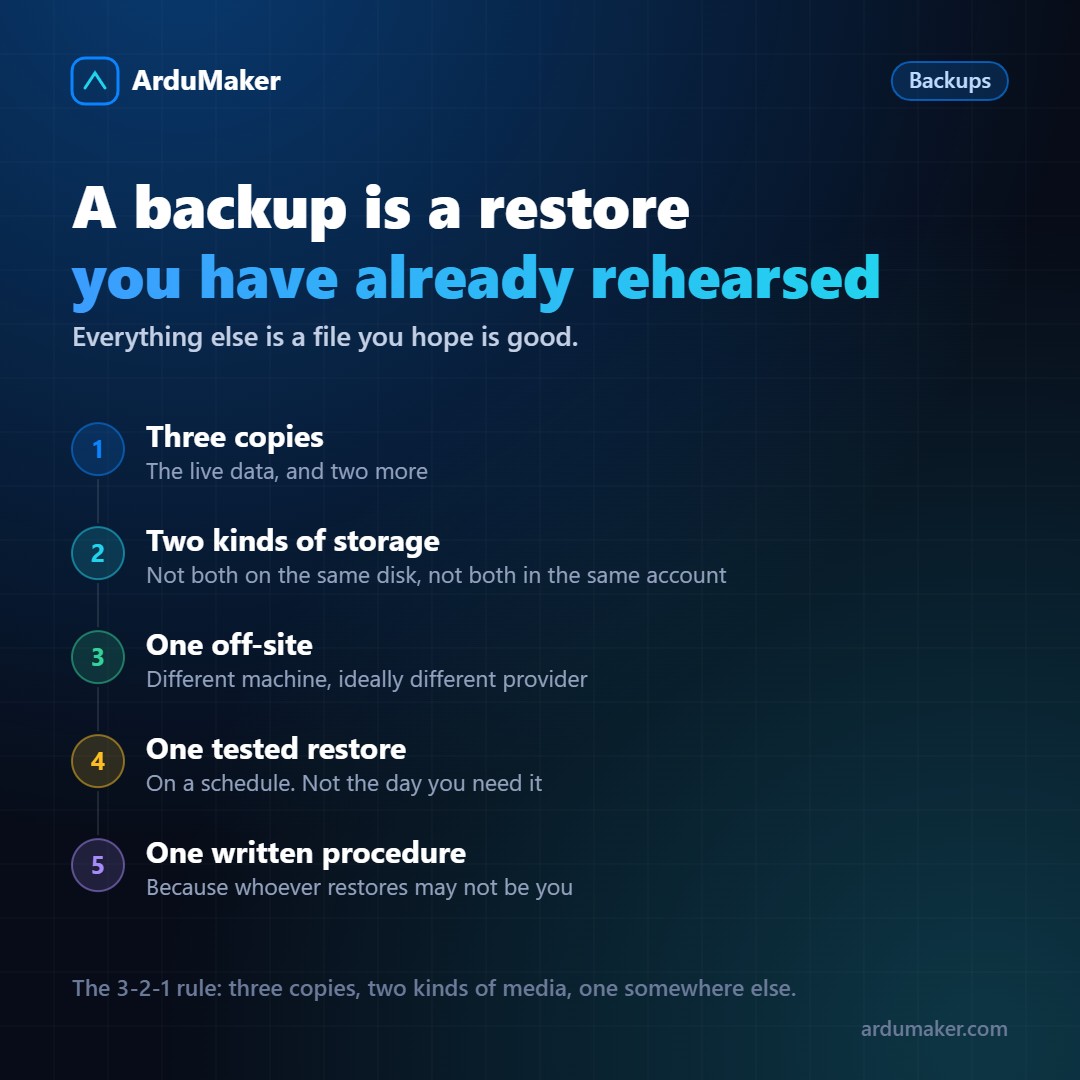
Almost everyone has backups. Far fewer people have a tested restoration. The difference between those two things is the whole point.
A saved file is not a backup. It's just a file. It becomes a backup the day you verify that you can recover from it.
The two questions that define your strategy
Before choosing a tool, you need to answer two things. They have formal names and are very concrete:
How much data can you afford to lose? If you make a copy once a day and the failure occurs at 11:00 PM, you lose almost a day of work. If that is unacceptable, you need more frequent copies or continuous logging.
How long can you be down? Restoring a large database from a dump can take hours. If your business cannot tolerate that, you need a replica ready to take over, not just a file.
The answers completely change the solution. And they are business decisions, not technical ones: someone has to say how much it costs to lose four hours of data.
The 3-2-1 rule
Three copies of the data, on two different types of media, one of them off-site.
It's not superstition: each part covers a failure mode.
- Three copies covers one being corrupted without anyone noticing.
- Two media covers a disk failing, or an entire type of storage failing.
- One off-site covers what takes everything: a fire, a mass deletion, a compromised account.
That last point deserves emphasis: if your backups are in the same cloud account as your server, someone who compromises that account takes both things. "Outside" means another real place.
Full, incremental and differential
Full: everything, every time. Simple to restore, expensive to store.
Incremental: only what changed since the previous copy. Cheap. To restore you need the full backup plus all the chain of incrementals; if one is missing, you don't make it.
Differential: what changed since the last full backup. Middle ground: to restore you need only two files.
The usual and sensible scheme: one full weekly, daily incrementals, and retention of several weeks.
A snapshot is not always a backup
Disk snapshots are convenient and have two limits worth knowing.
Consistency. A snapshot takes the disk as it is, and a database may have partial writes at that instant. Modern engines usually recover, but for databases the right thing is to use their own tool (pg_dump, or a coordinated physical copy), which guarantees a consistent state.
Location. A snapshot usually lives in the same infrastructure as the disk. It covers "I deleted a table", it does not cover "I lost the account".
The part almost no one does
Test the restore. Full, on a clean server, with a stopwatch.
The first time something is always missing: a database extension that wasn't installed, an environment variable, a permission, a user-uploaded file that wasn't in the backup because no one remembered to include it.
It's much better to discover that on a quiet Tuesday than during an incident.
Schedule it once per quarter. And write down the procedure: whoever has to restore may not be the person who set up the system.
At ArduMaker, every VPS has a complete periodic backup, taken while running, stored on a host different from the one running the VPS and verified with its hash, with restoration instructions alongside. But the restoration test remains a good habit, always.