How to give your team access without sharing passwords
Published on 2026-09-12 by frfrand
Por qué la contraseña compartida siempre termina filtrada, cómo se reparte el acceso por persona y por proyecto, y qué tiene que pasar el día que alguien se va del equipo.
It always starts the same way and always with good intentions. Something needs to be delivered, someone new joins, and the quick way is to give them the password that already exists.
The problem isn't that decision. It's that there's no going back.
Six months later, that password lives in three different chats, it's known by people who no longer work on the project, and changing it means coordinating with seven people at once. So it doesn't get changed.
Why shared credentials are a structural problem
It's not a matter of care. It's four properties they have by design.
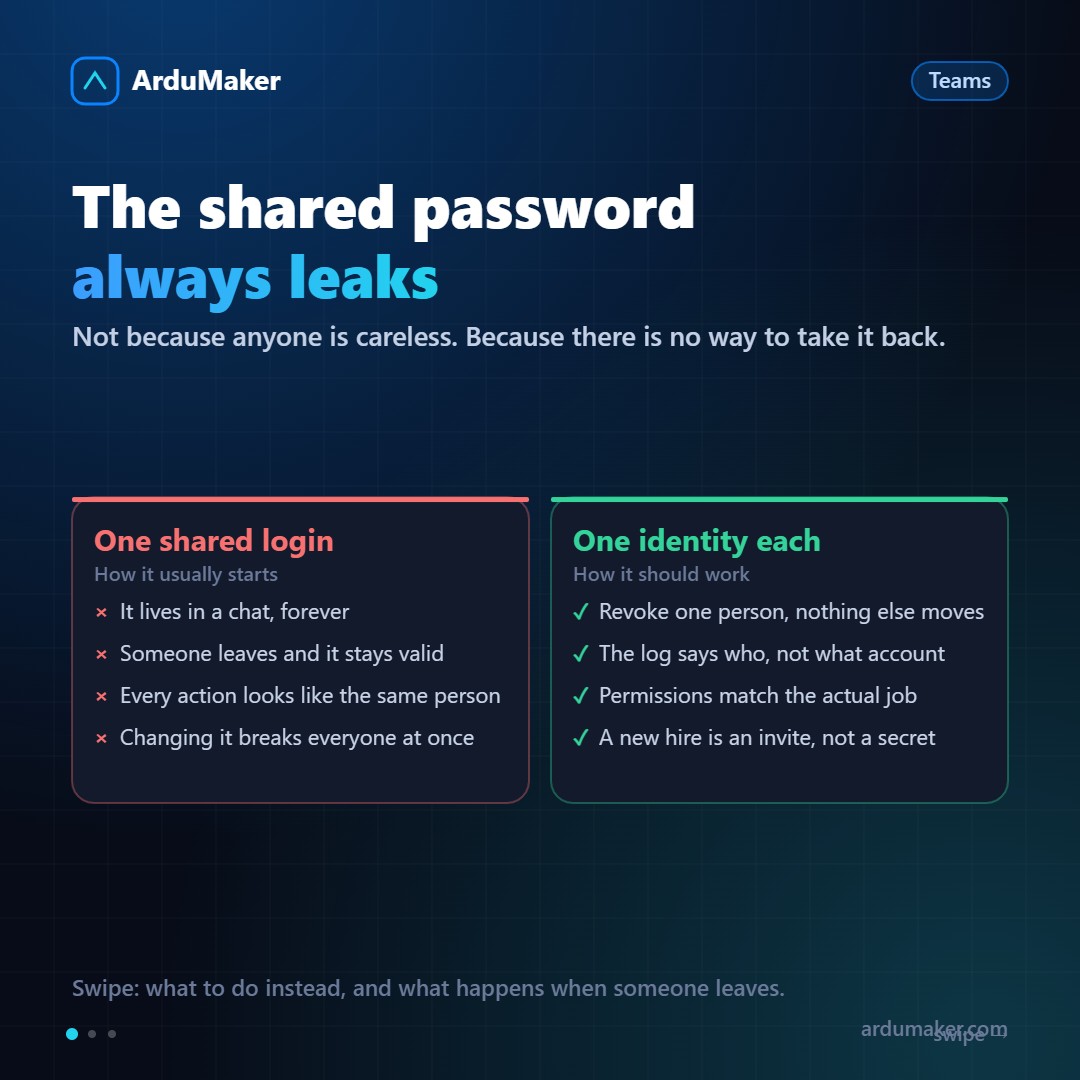
They can't be partially revoked. If you want to remove access from one person, you have to change the credential for everyone. Since that annoys everyone, it gets postponed indefinitely.
They don't identify. The log says "the admin user restarted the service." It's not useful for understanding what happened, nor for asking for help: you don't know who to ask.
They can't be graduated. A password gives everything or nothing. There's no "can view logs but not restart," which is usually exactly what's needed.
They're copied without leaving a trace. A credential that went through a chat is in that chat's history, in its backup, and on any machine where someone pasted it into a temporary file.
The model that works: one identity per person
The alternative isn't complicated to describe:
- Each person logs in with their own account.
- Each person has their own SSH key, and the server stores the public keys of all of them.
- Permissions are granted to the person, not to a credential that circulates.
The important change is not in how access is given, but in how it is revoked. Removing a person goes from being "coordinating a password change with the whole team" to "deleting a line."
Regarding SSH keys, it is worth clarifying a point that confuses many people: there is no problem with the server having the public keys of ten people in ~/.ssh/authorized_keys. The public key does not allow deducing the private key. Removing someone is deleting their line from that file, and it does not affect anyone else.
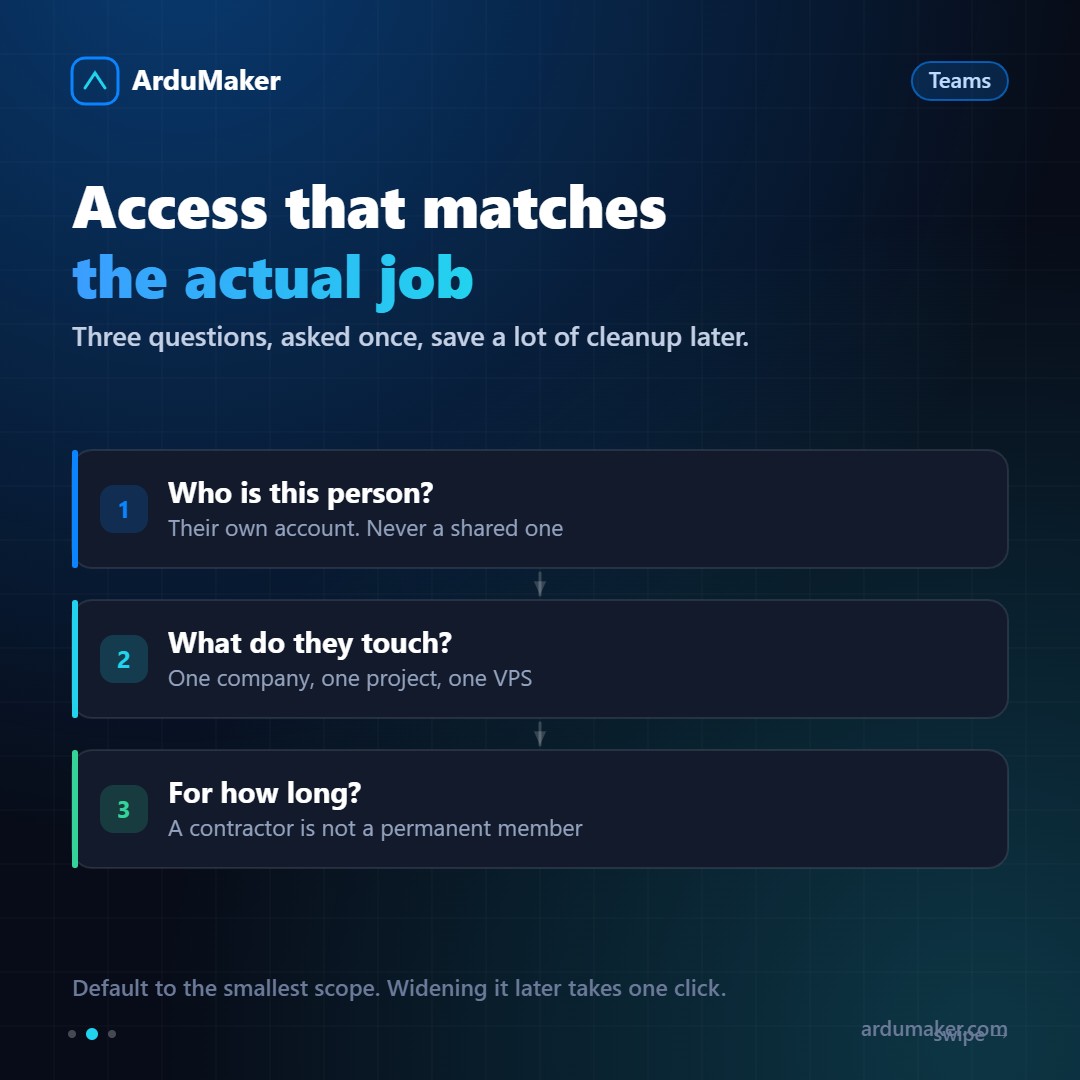
Three questions before granting access
It is worth asking them once, at the beginning. They save a lot of cleanup later.
Who is this person? Their own account, always. Even if it's for two weeks. Even if it's the founder.
What do they need to touch? Almost never "everything". A freelancer working for a client needs to see that client. A designer needs to upload files, not restart services.
For how long? A contractor is not a permanent member. If access has an end date, setting it from day one is free; remembering it in three months is not.
The default rule: grant the smallest scope that allows doing the job. Expanding it later is one click; realizing it was too much, is not.
How we solved it at ArduMaker
The platform structure is built around this.
Companies separate clients. Each client lives in its own Company, with its own VPSs, domains, billing, and team. Someone who belongs to a Company does not see the others. It is not a matter of well-configured permissions: there is no place where they touch.
Roles separate responsibilities. A Member works; only an Admin touches payment methods and billing. The developer who deploys does not need, nor see, the client's card.
SSH keys are per person. Each VPS user has their own, they are loaded from the panel, and they are removed one by one.
Everything is logged. Every command executed on a VPS from the platform records who launched it and when.
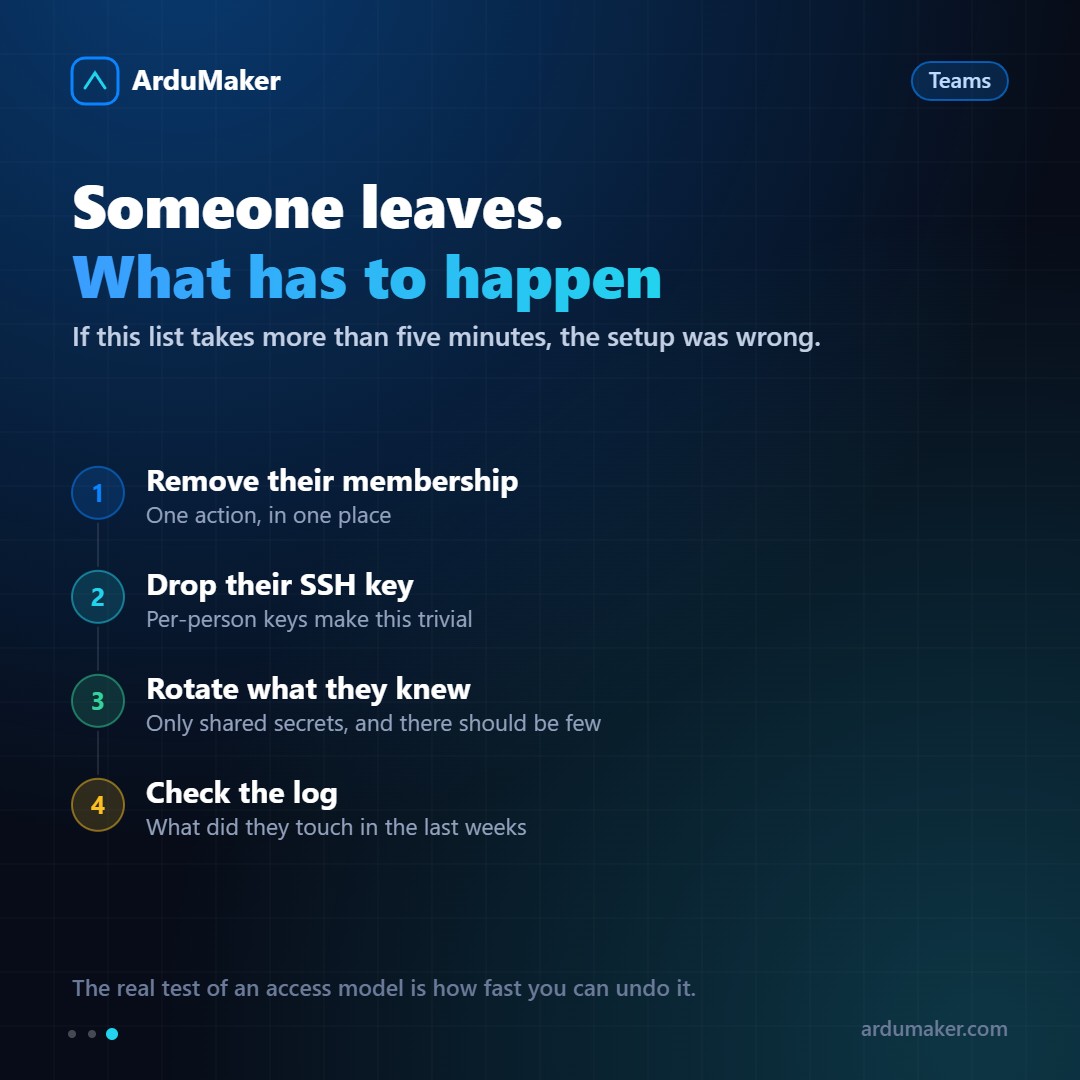
The day someone leaves
This is the real test of the model. If the list takes more than five minutes, something was poorly set up beforehand.
- Remove the membership. One action, in a single place.
- Revoke their SSH key. Trivial if keys were per person.
- Rotate what that person knew by heart. Ideally, little: API tokens they may have used, and credentials for external services.
- Check the log. What they touched in the last few weeks. Not out of distrust: because if they left something unfinished, it is better to find out now.
The short idea
Granting access is easy. What is difficult, and what defines whether your team has a security problem or not, is being able to remove it quickly without breaking anyone else's work.
If today you had to remove one person from your production, how long would it take? That answer says more about your infrastructure than any checklist.