One server, many domains: how traffic is distributed
Published on 2026-09-12 by frfrand
Cómo un solo servidor con una sola dirección atiende diez sitios distintos, qué es SNI, por qué el primer bloque de nginx es especial y cómo evitar que un dominio sirva el sitio de otro.
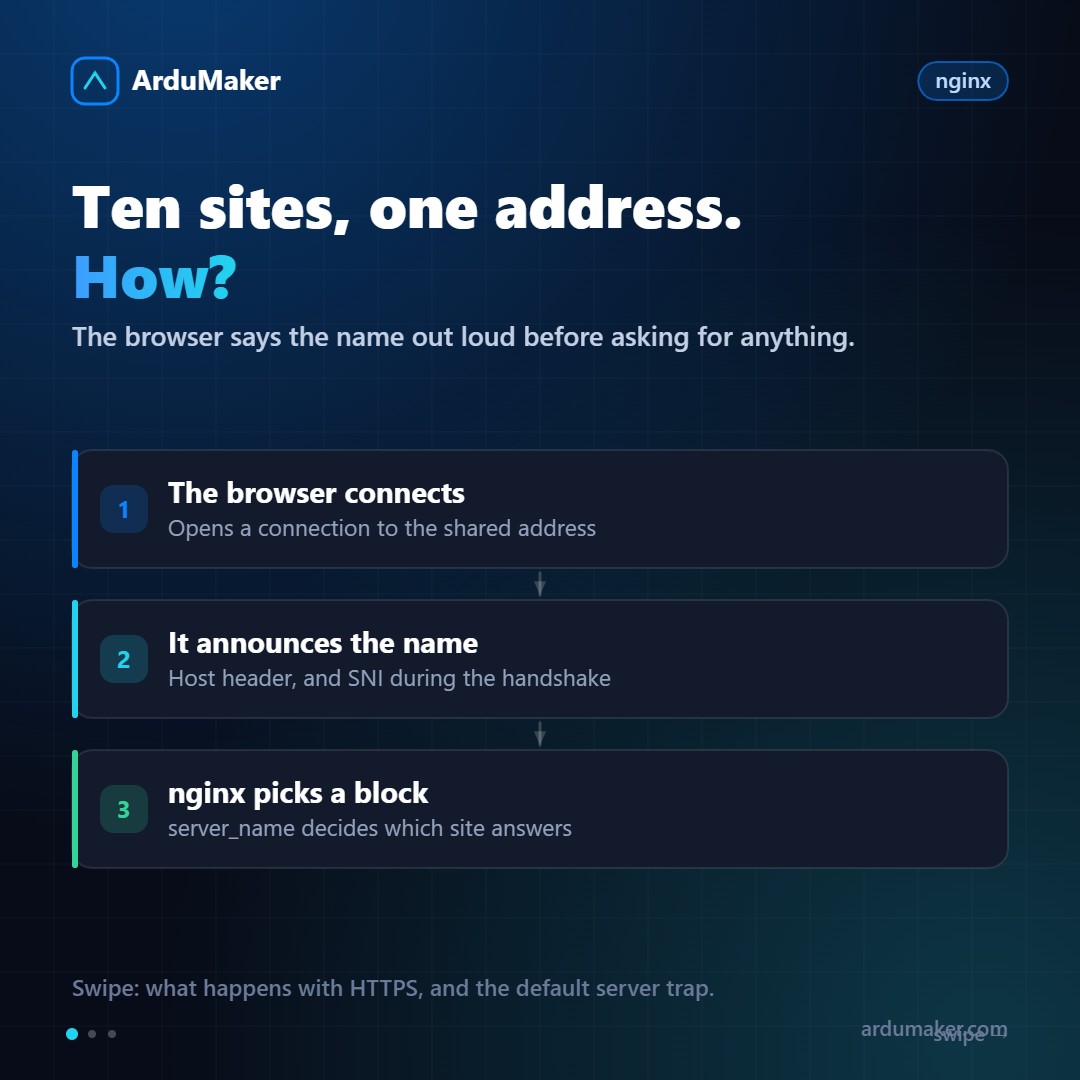
You have a server with a single public address. You want to host ten different sites, each with its own domain and certificate. How does the server know which one to serve?
The answer is that the browser says so. Before requesting anything, it announces the name it is coming for.
In HTTP it is easy
When the browser opens the connection, it sends a header:
GET /precios HTTP/1.1 Host: tienda.ejemplo.com
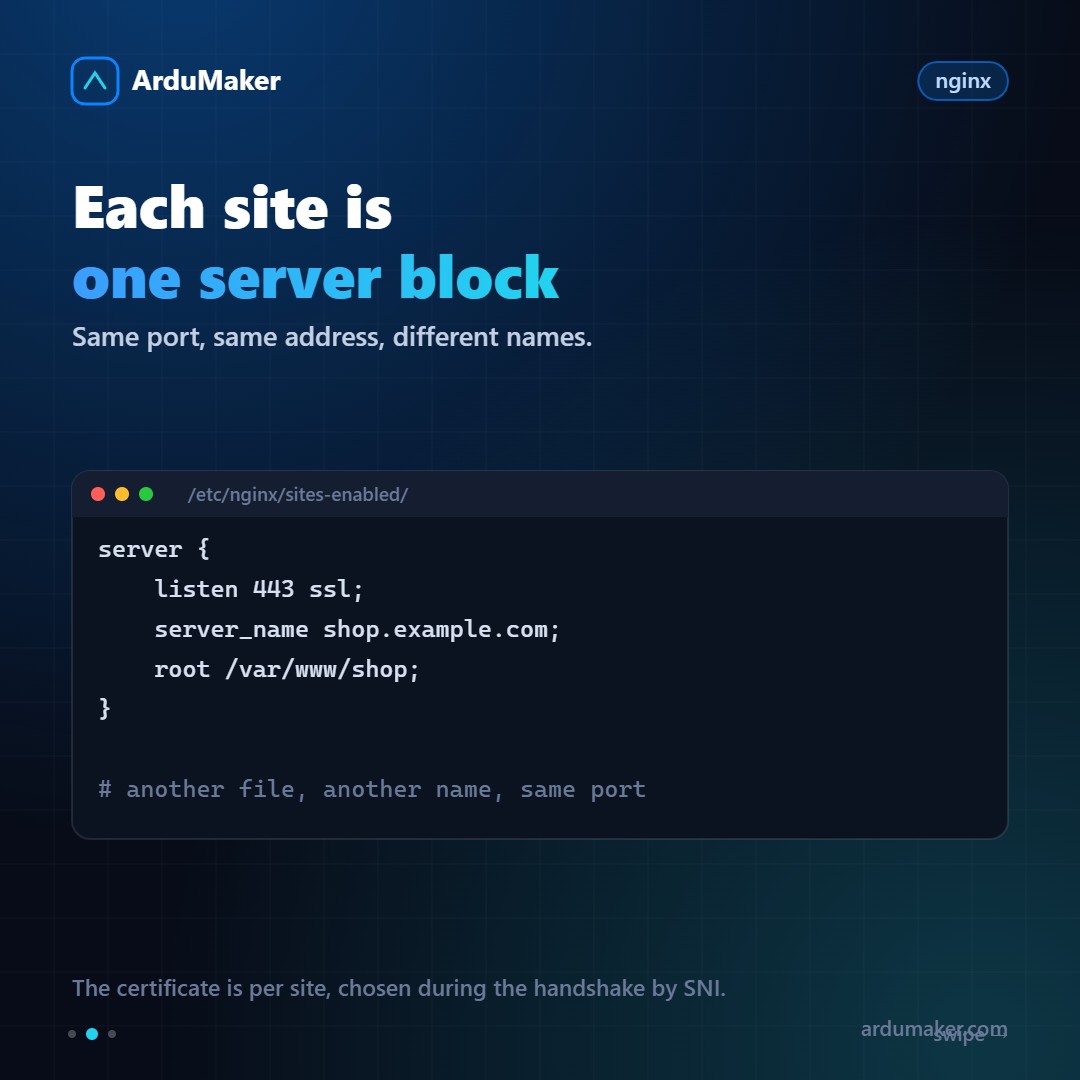
nginx reads that Host, compares it with the server_name of its blocks, and chooses the corresponding one. Each site is a server block in its own file, all listening on the same port.
In HTTPS there is an ordering problem
With HTTPS comes a chicken-and-egg problem: the certificate must be presented at the beginning of the handshake, before there is an HTTP request where the Host can be read. What certificate does the server present if it still does not know which site is being requested?
The solution is called SNI (Server Name Indication): the client includes the domain name in the first handshake message, in clear text. The server reads that name, chooses the correct certificate, and continues.
That is why today a server can have twenty certificates and present the corresponding one. Before SNI, one address per certificate was needed, which is part of why shared hosting with HTTPS was expensive.
A detail that surprises: since SNI travels unencrypted, the network can see which domain you are connecting to, even though it cannot see the content.
The default block, where it breaks
This is the part that causes the most baffling problems.
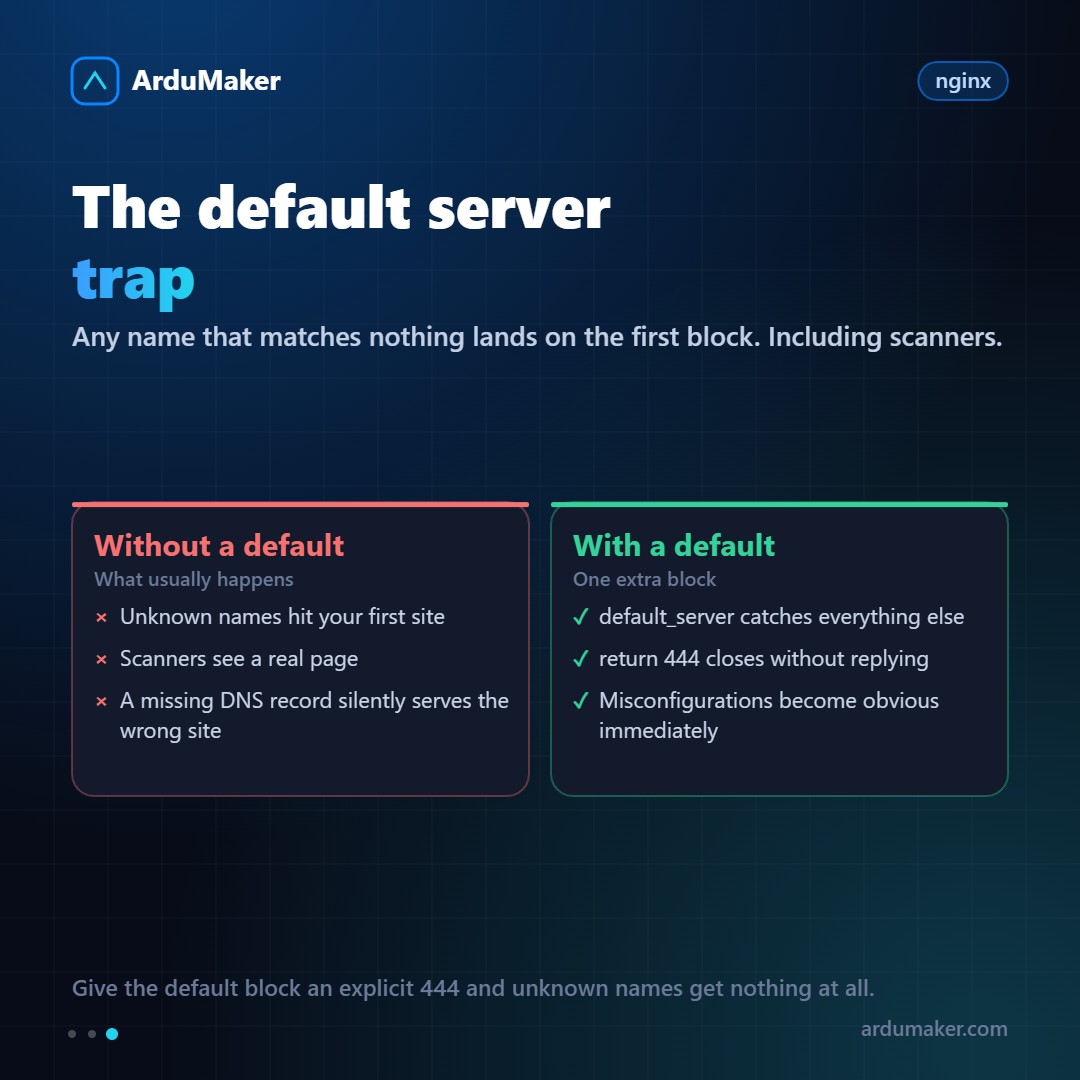
If a request arrives with a name that does not match any server_name, nginx does not return an error: it delivers it to the first block that listens on that port. And "the first" depends on the alphabetical order of the files, which no one chose on purpose.
Typical symptoms:
- A new domain, for which you have not yet configured the block, shows another client's site.
- Scanners that enter through the public address see a real website instead of nothing.
The solution is five lines:
server { listen 443 ssl default_server; server_name _; ssl_reject_handshake on; return 444; }
444 is an nginx-specific code that means "close the connection without responding". Whoever did not request a known domain receives nothing. And as a side effect, a misconfigured domain stops failing silently: it fails in an obvious way, which is much better.
A costly mistake
The order of the blocks matters, but the order of matches also matters. nginx prefers exact match over wildcard. If you have:
server_name *.ejemplo.com; server_name app.ejemplo.com;
a request to app.ejemplo.com goes to the second one, even if the first one is earlier in the file. That is what you want almost always, but it is worth knowing because it explains why sometimes "the order does not matter" and sometimes it does.
How it is resolved in ArduMaker
Each domain you add generates its own block and its own certificate, without you having to touch files or remember the default_server. And if you need a particular configuration, it can be edited from the panel, with validation before applying.
The advantage of it being automatic is not saving yourself the work of writing twenty lines: it's that site number ten is just as well configured as the first one, six months later and with someone else doing it.