Why the .env matters so much and how to handle it properly
Published on 2026-09-12 by frfrand
Las claves que más se filtran no se roban: se suben sin querer. Tres costumbres que evitan casi todos esos sustos, y qué hacer cuando una credencial ya estuvo en un commit.
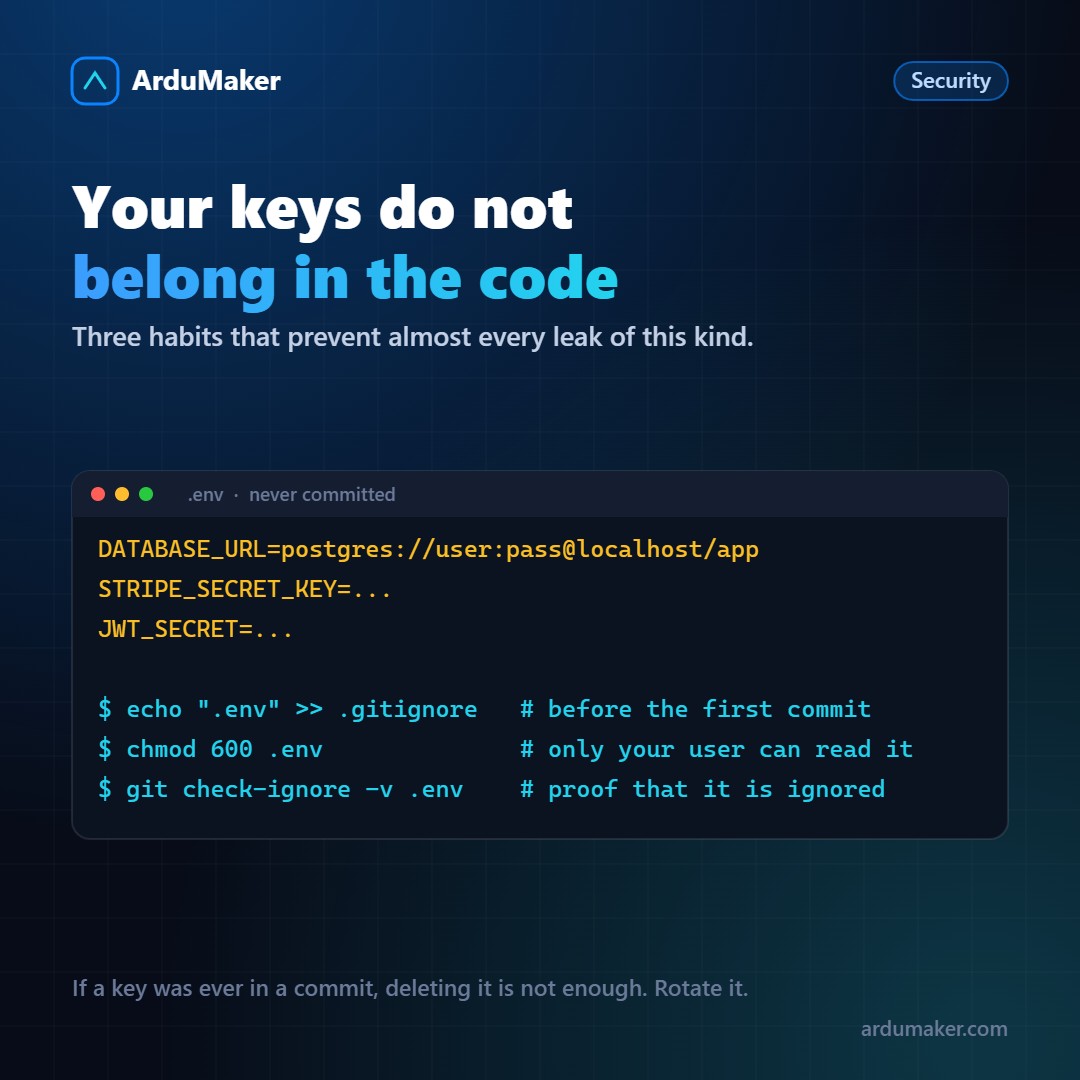
The credentials that leak the most are not stolen through a sophisticated attack. They are uploaded to a repository by mistake.
There are entire companies dedicated to scanning public repositories looking for keys. A cloud provider credential published by mistake is detected and used in minutes, not days.
Why .env exists
The idea comes from an application design convention: configuration that changes between environments does not go in the code, it goes in the environment.
The same code must be able to run on your machine, in staging, and in production, changing only variables. This forces you to remove from the code everything that is environment-specific: connection strings, API keys, service addresses, signing secrets.
The .env file is simply a convenient way to load those variables when you develop. In production, you often don't even need the file: the system running your service injects the variables.
The three habits
1. .gitignore before the first commit.
echo ".env" >> .gitignore
Order matters. If you add it later, the file is already in the history and removing it from there is much more work.
A check worth knowing:
git check-ignore -v .env
If it prints nothing, it is not ignored, even if you think it is.
2. Permissions 600.
chmod 600 .env
Only your user reads it. On a server with multiple users or multiple services, this is not theoretical: it is what prevents another application's process from reading your credentials.
3. A versioned .env.example.
A file with all the keys and no values:
DATABASE_URL= STRIPE_SECRET_KEY= JWT_SECRET=
That one does go to the repository. It serves as living documentation of what configuration the project needs, and avoids the classic case of someone cloning the repository and losing two hours figuring out which variables are missing.
If a key was already in a commit
Here is the most costly mistake, because it seems resolved and it is not.
Deleting the key from the file and making a new commit does not work. The key remains in the repository history. Anyone who has the repository, or who clones it if it is public, can recover it with a command.
The only thing that truly solves it is rotating the credential: generating a new one and revoking the old one.
Rewriting history (with git filter-repo or similar) may be desirable in addition, especially if the repository is public, but it is secondary. As long as the old credential remains valid, the problem exists.
Correct order: rotate first, clean up after.
A couple more things
Not every secret is an environment variable. For large teams or stricter requirements there are secret managers, with automatic rotation and access logging. For most projects, well-handled environment variables are enough.
Be careful with logs. It's easy, during a debugging session, to print the entire configuration and have it end up in a log file that is later shared.
Be careful with the frontend. Any variable that ends up in the package sent to the browser is public, even if it's called SECRET. If it needs to be secret, it lives in the backend.
In ArduMaker, environment variables for a deployment are configured from the panel and travel to the service without being written to the repository or command history.