The steps to find a fault in a server
Published on 2026-09-12 by frfrand
Un método en seis pasos que evita el diagnóstico a ciegas: qué preguntar primero, en qué orden mirar, cómo descartar de a una y por qué el reinicio va al final.
Something isn't working. The temptation is to open five terminals and start looking at things. Almost always that takes longer than following an order.
This is a method that works.
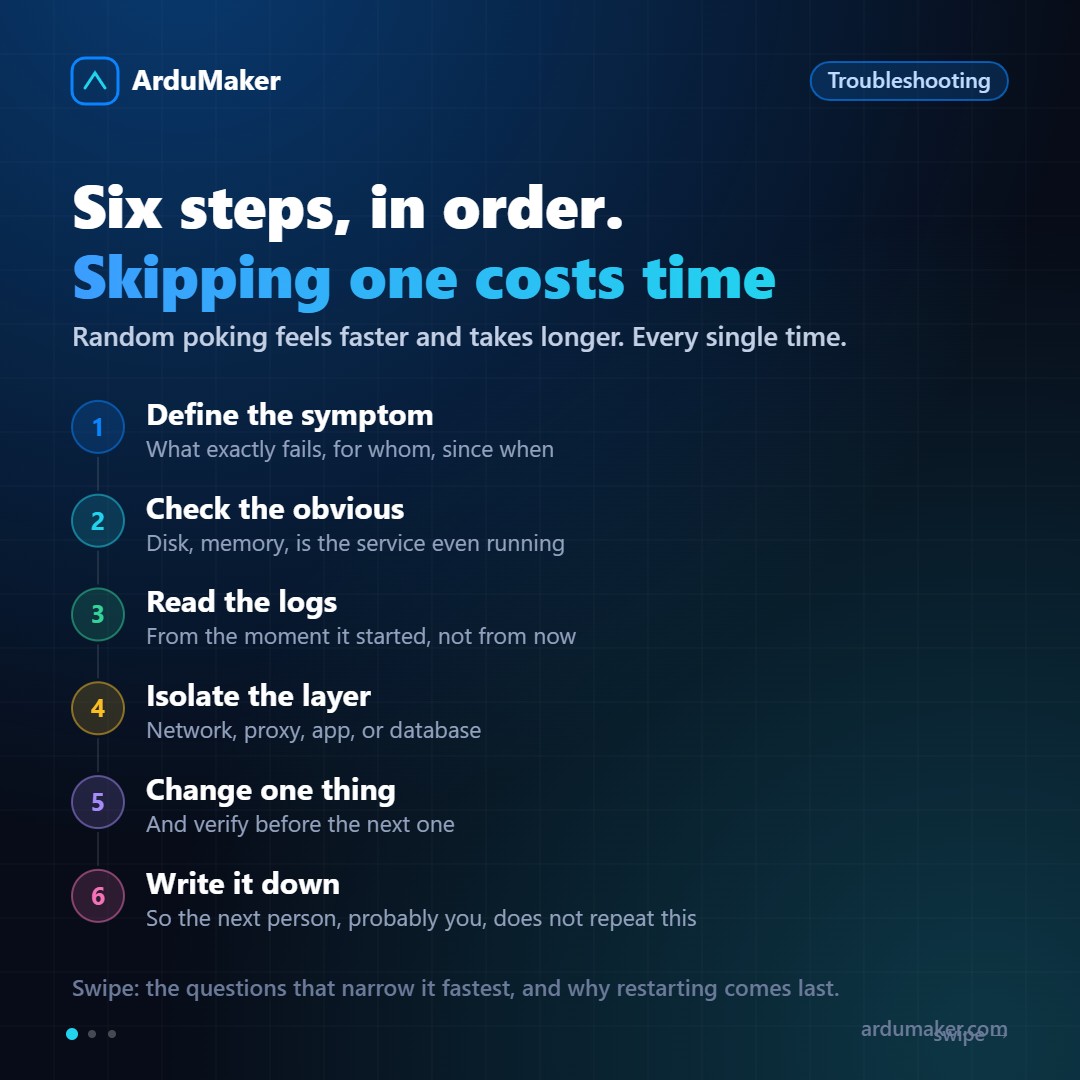
1. Define the symptom precisely
Before touching anything, answer:
- What exactly fails. "The site isn't working" doesn't work. Does it give an error, is it slow, does it show something incorrect? What status code?
- For whom. All users or some? From all networks?
- Since when. And above all: what changed around that moment. A deployment, an update, a traffic spike, an expired certificate.
That last question resolves more incidents than any tool. The vast majority of production failures follow a change.
2. The obvious, which isn't always checked
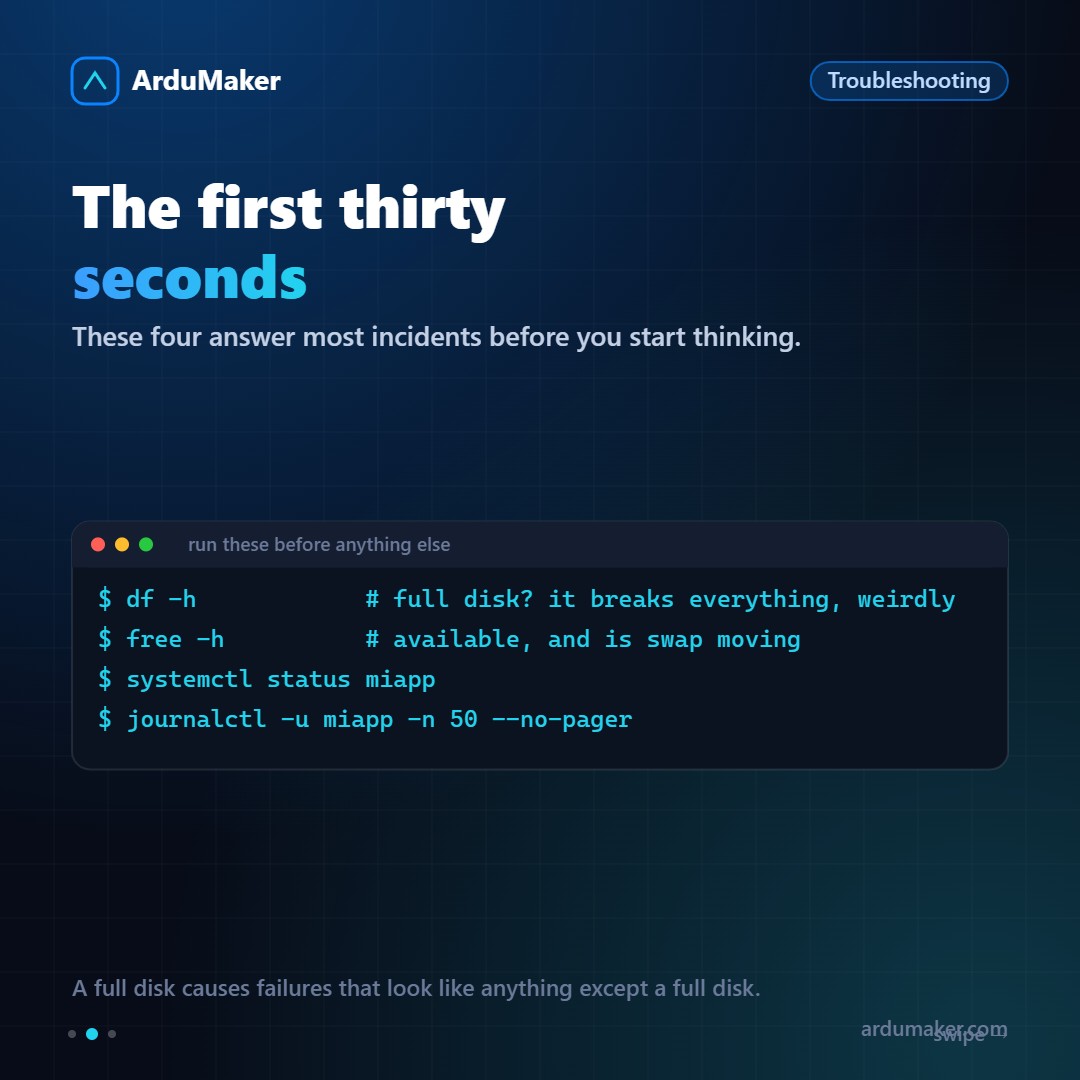
Four commands, thirty seconds:
df -h # full disk free -h # available memory systemctl status miapp journalctl -u miapp -n 50 --no-pager
A full disk deserves separate emphasis. When there is no space left, the failures it produces look nothing like "full disk": the database can't write its log, the application can't create temporary files, logs stop writing just when you need them most. It looks chaotic and the cause is just one.
And watch out for inodes: they can run out with the disk half full if there are many small files.
df -i
3. Read the logs from the beginning
The important error is almost never the last one. It is the first one.
When a system breaks, it produces a cascade: the original failure generates ten derived errors. If you look at the last lines, you are seeing the consequences.
journalctl -u miapp --since "14:30" --no-pager
Go to the moment it started, not the current moment.
4. Isolate the layer
A request goes through several layers. You have to find out where it breaks, and it is done from outside to inside:
- Does the server respond? A ping or a connection to the port.
- Does nginx respond? Ask it for something static.
- Does the application respond directly, bypassing the proxy? A request to localhost on its port.
- Does the database respond? Connect and run a trivial query.
The first one that fails is where the problem is. That order avoids hours of looking at the wrong layer.
5. One change at a time
When you find the probable cause, change one single thing and verify.
If you change three and it works, you won't know which one it was, you didn't learn anything, and you probably left two unnecessary changes that will confuse someone in six months.
6. Write it down
Three lines: what was happening, what it was, what was done. In a file on the server, in the ticket, wherever.
The value appears the next time, when someone looks for the same symptom.
About restarting
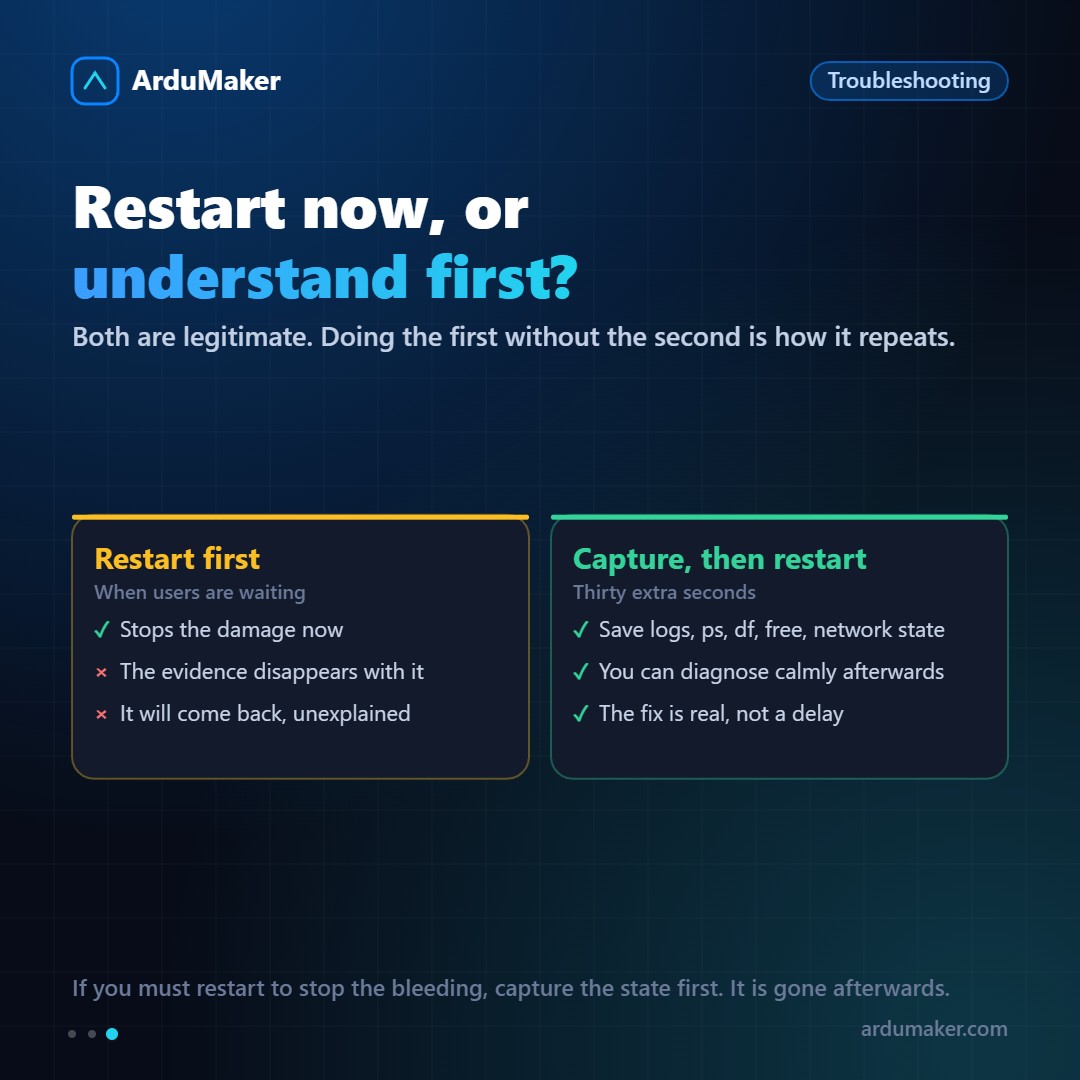
Restarting is legitimate when there are users waiting: it stops the damage.
The problem is restarting without capturing anything, because with the restart the evidence is gone and the problem returns without explanation.
Before restarting, thirty seconds:
journalctl -u miapp -n 500 > /tmp/incidente.log ps aux > /tmp/incidente-ps.txt df -h; free -h; ss -tulpn
With that you can restart with peace of mind and diagnose later, calmly.