What is nginx and why it is in front of almost everything
Published on 2026-09-12 by frfrand
Un proxy inverso explicado sin rodeos: qué resuelve, por qué tu app no debería hablar con Internet directamente, y los tres errores que dan 502, 504 y 413.
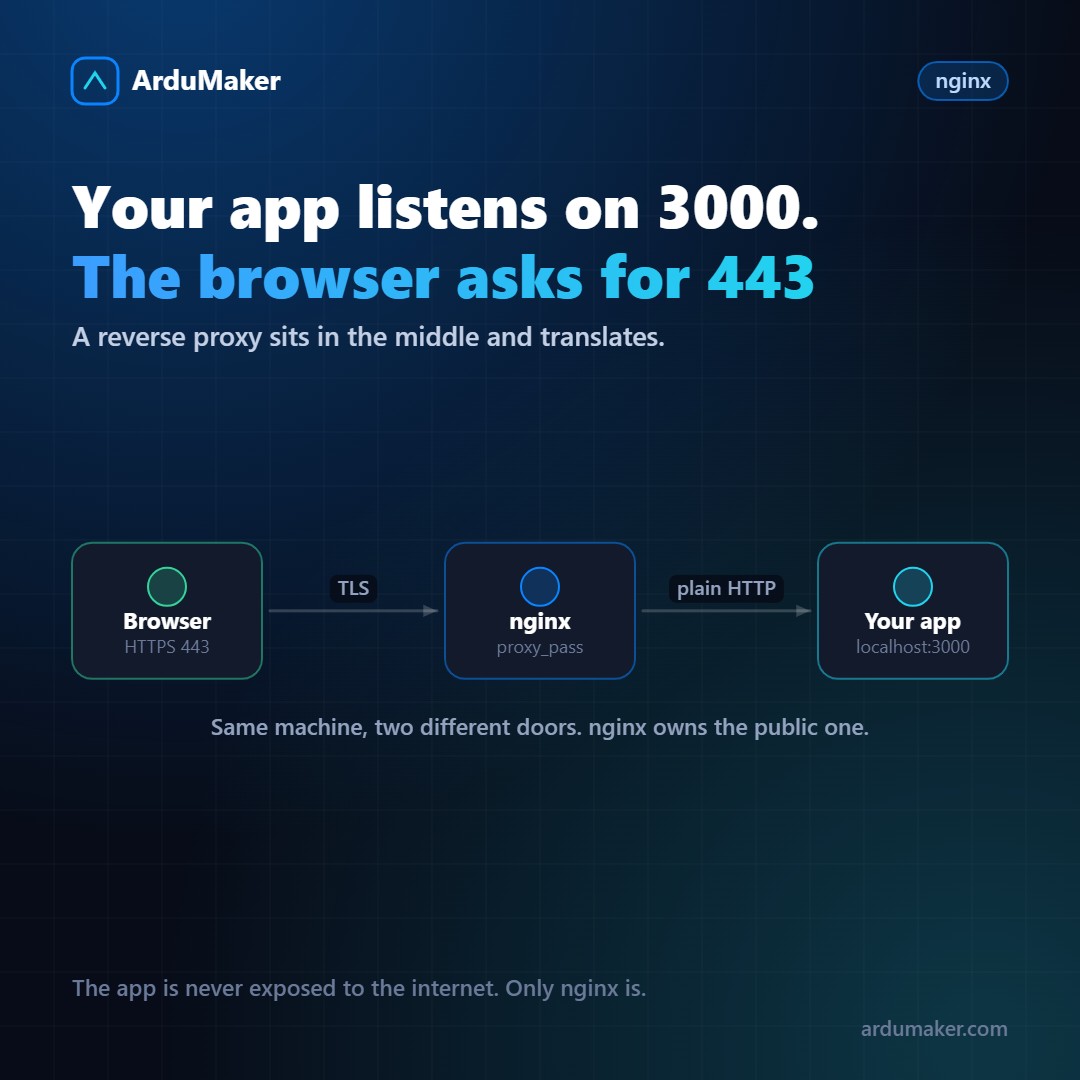
Your application runs on port 3000. People enter through https://tudominio.com, which is port 443. Who connects them?
A reverse proxy. Almost always, nginx.
The word "reverse" comes from the comparison with the traditional proxy: that one represents the client before the servers; this one represents the servers before the client. From the outside, nginx is your site. Your application does not realize that the Internet exists.
What it concretely solves
Terminates HTTPS. The certificate lives in nginx. Your application receives plain HTTP via localhost and does not need to know anything about TLS, nor about renewals, nor about protocol versions.
Allows multiple sites on one server. nginx looks at the domain name requested by the browser and decides which application to send the request to. Three domains, three applications, one single server and one single IP.
Serves static files. Images, CSS, JavaScript: nginx delivers them directly from disk, much faster than your application and without consuming its processes.
Protects. Your app has no port exposed to the Internet. And along the way you can add request limits, blocklists, compression, and security headers.
The minimum configuration, line by line
server { listen 443 ssl; server_name miapp.com;
location / { proxy_pass http://127.0.0.1:3000; proxy_set_header Host $host; proxy_set_header X-Real-IP $remote_addr; proxy_set_header X-Forwarded-Proto $scheme; } }
The three headers are not decorative and forgetting them causes confusing problems:
- Without Host, your application thinks the domain is localhost, and the URLs it generates will be wrong.
- Without X-Real-IP, all your visitors appear in the logs with the server's own address.
- Without X-Forwarded-Proto, your framework thinks the connection is HTTP and can create infinite redirects when trying to force HTTPS.
The three errors you will see
502 Bad Gateway. nginx could not communicate with your application. The problem is not in nginx: your app is not running, it crashed, or it is listening on another port. Check your app's log, not nginx's.
504 Gateway Timeout. Your application responded, but took longer than nginx expects (60 seconds by default). If it is a legitimately slow operation, increase proxy_read_timeout. Otherwise, the problem is the query.
413 Request Entity Too Large. Someone tried to upload a file larger than client_max_body_size, which comes at 1 MB. This confuses a lot because the error arrives before your code even knows about it.
The rule that prevents crashes
nginx -t && systemctl reload nginx
Always both, always in that order. nginx -t validates the configuration and tells you the file and line of the error. Without that, a forgotten semicolon can leave your site down.
And reload, not restart: reload applies the new configuration without cutting connections that are in progress.
Where it fits in ArduMaker
Each domain you publish gets its own nginx block and its own certificate, issued and renewed automatically. You can edit the configuration from the panel when something particular is needed, and it is validated before applying, which is exactly the nginx -t above but without the possibility of forgetting it.