How backups work under the hood
Published on 2026-09-12 by frfrand
Qué es un backup en caliente, por qué un volcado y una copia física resuelven problemas distintos, cómo funciona la deduplicación y para qué sirve verificar con hash.
"Backup" sounds like a single operation, but in reality it is several chained decisions. It is worth knowing them because they explain why sometimes a copy works and sometimes it does not.
Logical dump and physical copy
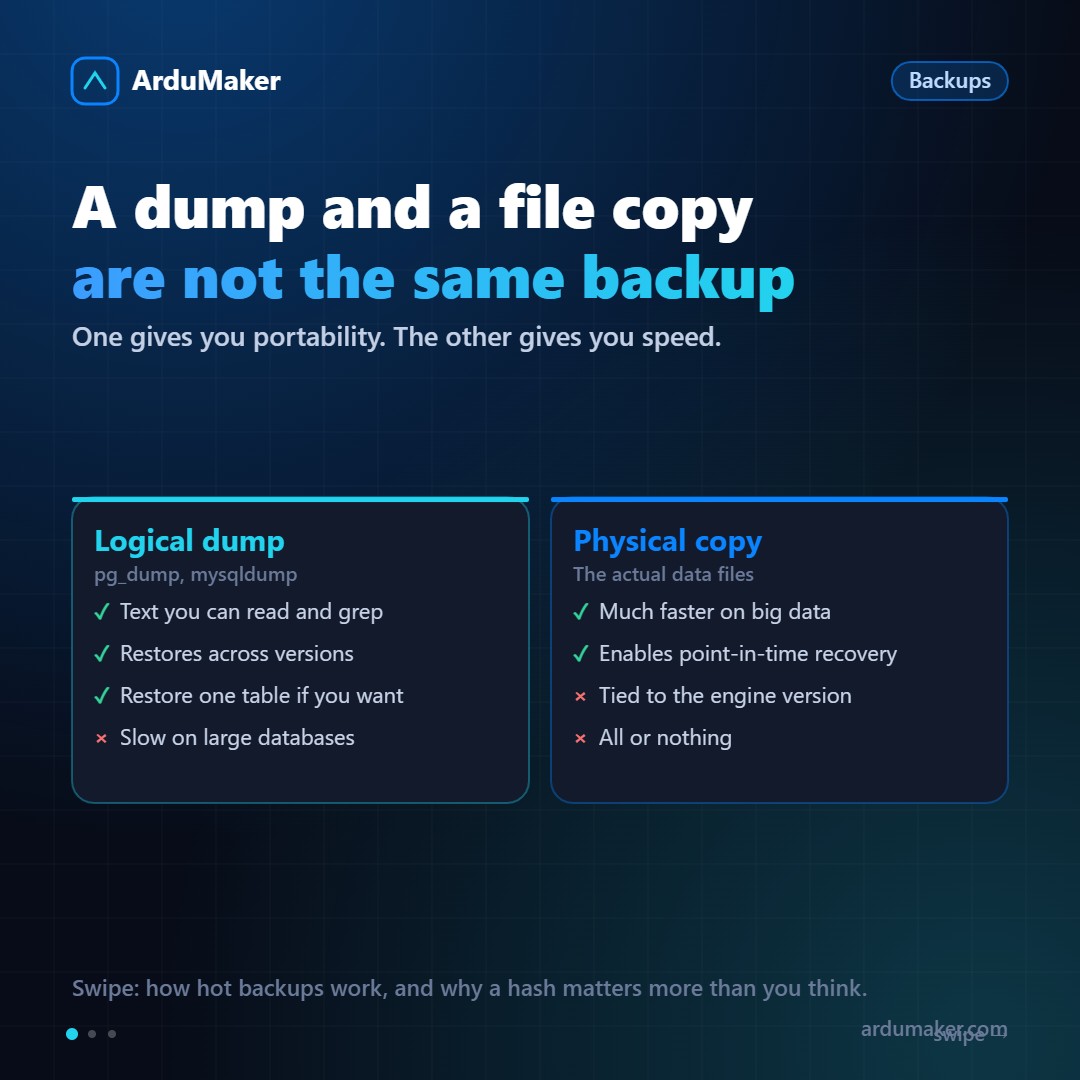
The logical dump (pg_dump, mysqldump) generates the instructions needed to reconstruct the data: create tables, insert rows. It is text, or a proprietary compressed format.
Advantages: it is portable between engine versions and even between operating systems, it can be restored partially (a single table), and it can be inspected.
Disadvantage: it is slow on large databases, both to generate and to restore, because restoring means re-executing all those insertions and rebuilding all indexes.
The physical copy copies the data files as they are. Much faster on large databases and is the basis of point-in-time recovery.
Disadvantage: it is tied to the engine version and architecture. You cannot restore a physical copy of Postgres 15 on a Postgres 17.
The usual strategy uses both: physical for fast recovery, logical periodic as a portable safety net.
What "hot" means
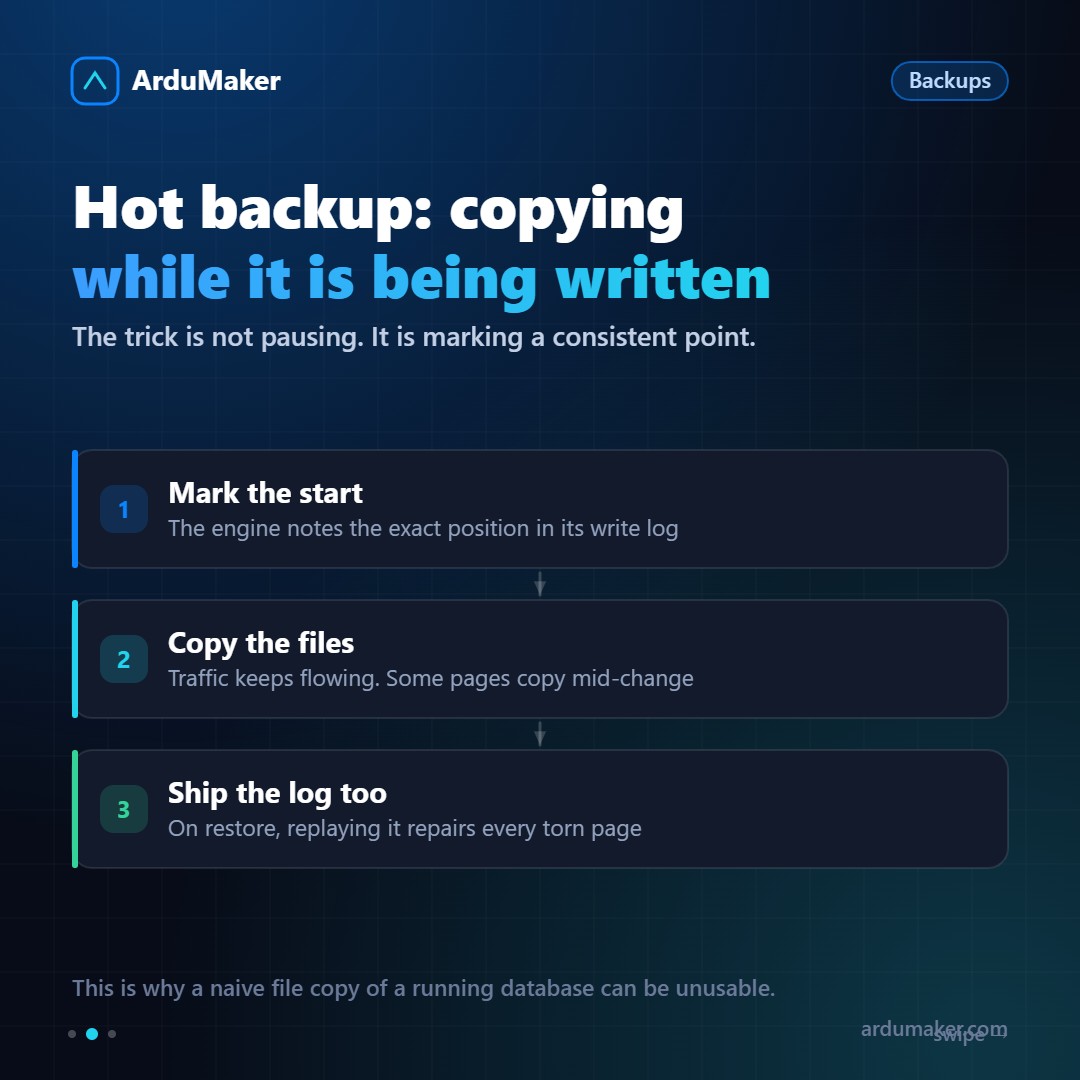
A hot copy is taken without stopping the database. The challenge is obvious: while you copy files, the database keeps writing. Some pages are copied in the middle of a modification.
The trick is not to pause, but to mark:
- The database records the exact position in its write-ahead log (the WAL in Postgres).
- The files are copied, with normal traffic occurring.
- The write-ahead log is also copied from that mark.
When restoring, the engine replays that log over the files and repairs any page that was left half-written. The result is consistent.
That is why a naive copy of the files of a running database can be useless: it lacks the second half.
And it is also what enables point-in-time recovery: if you keep the continuous log, you can restore the copy and replay up to 14:37, just before the accidental deletion.
Incrementals and deduplication
An incremental copy saves only what changed. The interesting question is how to know what changed.
Modern tools split files into blocks and calculate the hash of each block. If the hash already exists in the repository, it is not saved again: a reference is saved instead.
This has a very useful effect: you can have thirty daily copies of a 100 GB database occupying much less than 3 TB, because most blocks repeat. And each copy behaves like a full one when restoring, even though physically it is incremental.
Why the hash matters
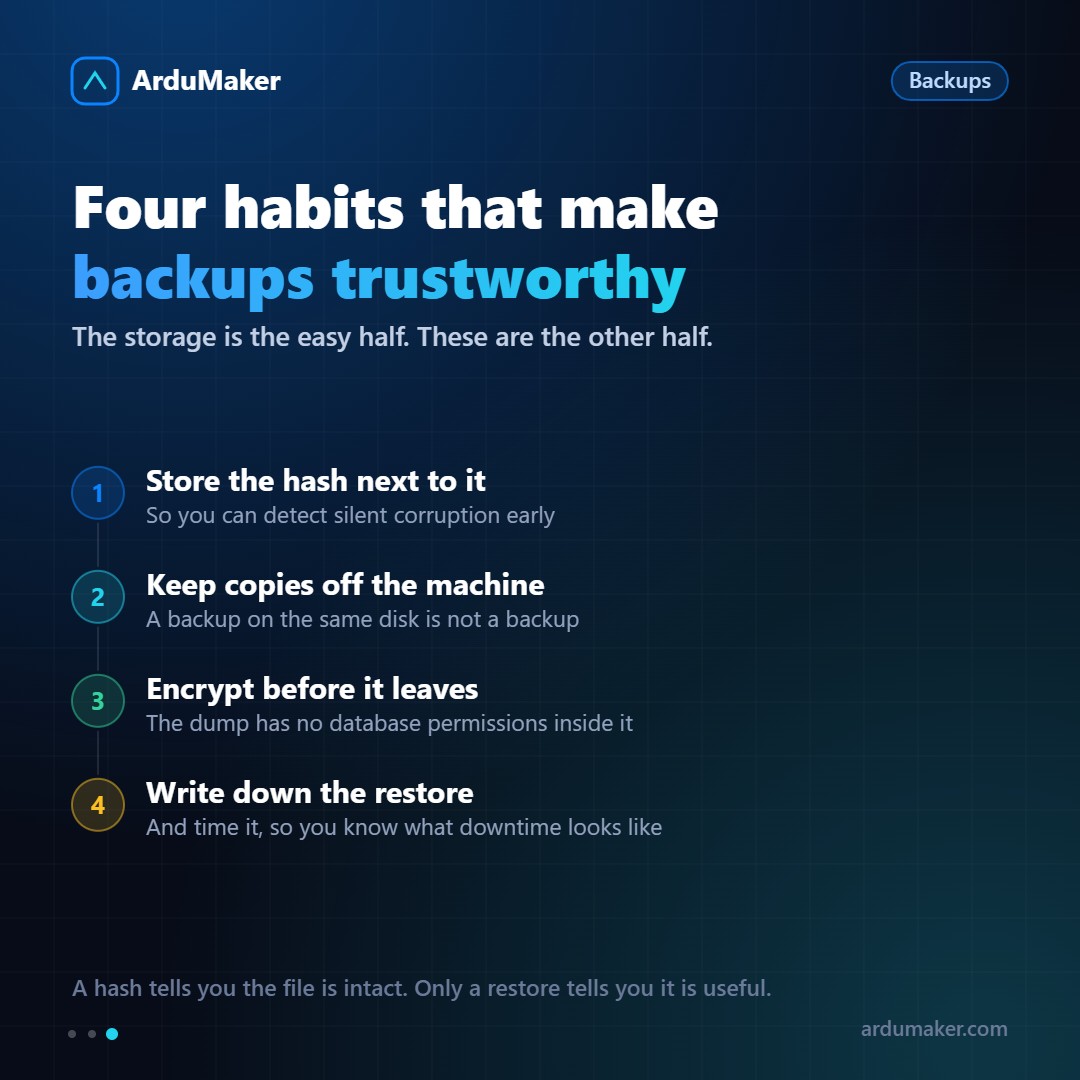
Saving the hash of each copy serves to detect silent corruption.
Disks fail in subtle ways: a bit changes without anyone noticing. If that happens in a backup, you find out the day you need it.
With the hash saved alongside, it can be verified periodically without restoring anything. It's cheap and answers an important question: is this file still the one I saved?
That said: the hash confirms that the file is intact, not that it's useful. For that, you have to restore it.
Encryption and location
Two things that are often forgotten:
- Encrypt before it leaves. A dump doesn't contain any of the database permissions. It's text with all your data.
- Store on another machine. Ideally with another provider, and with credentials different from production's. If whoever compromises your server can also delete your backups, you don't have backups.
In ArduMaker, each VPS has a complete periodic hot copy on a host different from the one running the VPS, verified with its hash and with restoration instructions alongside.